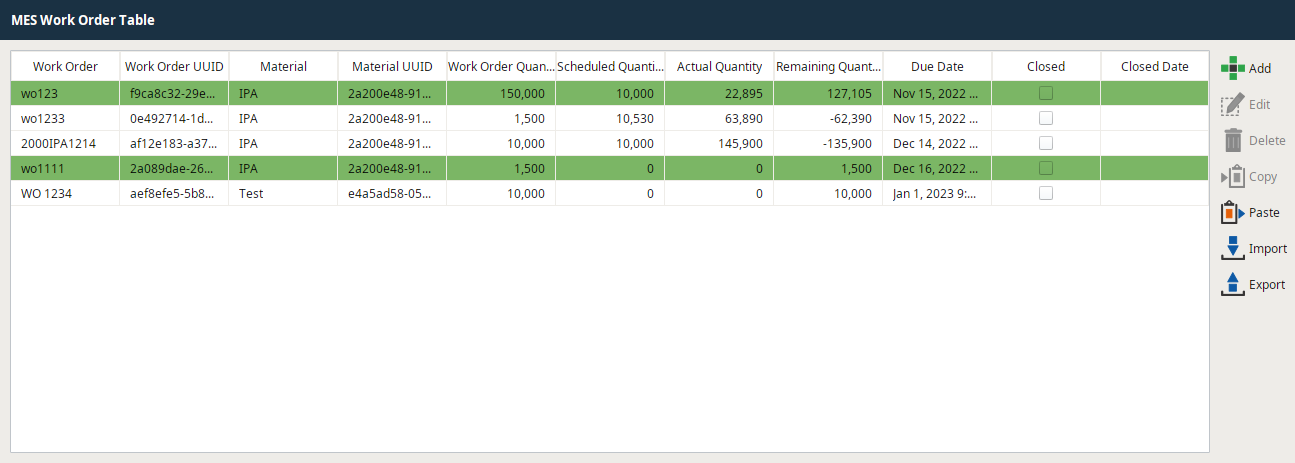
This document displays how to sort the Work Order Table by a specific column when a screen is loaded.
- In the Vision Window containing the work order table edit the initialize extension function.
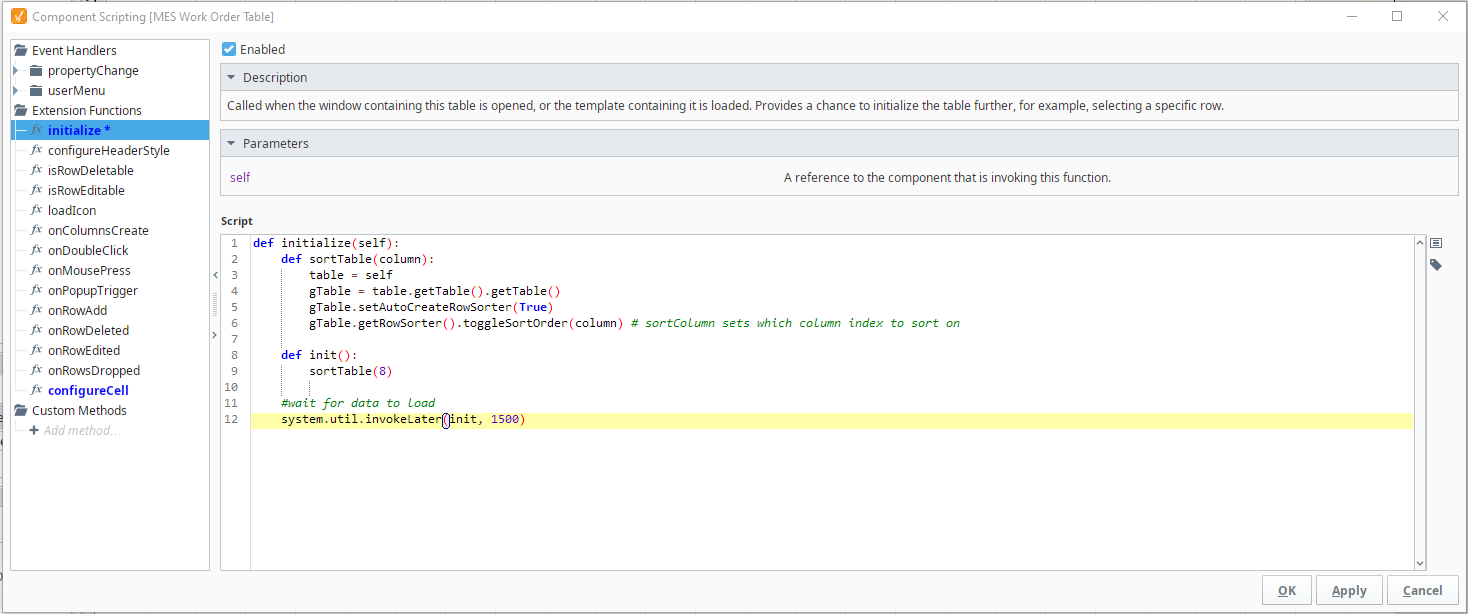
2. Add the following script:
internalFrameActivated
Code |
def initialize(self): def sortTable(column): table = self gTable = table.getTable().getTable() gTable.setAutoCreateRowSorter(True) gTable.getRowSorter().toggleSortOrder(column) # sortColumn sets which column index to sort on def init(): sortTable(8) #wait for data to load system.util.invokeLater(init, 1500) |
You can edit the delay time, but ensure there is time for the Work Order table to load all the work orders.
In this example, we sorted on Due Date (Column 8)