Configure Analysis Data
Create a new view SPC_03_Scripting/Analysis
The Analysis Page contains three components:
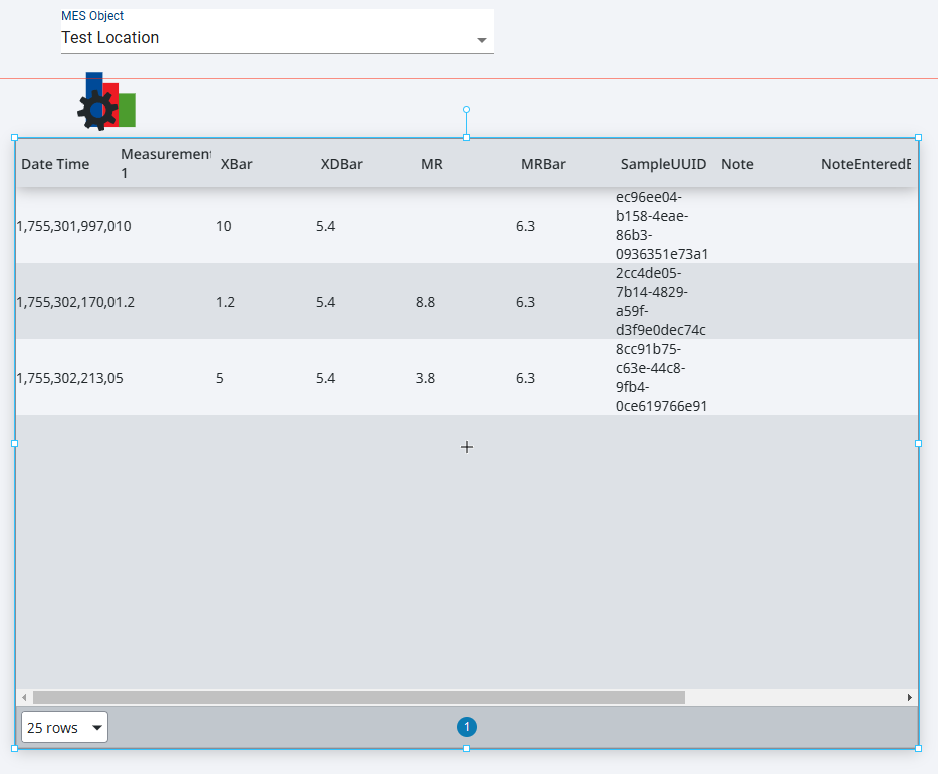
Configure MES Object Selector
- Drag an MES Object Selector from Perspective Components list to the view.
- Set IncludeMESLocationObjects to true
- Set ShowEquipmentPath to true
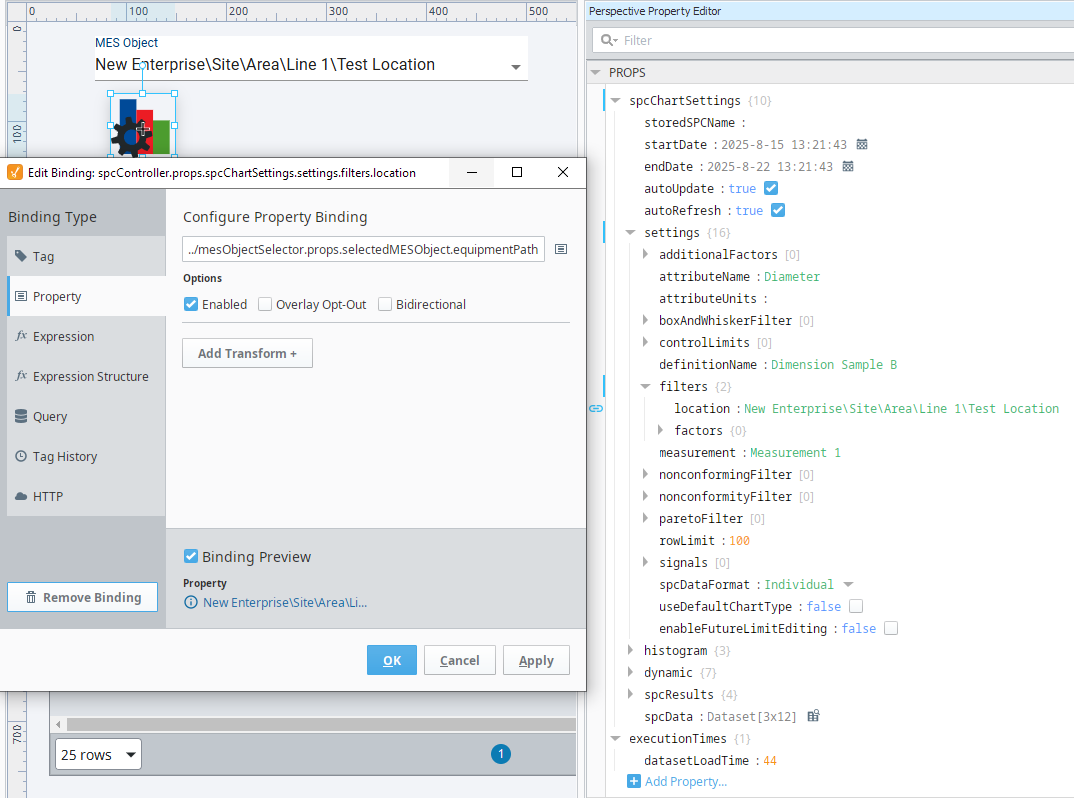
Configure SPC Controller
- Drag an SPC Controller from the Perspective Components list to the view and select it.
- Expand spcChartSettings property
- Set autoUpdate property = true
- Set autoRefresh property = true
- Expand settings
- Set attributeName property = Diameter
- Set definitionName property = Dimension Sample B
- Set measurement property = Measurement 1
- Set spcDataFormat drop-down property = Individual
- Expand filters
- Bind the location property to the MES Object Selector property selectedMESObject.equipmentPath
- Set startDate and endDate to timestamps within your sample boundary.
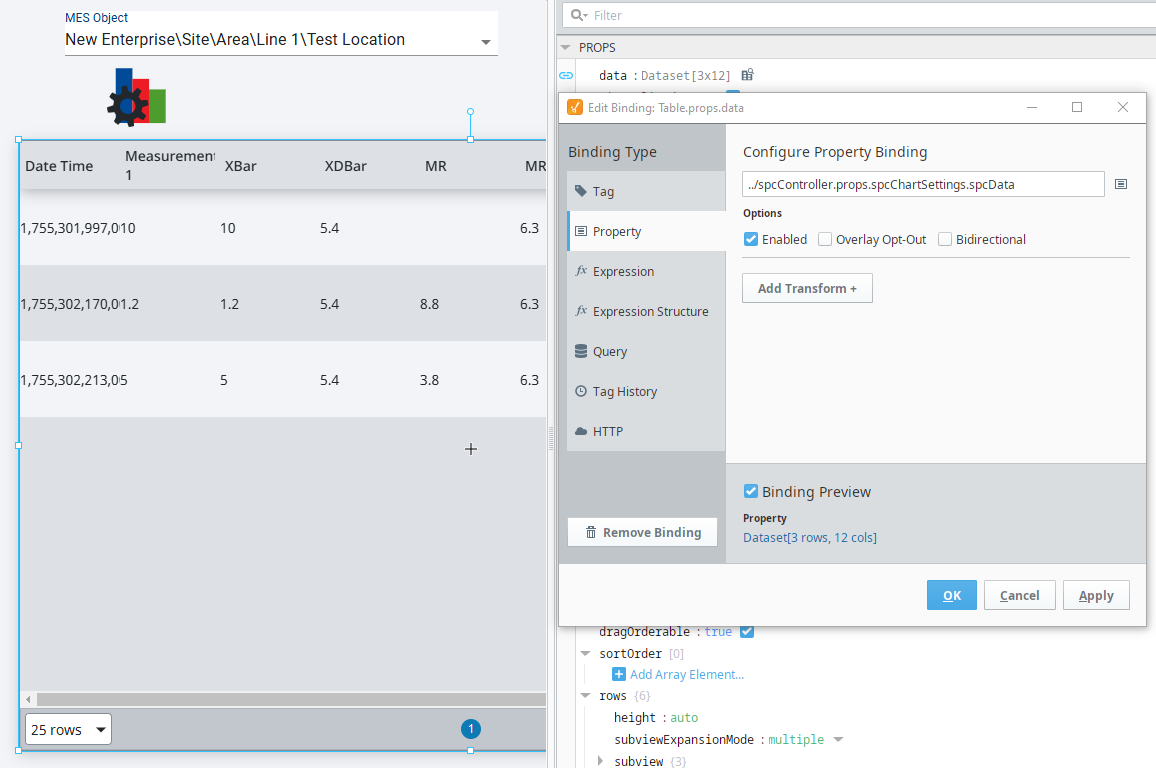
Configure Ignition Table
Drag Ignition Table to the View
Bind data property to SPC Controller spcChartSettings.spcData property.
Note the SPC Controller is invisible in preview mode and in the client. The controller can be used to drive tables and charts for dashboards or other views where the configuration should not be visible to the user.