Sepasoft MES Module Suite
MES Work Order Component
Viewing Work OrdersSee work-order information in tabular form with quantities (Targeted, Scheduled, Actual, Remaining). Configure to update quantities and schedule runs.
In the properties under the Designer Property Editor, configure by targeting equipment and/or materials within a date range. |
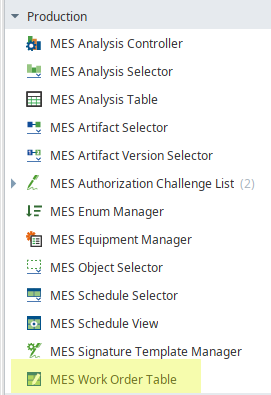
|
Perspective View
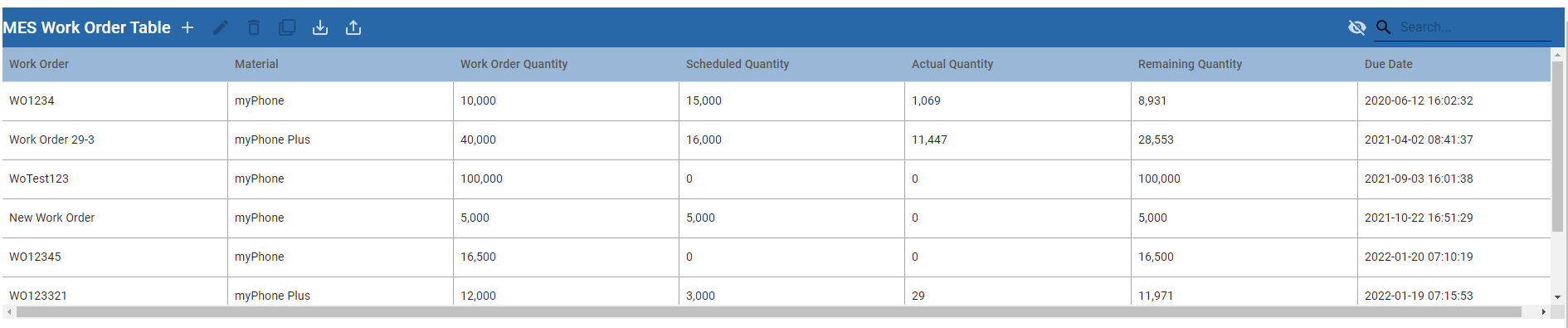
MES Work Order Table Component Properties
The properties are categorized by Date Range to display, Data from equipment and actions to perform on that data, and some data formatting for column sizing, as well as filters on materials and table look-and-feel options.
Setting Properties
Code |
|
Data and Filtering Properties
| Name | Scripting |
|---|---|
|
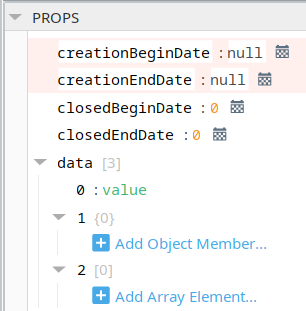
creationBeginDate
|
Required - sets the start date/time in the range of work orders to display.
|
|
creationEndDate
|
Required - sets the end date/time in the range of work orders to display.
|
|
closedBeginDate
|
When showClosedWorkOrder property is True, sets the start date/time for closed orders.
|
|
closedEndDate
|
When showClosedWorkOrder property is True, sets the end date/time for closed orders.
|
|
>data
|
Value or Object or Array for each data entry.
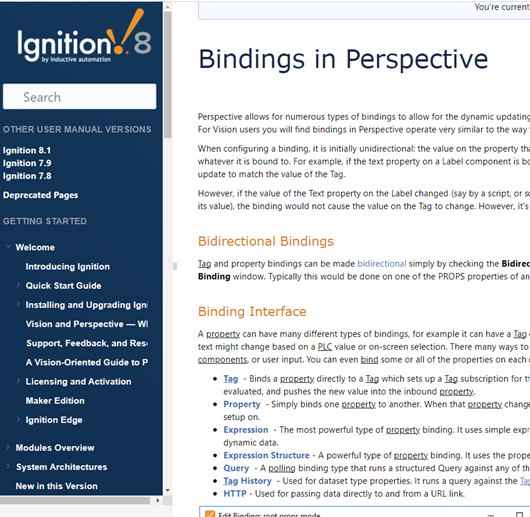
Ignition Binding: Tag, Property, Expression, Query, Tag History, HTTP
Inductive Automation - Ignition User Guide is the best place to read about data binding for Ignition. Learn about Ignition Property Binding at docs.inductiveautomation.com/
|
|
enableAdd
|
Set to True, allows you to add work orders in the table. Enables the plus icon to the top of the table.
|
|
enableEdit
|
Set to True, allows you to edit work orders in the table by selecting a row and clicking the edit icon. Enables the pencil icon to the top of the table.
|
|
enableExport
|
When set to True, provides the exporting feature to the table.
|
|
equipmentPathFilter
|
Filters work orders on the path based on the Equipment Model, which can be configured in Equipment Manager. This path can include the wildcard characters: * and ? See the Material Name Filter below. Setting this requires a reference to materials by creating a process segment which maps the Work Order material to a piece of equipment. |
|
fillResizeMode
|
When True, see the total width of all columns cannot be less than the width of the table.
|
|
>icons
|
|
|
Material Name Filter
|
Filters work orders on the path based on the Material Name. This path can include the wildcard characters: * and ? NOTE: By default, workorders contain all materials Some materials may not display or be available to display when there is a material/equipment-path restriction. This happens when adding a path to the equipmentPathFilter property.
Material Properties can be set to reference Work Orders by: -Track and Trace components -Scripting Setting Up Operations Always display in the work order table: -Materials in Root Material Class
|
| searchEnabled |
|
|
selectedRow |
|
|
sortingEnabled |
|
|
showClosedWorkOrders |
|
| tableColumnReorderingAllowed | |
| tableColumnResizingAllowed | |
|
tableColumns |
|
|
tableGridLinesHorizontal |
|
|
tableGridLinesVerticle |
|
| tableHeaderVisible | |
| toolbarColumnChooserEnabled | |
| toolbarTitle | |
| toolbarVisible | |
| workOrderNameFilter |
Learn about Ignition Properties at docs.inductiveautomation.com/
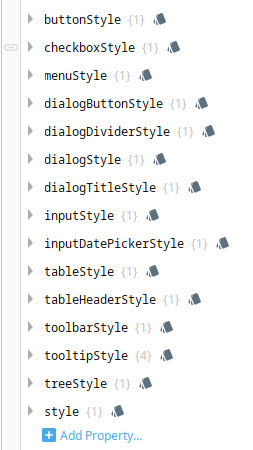
Table Style Properties
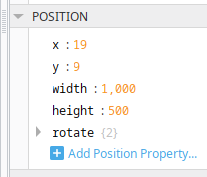
Position Properties
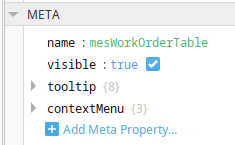
Meta Properties
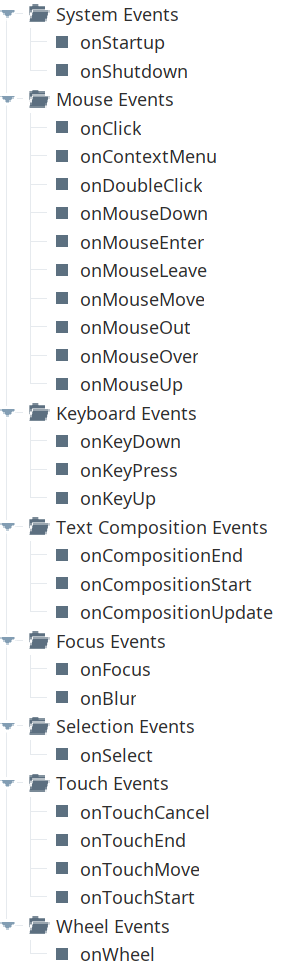
Event Handlers
Event handlers provide the ability to add custom script when a user interacts with a component.
Learn about event handlers at docs.inductiveautomation.com/
- Ignition: Component Events and Actions
- Ignition: Perspective Event Types Reference
Component Functions
This component has no Component Functions.
Sepasoft MES Module Suite