Sepasoft MES Module Suite
OEE Run Director Component
OEE Run Director component is used to start and stop the production runs. Multiple operations can be run at a time by setting the enableSimultaneousActive property to True.
The Material to run on the line specified in equipmentPath is selected from the list of available materials in the Material Selection drop-down.
The Start Changeover button will start changeover. The Start Production button will switch operation from changeover to production. The End Production button will end the production run. Each of these remains grayed out until they are eligible for use.
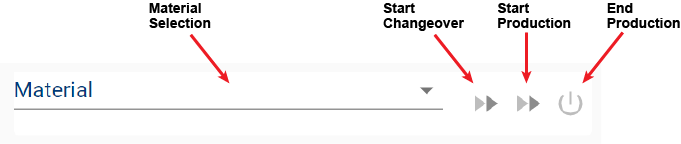
Component Properties
Properties are provided that can be set to affect the operation and look of the component. They can be set through the Perspective Property Editor in the Designer or through scripting. Note that the section prefix is included before the property name (props, position, custom or meta).
Example
Python |
self.getSibling("oeeRunDirector").props.enableSimultaneousActive = True |
Component Properties
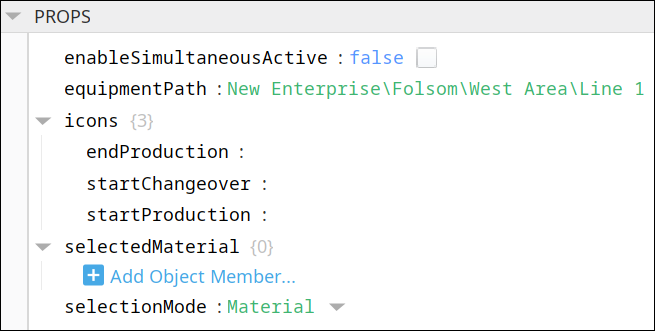
| Name | Scripting | Property Type | Description |
|---|---|---|---|
| Enable Simultaneous Active | enableSimultaneousActive | Boolean | If true, allows multiple operations to be active at the same time. |
| Equipment Path | equipmentPath | String |
Equipment path to show available segments. |
| Icons | icons | Complex? |
Available Icons parameters: endProduction, startChangeover and startProduction.
|
| Selected Material | selectedMaterial | String | The material currently-selected in the Material Selection drop-down list. |
| Selection Mode | selectionMode | Integer | The selection mode. 0 corresponds to Material and 1 corresponds to Work Order. |
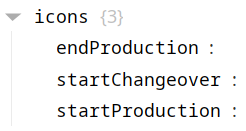
There are also numerous styling properties available:
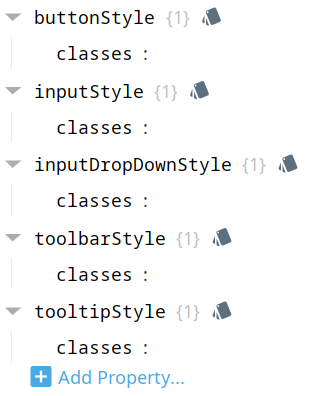
Each property above can be edited for text, background, margins and padding, border, shape, as well as opacity, cursor and overflow characteristics:
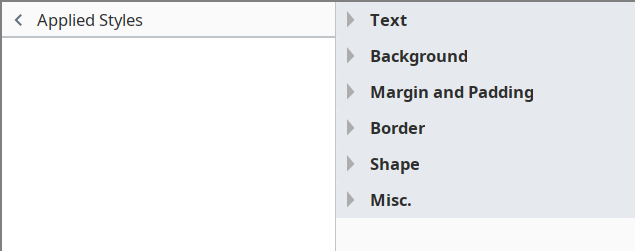
Ignition Style Editor

|
Refer to the Ignition 8 docs page Style Reference for information on modifying the properties listed below. |
POSITION
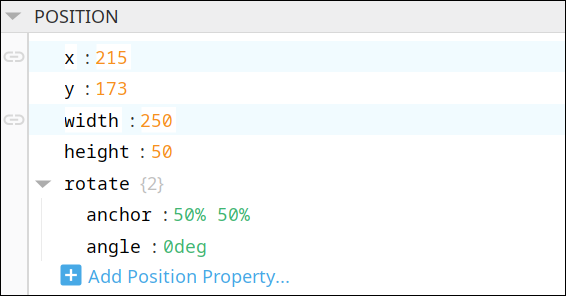
Position Properties
The component position properties aren't usually changed by users during runtime, but they can be written and read in the same manner as other properties, if ever needed. Refer to Ignition Perspective Component Properties for details on POSITION properties.
New user-defined position properties can be created in this section.
User-defined Properties
|
|
Best practice: If user-defined properties are required, create them in the CUSTOM section instead of here. |
CUSTOM
Custom Properties
New user-defined custom properties can be created in this section.

Event Handlers
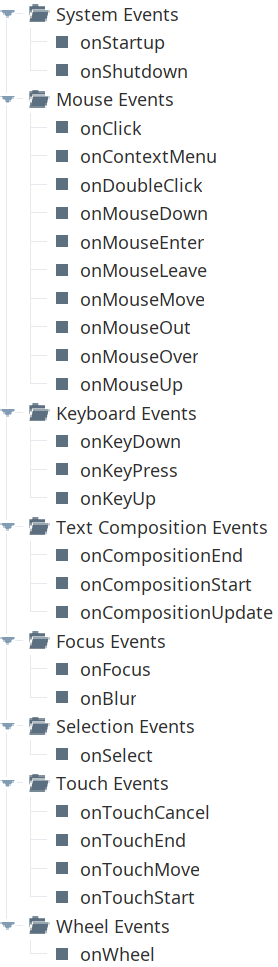
Event handlers provide the ability to add custom script when a user interacts with a component.
Refer to the Ignition User Manual for details on using the available event handlers:
- Ignition: Component Events and Actions
- Ignition: Perspective Event Types Reference
Component Functions
This component has no Component Functions.
Sepasoft MES Module Suite