Sepasoft MES Module Suite
Managing Documents
In this section:
- Viewing MES Documents
- Comparing MES Documents
- Creating and Editing MES Documents
- Versioning MES Documents
Installed with the MES Document Management module.
Create, edit and display interactive HTML documents, as MES Object Artifacts, for use in the manufacturing environment, including SOP (Standard Operating Procedures), MSDS (Material Safety Data Sheets), quality documents, checklists, and any other documentation, interactive instructions or data-entry forms that operators may require on the factory floor.
Supported in MES modules: Batch Procedure, SPC, Track & Trace, OEE, and Settings and Changeover.
All MES objects can have a document Artifact attached, including Lots, Material Definitions, Operations, Recipes, and others.
When an interactive document Artifact is presented to an operator for completion during a production run, the saved (versioned) results can be compared to previous runs and only the differences displayed, for quick difference analysis. Each time an operator completes and saves the document, that version can be stored as an MES Object Artifact for future analysis and comparison.
Editing Documents
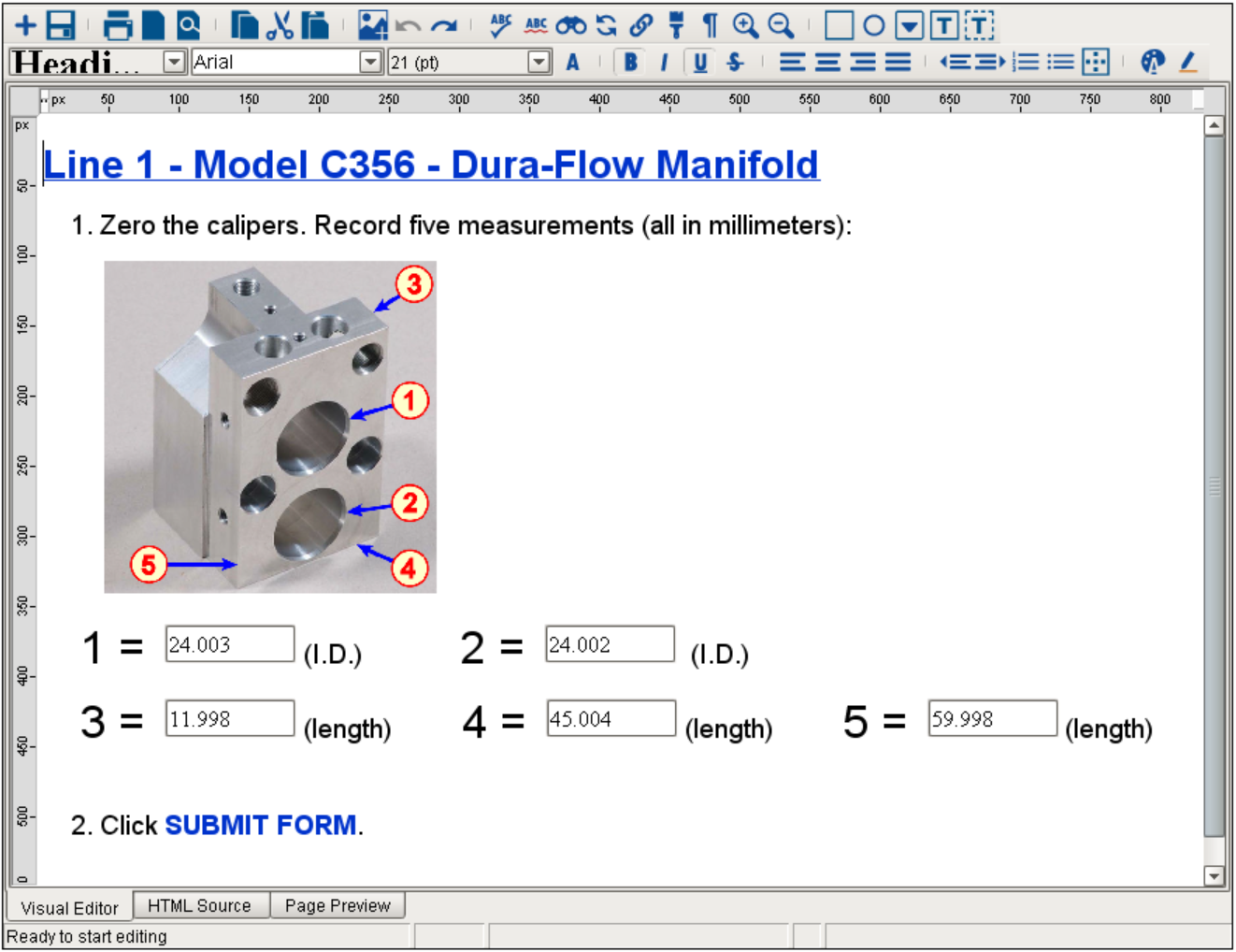
The MES Document Editor component is provided in the module to edit HTML documents for use in the manufacturing environment. It functions as a text editor to create and maintain user-interactive documentation, such as instructions for assembly workers, warning notes and data-entry forms for record keeping. Documents are stored as Artifacts on MES Objects (e.g. Material Definitions, Process Segments).
Document Viewing and User Interaction
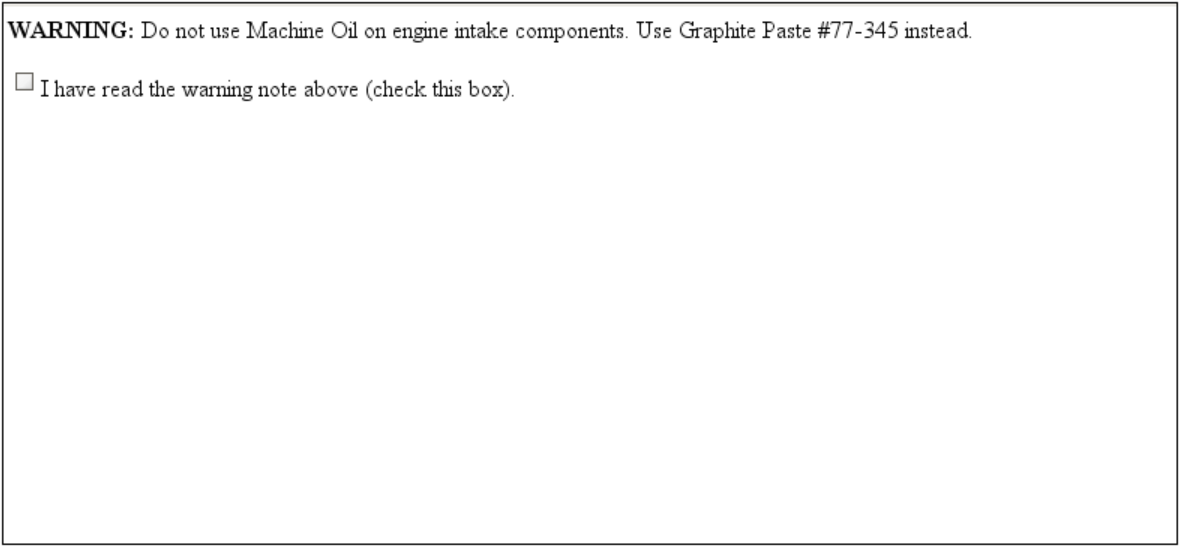
The MES Document Viewer component is provided in the module to view and interact with HTML documents in the manufacturing environment.
Comparing Documents
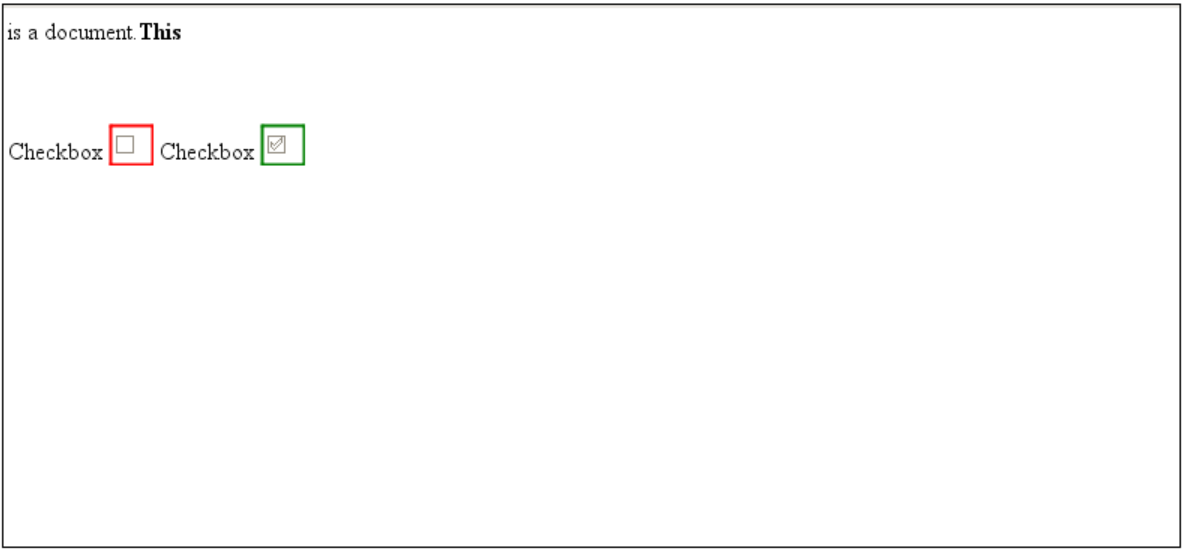
The MES Document Diff Viewer component is provided in the module to compare two HTML documents for differences.
Sepasoft MES Module Suite