Sepasoft MES Module Suite
Installing Business Connector
Download and install the Sepasoft Business Connector module from here:
- On the Ignition Gateway page, navigate to the Configure tab.
- Click Modules in the left column.
- At the bottom of the page, click:

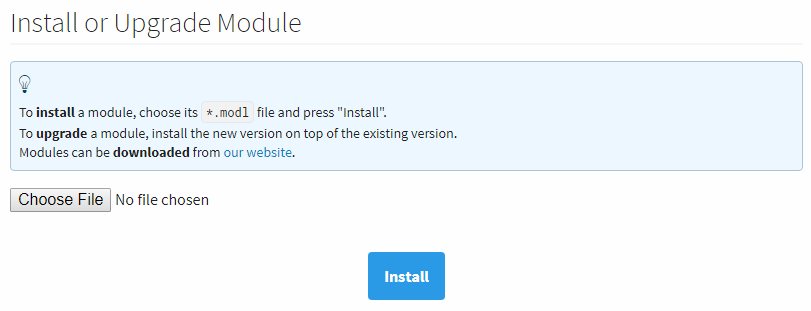
- Click Choose File and then select the module .modl file to install
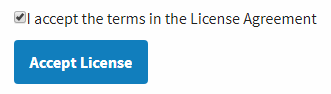
(see top-right figure). - Click Install and accept the licensing agreement (click the checkbox,
see bottom-right figure). - Click Okay. The module will install.
- The module installed should show as Trial and Running on the Module Configuration page:

Sepasoft MES Module Suite