Sepasoft MES Module Suite
MES Document Viewer Component in Perspective
A component that is used to view and interact with HTML documents in the manufacturing environment.
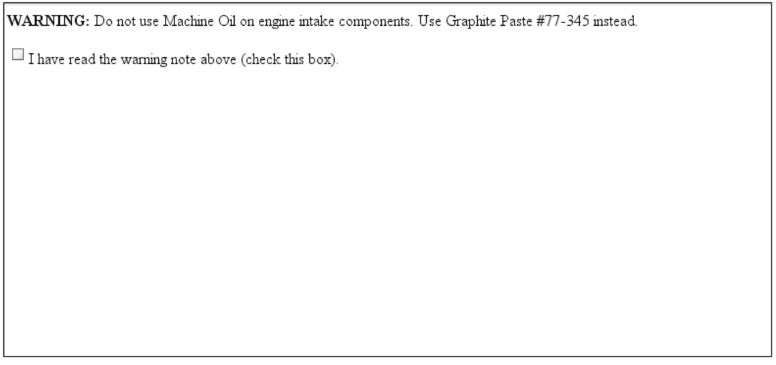
Use Document Editor to view and interact with web pages and forms.
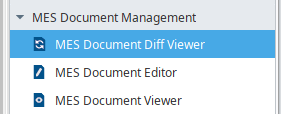
The Document Viewer component is installed with the MES Document Management module .
Component Properties
Properties are provided that can be set to affect the operation and look of the component. They can be set through the Property Editor in the Designer or through scripting.
Example
Code |
|
PROPS
| Name | Property Type | Description | ||
|---|---|---|---|---|
| showSaveButton | Boolean | When true, a Save button is displayed that can expose user inputs in the Viewer component for use in other parts of the application, error checking, or to trigger other tasks based on user responses. | ||
| documentText | String | Sets the text to display at runtime. | ||
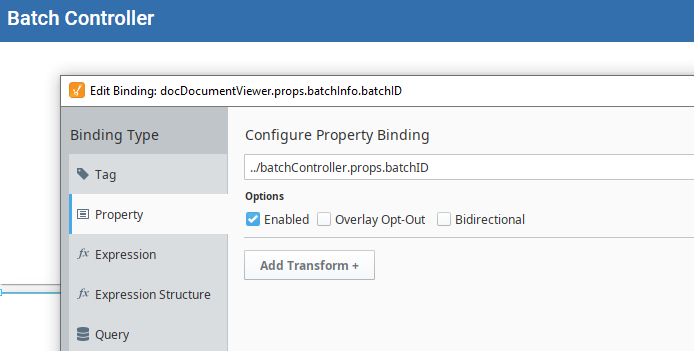
| batchInfo | Optional - Use when viewing batch procedures in a batch system. | |||
| batchID |
| |||
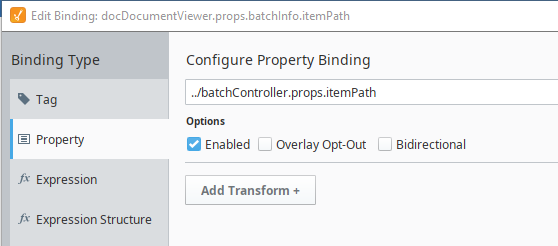
| itemPath | The path to the document step in the Batch Recipe (/Procedure[/UnitProcedure][/Operation]:Step). This property should typically be bound to other components that output an item path, such as the Batch Controller.
| |||
| selectedMESObject | MESObjectLink | MES Object to load document from and store document to. | ||
| mesObjectType | The MES Object Type Name is a string parameter that is passed or returned by a number of MES objects, see MES Object Type Name. | |||
| mesObjectUUID | ||||
| name | String | |||
| equipmentPath | String | Path defined in the Equipment Manager. | ||
| selectedArtifactName | String | The name of the artifact to load document from and store document to. | ||
| user | string | Name of user recorded in the EBR. If the user property is blank the username of the currently logged-in user is used.
|

Sepasoft MES Module Suite