Sepasoft MES Module Suite
MES Connectivity Modules
To use the Sepasoft Business Connector with SAP, the Interface for SAP ERP Module must be installed and configured.
To use the Sepasoft Business Connector with any web services, the Web Services Module must be installed and configured.
Download and install the modules from here:
- On the Ignition Gateway page, navigate to the Configure tab.
- Click Modules in the left column.
- At the bottom of the page, click:

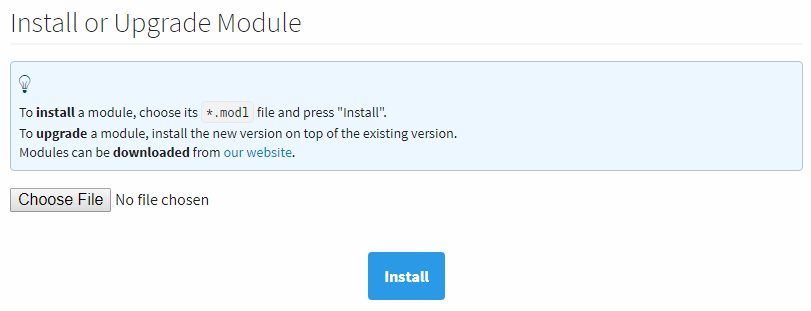
- Click Choose File and then select the module .modl file to install
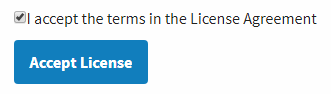
(see top-right figure). - Click Install and accept the licensing agreement (click the checkbox,
see bottom-right figure). - Click Okay. The module will install.
- The module installed should show as Trial and Running on the Module Configuration page:

- Repeat for any other prerequisite modules.
Sepasoft MES Module Suite