Sepasoft MES Module Suite
Schema Refreshing and Changes
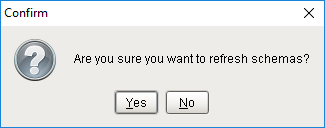
Clicking the Refresh (  ) button will cause a re-fetch of both the input and output schemas. If both schemas still match what is currently selected for each in the Block, then a "Confirm" dialog box will appear.
- Clicking Yes will cause the Block to fetch fresh data.
- Clicking No will abort the refresh.
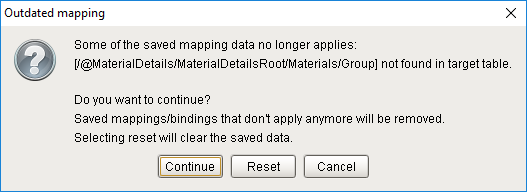
If either schema has been edited, an "Outdated Mapping" dialog box will immediately appear (without the need to press Refresh), with two choices on how to handle the schema mismatch, plus Cancel.
- Clicking Continue will apply all the mappings that are still valid and clean up the outdated mappings.
- Clicking Reset will clear all the saved data and mapping connections and then fetch a fresh copy of both schemas.
- Clicking Cancel will abort the refresh, allowing the user to manually fix the schema without losing saved data.
Sepasoft MES Module Suite