Overview
Implementation of SPC interval that will check for an additional condition before taking the sample. This example will show how to check if the line is running when using a location under a line.
Applies To and Version Info
This feature applies to the SPC module and is available in all 3.8x versions.
Example Model
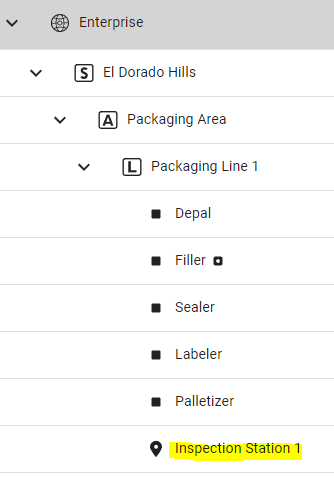
Steps
Create a custom Sample interval using the MES Scripts in the Project Browser
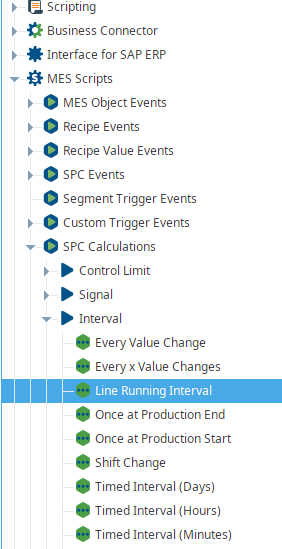

Use one of the standard timed intervals as a framework for your script.
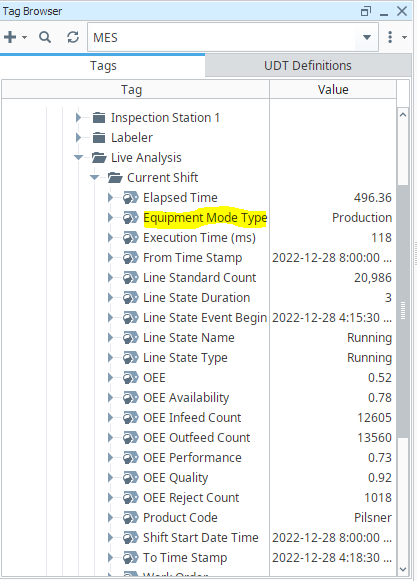
Your Line should have Live Analysis configured with the Equipment Mode Type data point enabled.
In this example, we read from the Equipment Mode Type tag for the parent line to determine if the Line is in Production. If so, create a sample.
Example Interval Script
Code |
|
On the Enterprise Equipment, Edit PC Sample Intervals. Create a new interval and select your new script. In this example, the script is a Timed interval.
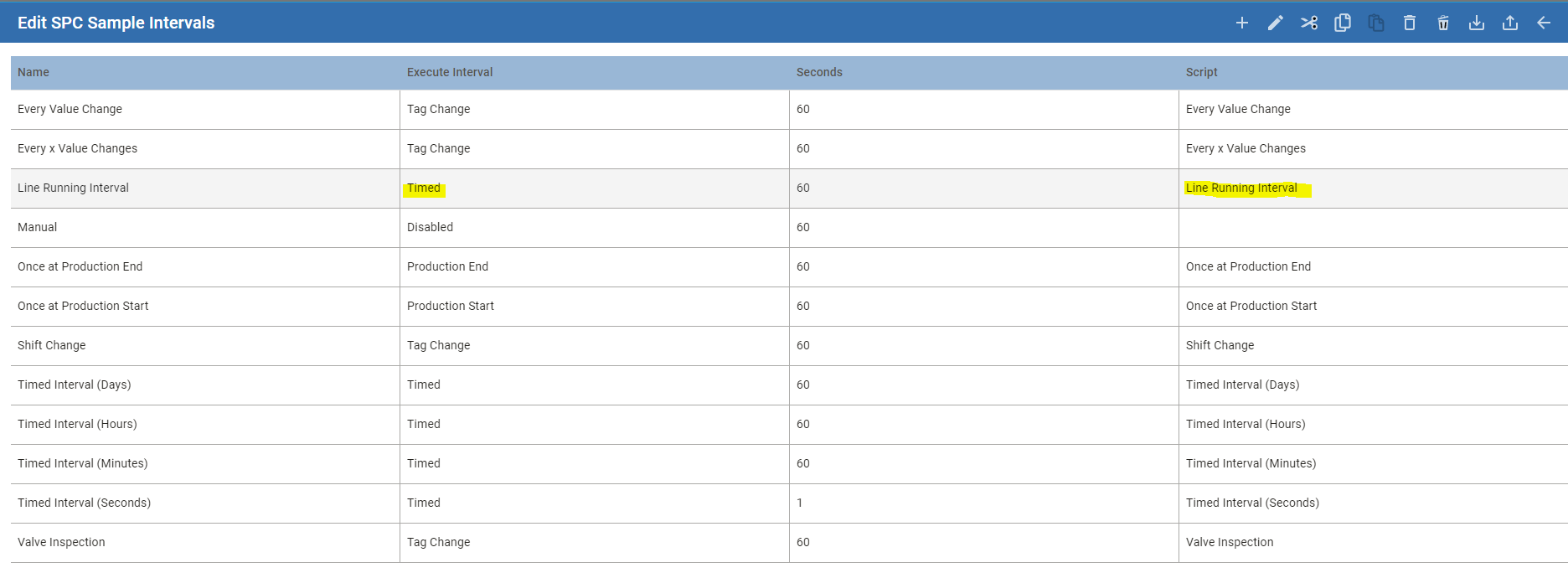
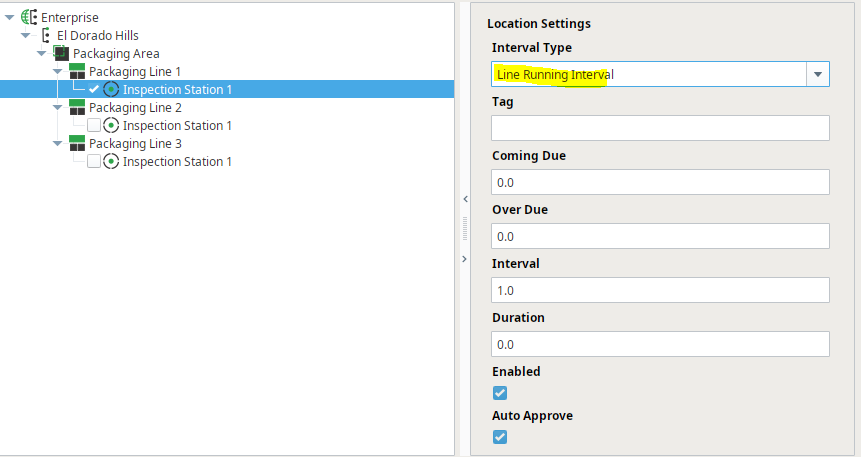
Your Sample Definition Location should have the new Custom interval selected.
Loggers can be added to the Interval script to ensure you are receiving the data you expected.
Keywords
SPC Interval