Problem
Using BAPI_MATERIAL_GET_DETAIL on an all-numeric material (e.g., "12345678") gives the following error message: "The material XXX does not exist or is not activated"
Solution
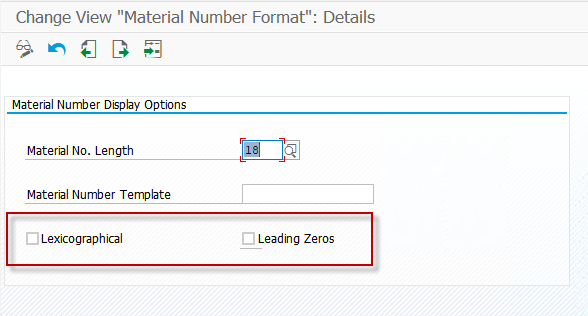
Using Transaction Code OMSL from the SAP GUI application, notice if the Lexicographical box is checked. If so, the material number must be space-padded on the right to 18 characters.
Example: "12345678" must be entered as "12345678 " ← 10 spaces