Overview
You are using, for example, Infeed - Reject and you want to change to, for example, Infeed - Outfeed.
Note :
1) stop all production runs for the equipment in question before changing the Counter
2) uncheck the Equipment in the Material Manager (deletes associated OEE Operation)
3) change the Counters (enable/disable/delete whichever works for you)
4) restart the Production Module from the Gateway
5) re-assign the Material(s) and make sure the correct Count Equipment are selected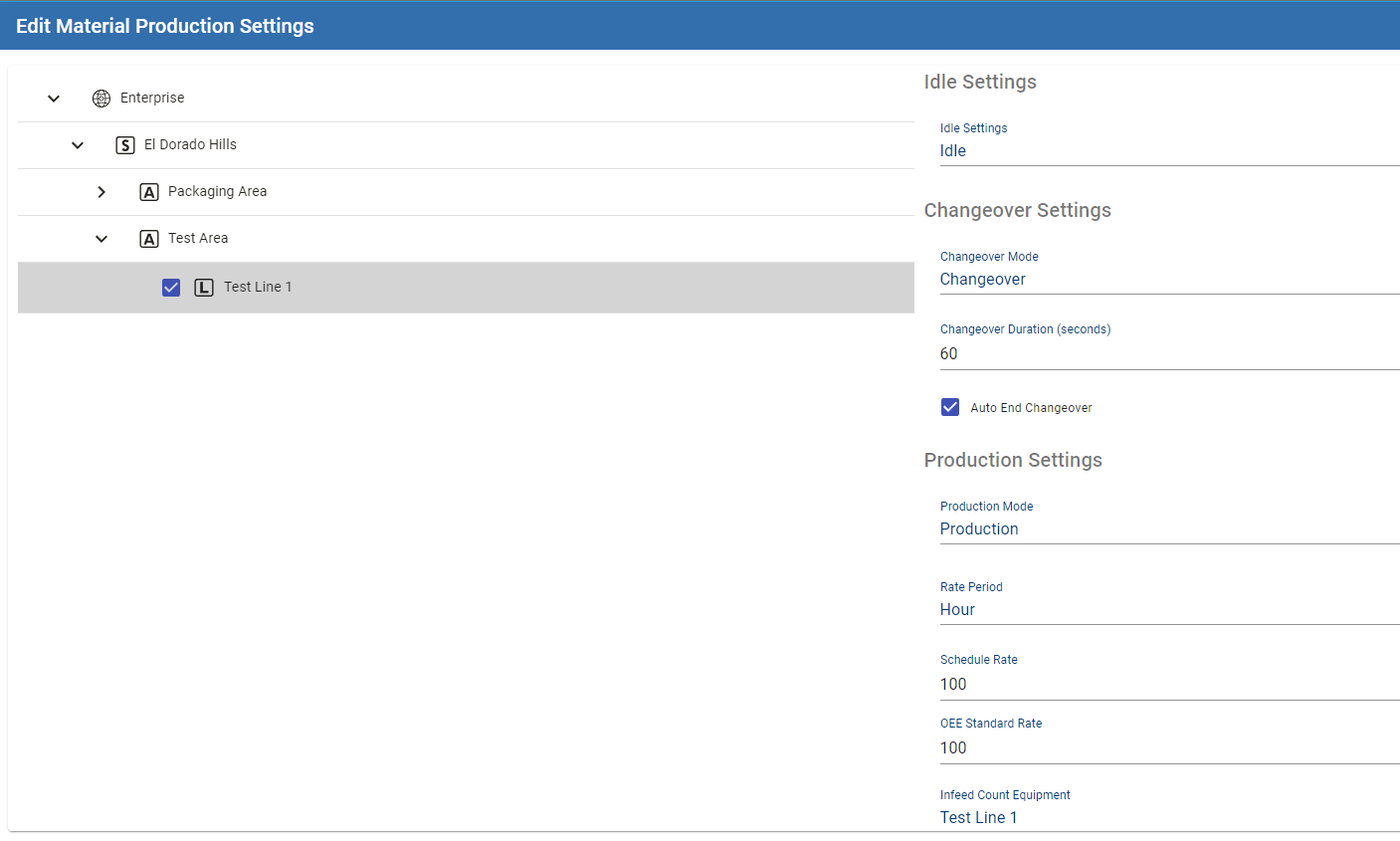
Applies To and Version Info
3.0
Details
Production Model Counter Tab
for Infeed - Reject
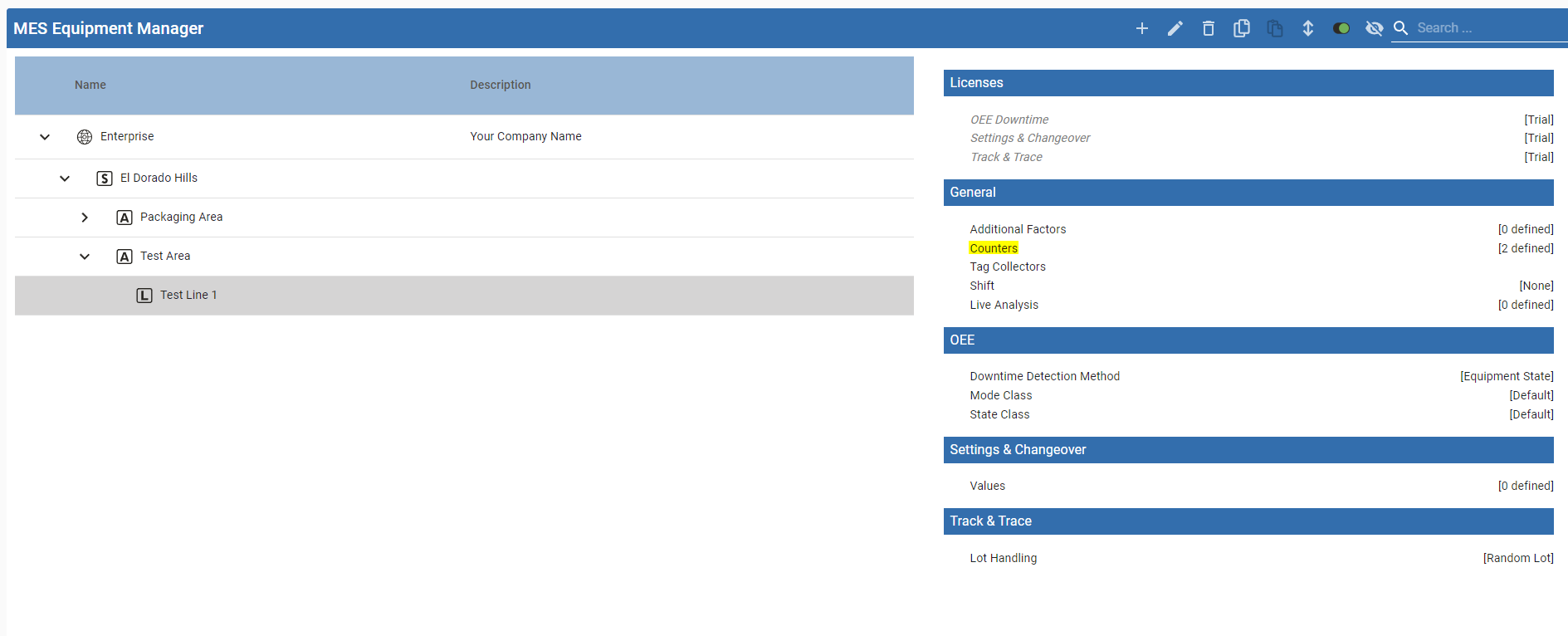
for Infeed - Outfeed (note Reject will be calculated)
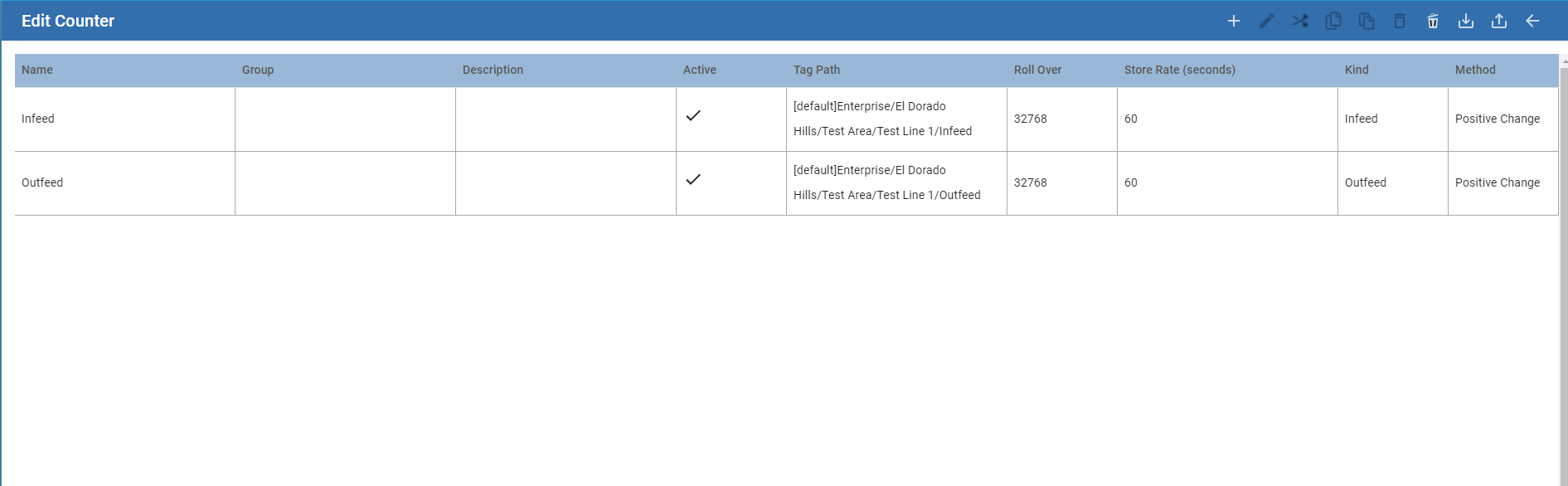
Explanation
Unfortunately, the Historical Analysis will not show a breakdown between the different runs. This is working as designed.
If the line has Reject Counters, use them (Infeed - Reject). Else calculate Reject (Infeed - Outfeed).
We look for any Reject Counters on the line or any cells at the time the Analysis is run.
If at the time Analysis is run there are no Reject counts, we will calculate Reject based on Infeed - Outfeed.