Overview
To get the last # of line downtime reasons, the Line Downtime Event Sequence item is used.
Line Downtime Event Sequence
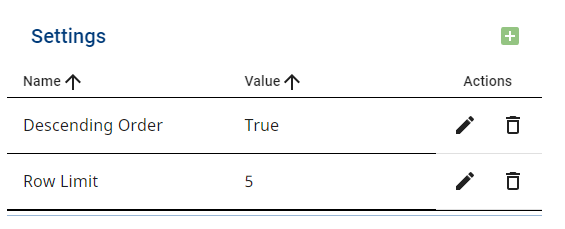
- Create a new analysis and add two Settings:
- Row Limit = # of reasons desired
- Descending Order = True
2. In the Data Points, select:
- Line Downtime Reason
- Line Downtime Equipment Name
- Line Downtime Event Sequence
- Line Downtime State Time Stamp
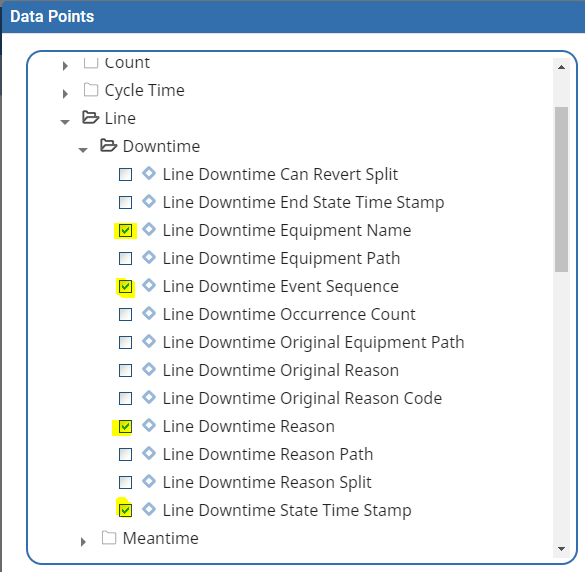
Not all are required but can be helpful during testing.
3. In the filters, add Equipment Path = 'Enterprise\Site\Area\Line' or use a variable like @eqPath
AND Line Downtime Reason != ''
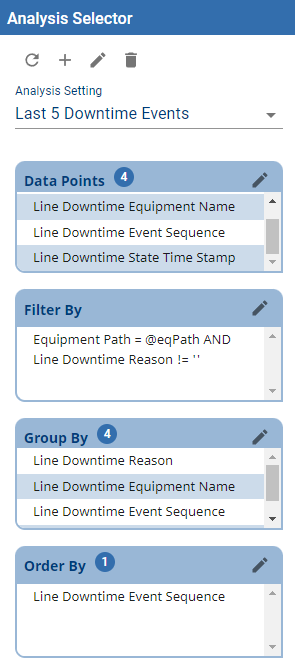
Binding the Dataset results from the Analysis Selector to the Analysis Table will allow you to view the results and perform a drill-down.
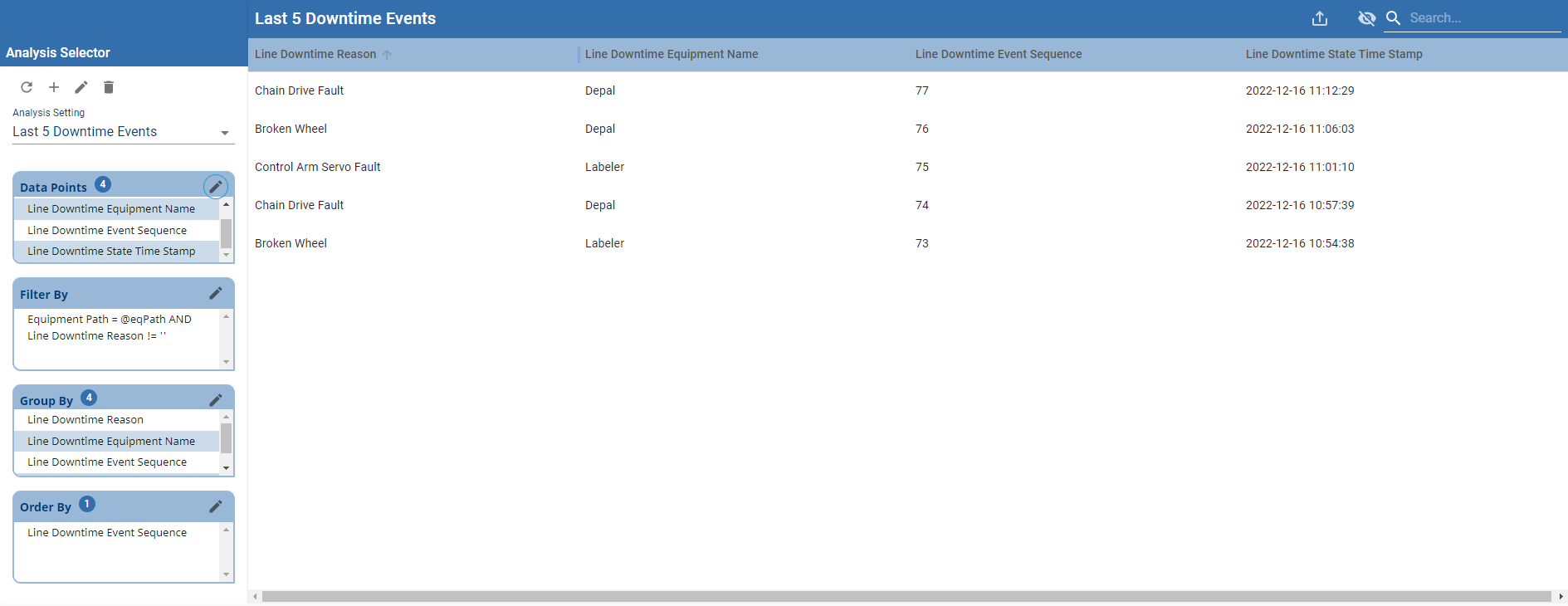
The results should be the most recent # of events on a given line.