Creating and Testing the Corresponding Consumer
To test the new provider, a corresponding consumer must be created.
- In the Project Browser, navigate to the SOAP Consumers section, right-click the
Tutorialfolder, and select New SOAP Configuration. Rename it as desired (e.g.,Calculator). - In the newly created provider (e.g.,
calculator.asmx), right-click and select Copy WSDL URL.
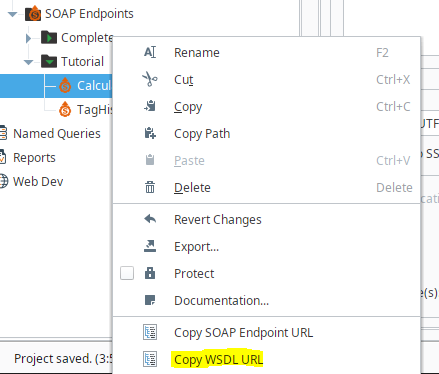
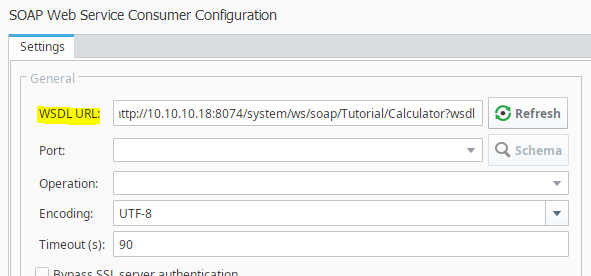
- Paste the copied URL into the WSDL URL field of the new consumer.
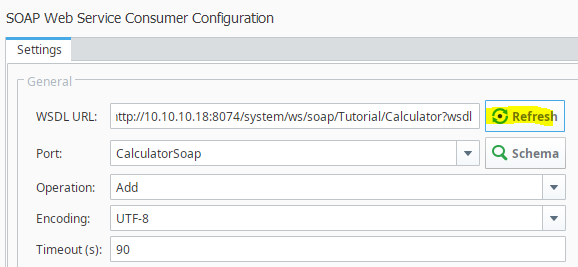
- Click the Refresh button to populate the operations from the endpoint.
Executing the Call via the Script Console
A quick and effective way to test a web service without building a full user interface is to use the Ignition Script Console. The SOAP Consumer configuration provides a tool to facilitate this.
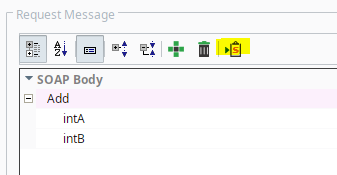
- In the newly created consumer's configuration, locate the Request Message section.
- Find and click the Copy Sample Script button. This copies a pre-formatted Python script to your clipboard for calling the web service.
- Open the Ignition Script Console from the top menu bar.
- Paste the script into the console and execute it.
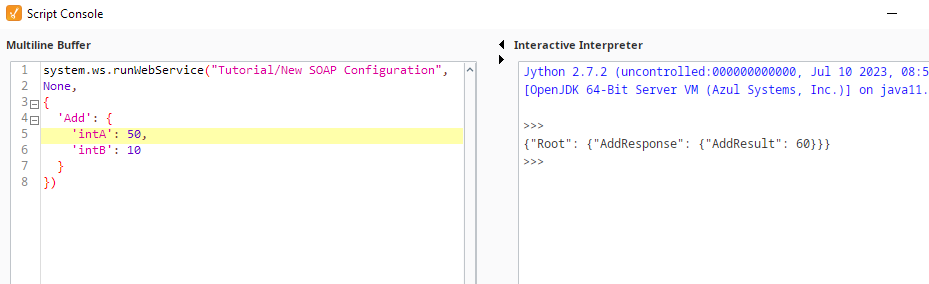
The result of the
Add operation will be printed directly to the console output. This printed result serves as direct confirmation that your provider, built from the imported WSDL, is correctly executing its scripted logic. This manual has covered two distinct and powerful methods for creating SOAP providers in Ignition: manual creation for full control and WSDL import for rapid development.