Run getProductionOrder
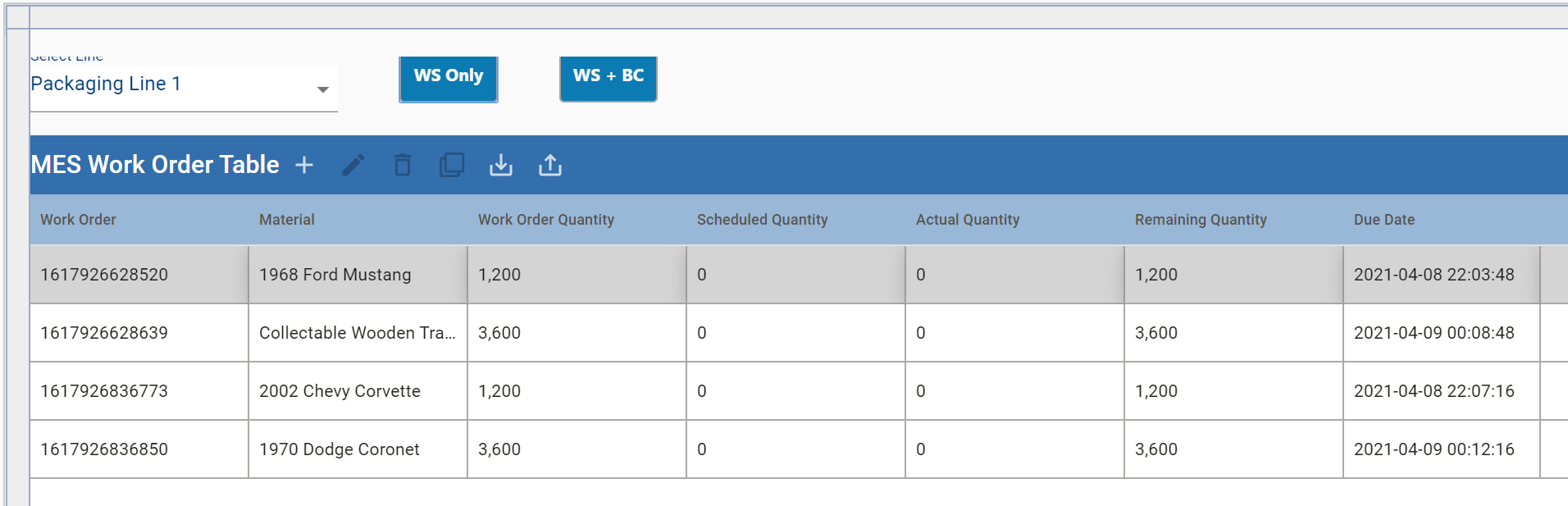
The WS Only button in this Perspective View will call the RESTful Consumer getProductionOrder, which requests and receives data from the simulated ERP scripting in the RESTful Provider getProductionOrders. The button turns the received work order information into legitimate MES Work Order objects, which are displayed in the MES Work Order Table.
To fetch work orders from the simulated ERP (randomly generated):
- Select Packaging Line 1 from the drop-down list.
- Click the WS Only button. Two work orders should appear in the MES Work Order Table.
- Click WS Only again. Another two work orders will appear in the MES Work Order Table.
After first press of WS Only:
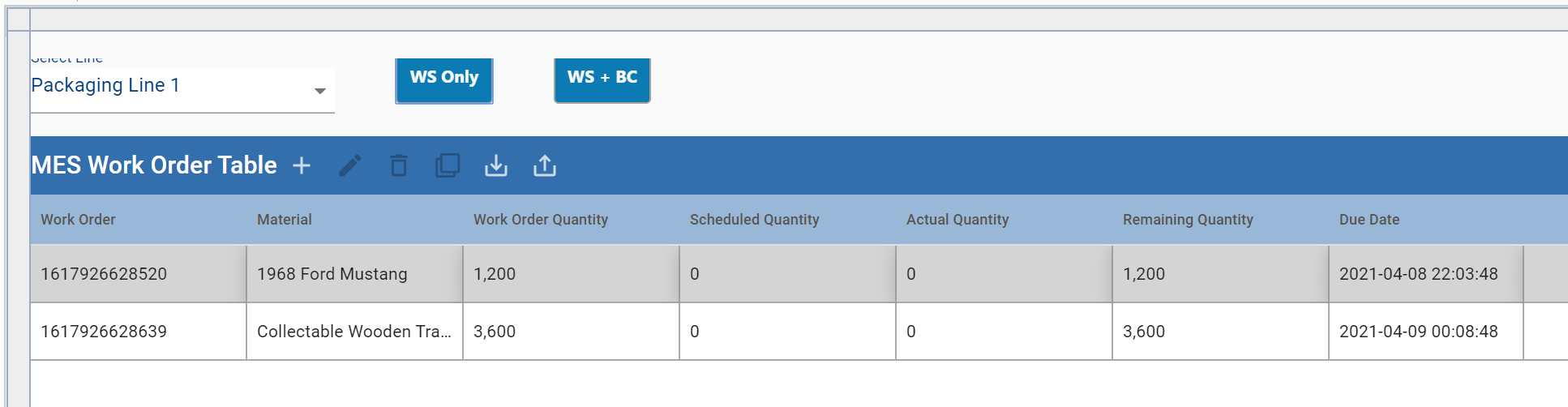
After second press of WS Only: