Running the Application and Verifying Results
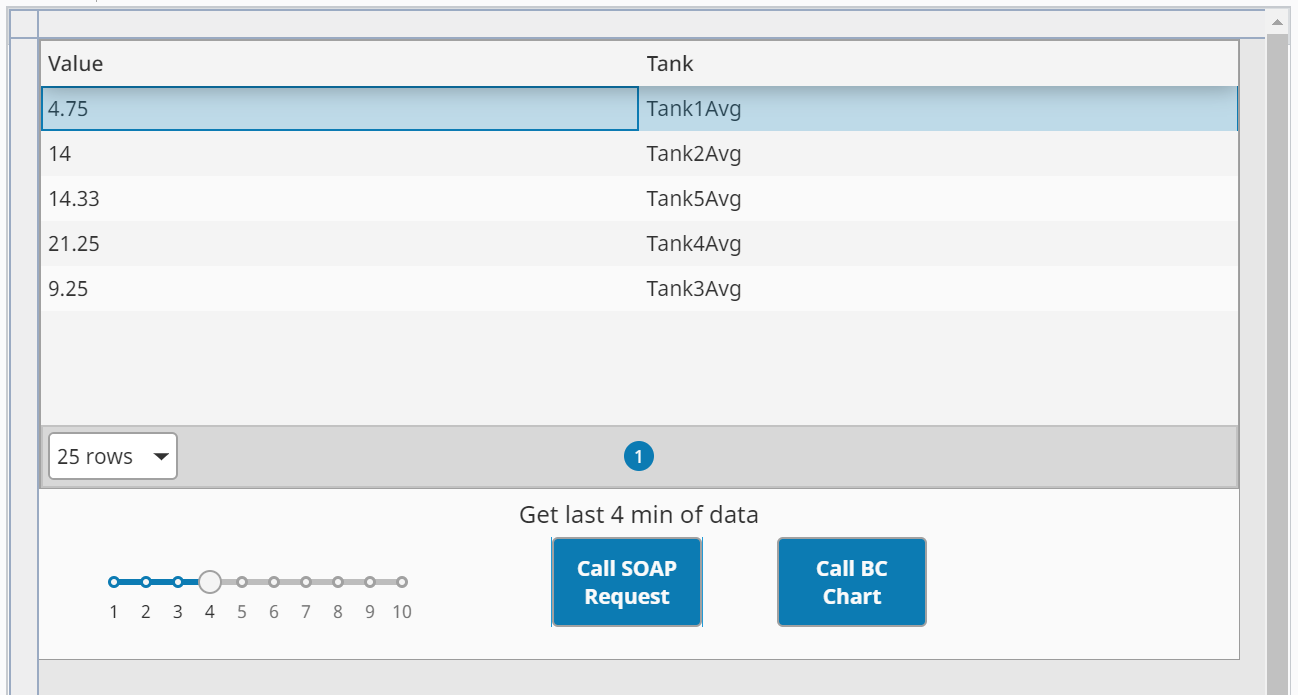
Now select the number of minutes of data to average using the slider, then click the Call SOAP Request button to call the SOAP Consumer TagHistoryAverage, which then calls the SOAP Provider TagHistoryAverage.
With the script in place, the end-to-end workflow can be tested.
- Launch the
TagHistorianDataView in a session. - Use the slider to select a time range in minutes.
- Click the Call SOAP Request button.
The calculated averages for each of the five simulated tank tags will appear in the Ignition Table component. This confirms that the entire SOAP workflow—from the button click in the client to the script execution in the provider and back again—is functioning correctly. This exercise covered the manual creation method; next, we will explore a more streamlined approach using a pre-existing WSDL file.
- Save your project.