Line Report
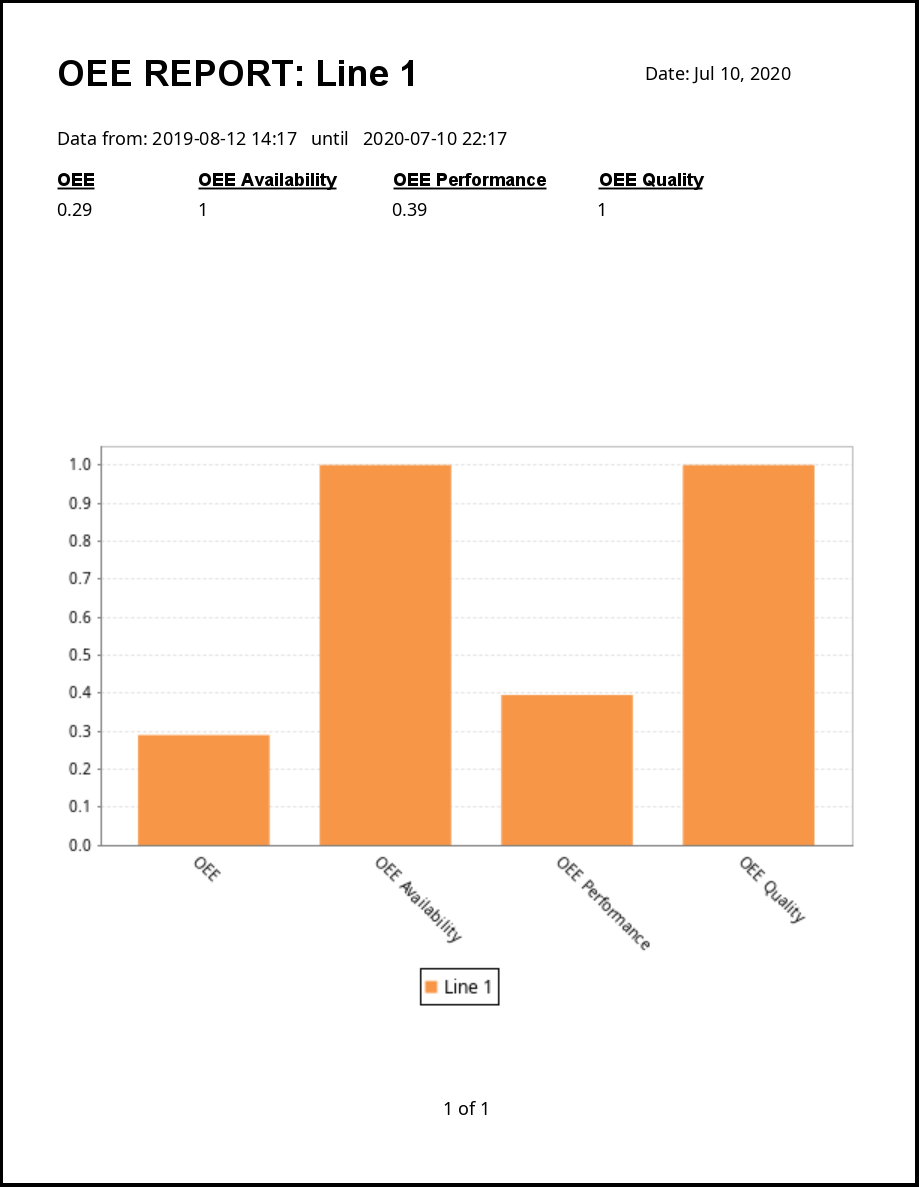
This report screen provides report data on a per-Line basis. The OEE Report provided with this tutorial has already been configured to provide basic OEE Downtime information for the selected Line.
Configure the Report
The Report Viewer is a standard Ignition component. Please refer to the Ignition User Manual for instructions on how to create/modify reports.
In this tutorial, the report has been created with several Report Parameters that collect values from the MES Object Selector (the Line to report on) and Date Range components (start and end dates):
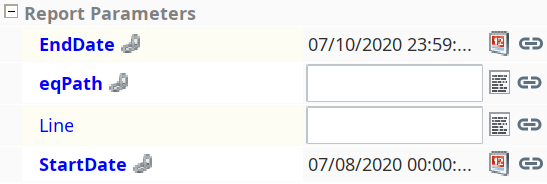
After running the report once to confirm it is working as expected (see below), feel free to make a copy and modify the data sources and chart type used.

|
If you make a new report, remember to select it in the Report Path property of the Report Viewer.
|

Run the Report
- Select the Line to run the report for in the MES Object Selector. The report will update automatically to provide the configured OEE data for that Line.
- Adjust the date range for the report on the Date Range component. The report will update again based on the new date range.
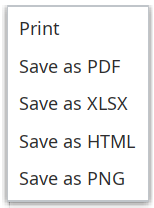
- (Optional) Right-click on the report and print it, or save it to a file in one of the formats offered: