Configure Script
The Script for Analysis Table set-up on the window REC_02_SCR/03_Analysis has two main components:
- Button (Ignition)
- Power Table (Ignition)
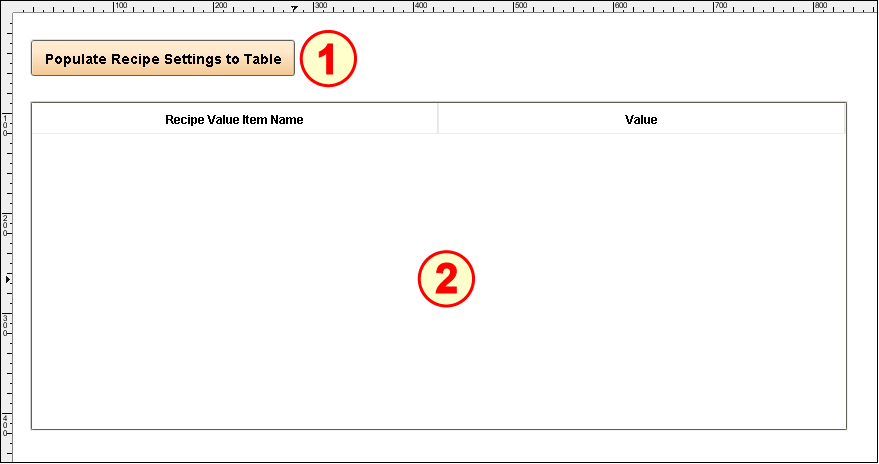
Configure Power Table
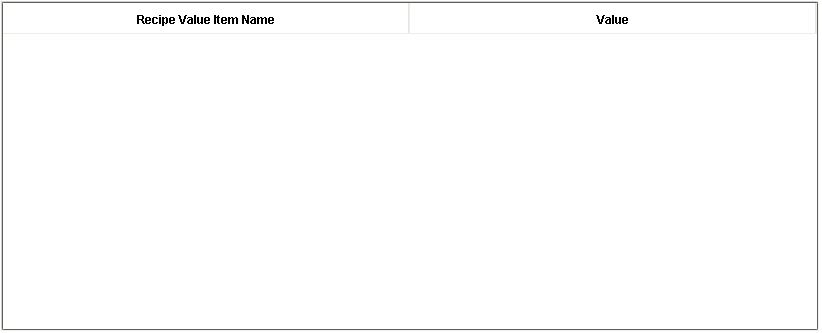
- Drag an Ignition Power Table onto the screen. Position and resize it across the screen, as shown above.
- No configuration is required (data will be pushed in by the script in the Button).
Configure Button
- Drag an Ignition Button component onto the screen. Place it above the Power Table and resize it to fit the text shown above.
- Set the Text property to Populate Recipe Settings to Table.
- Open the Component Scripting dialog box (Ctrl-J), select the actionPerformed event handler script area and paste in the following script.

Script for the actionPerformed event handler
Code |
|