Configure the Report
The Report Viewer is a standard Ignition component. Please refer to the Ignition User Manual for instructions on how to create/modify reports.
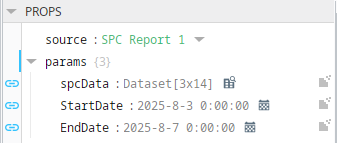
In this tutorial, the report has been created with several Report Parameters that collect values from the SPC Selector (Tag Sample Collector data sources) and DateTime components (start and end dates):
Run the Report
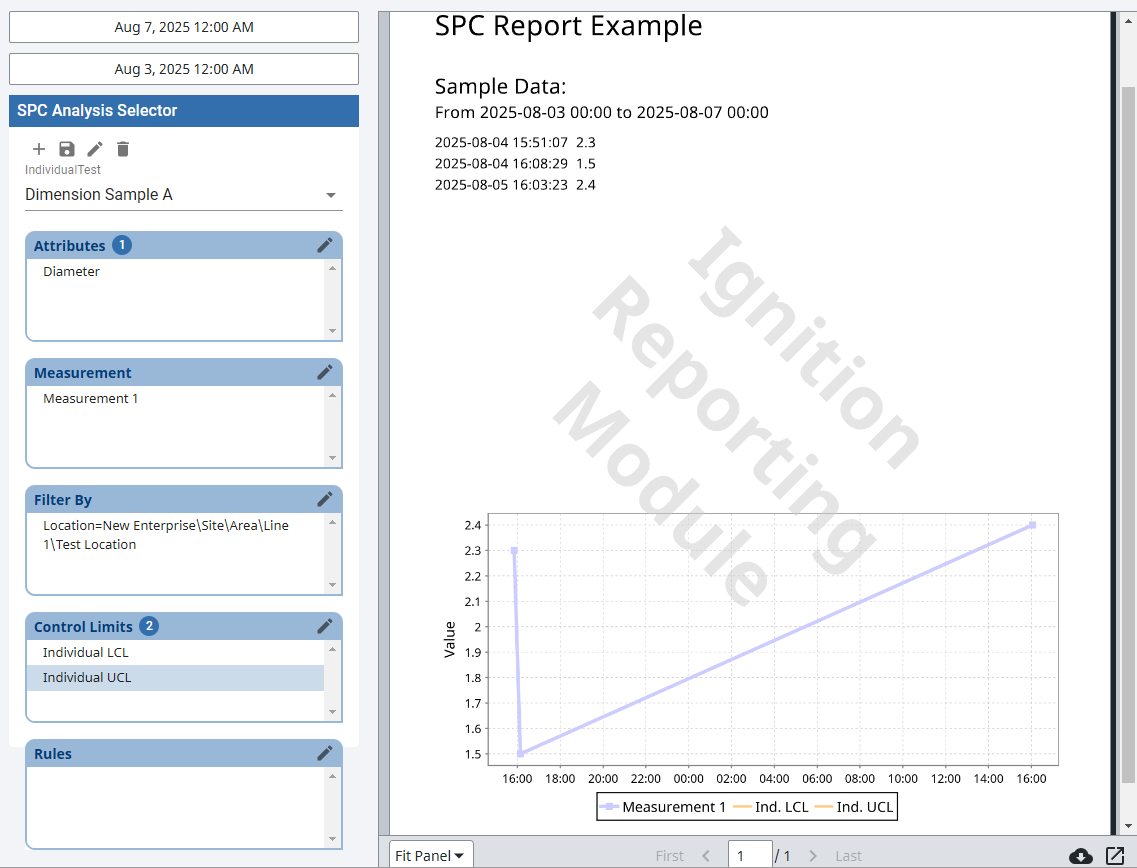
- Select your stored setting to run the report for in the SPC Analysis Selector.
- If not already selected, select Test Location in the Filter By section of the SPC Analysis Selector. Choose one of the three attributes and some control limits and/or the signal you configured the Sample Definition for earlier. The report will update automatically on each property change.
- Adjust the date range for the report on the DateTime components. The report will update again based on the new date range.
- (Optional) Click on the download button
 and view the file downloaded.