Collect Samples
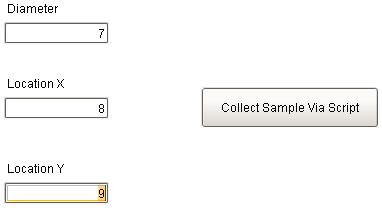
- Enter three attribute values (must press Enter after last value).
- Click the Collect Sample Via Script button. One sample using the Sample Definition Dimension Sample A will be recorded.
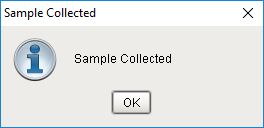
- Click OK on the confirmation screen Sample Collected.
- Repeat multiple times with varying values.

|
If you created your own Sample Definition, find and edit the lines above in the button script on this screen and provide its new name and list of three attributes (and Location, if different), so you can use this screen to collect sample data for your Sample Definition. |
Sample Collection via script is a powerful tool to collect data from various sources other than the UI and tags. Perhaps a DB query, web service call, or CSV parse is the source of data? Regardless of the source, the script sample collection capabilities addresses most use cases.