Generate SPC Analysis in Script
- If necessary, change the date range in the Generate SPC Data button script to span the day(s) when you created your samples (the date range is for the Power Table).
- Click the Generate SPC Data button. The script will generate samples and push them into the Power Table.
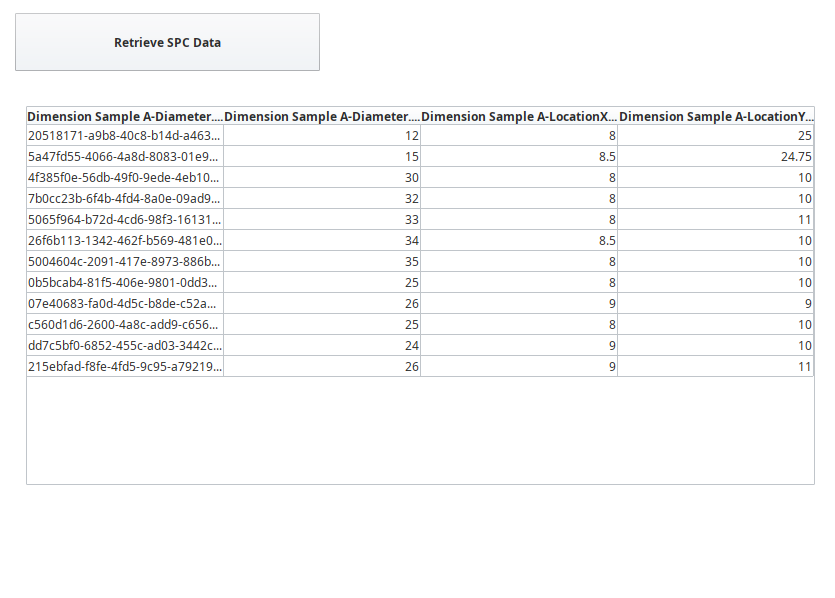
Reporting samples via script allows data to be furnished and processed anywhere for anyone, via Tags, Gateway and Client events, and more.