Sepasoft MES Module Suite
Additional Factors View
Additional Factors can be created and maintained here (as well as via scripting). Click on Additional Factors in the General section.

Create or Edit an Additional Factor
To create a new Additional Factor, click New and complete the dialog with the Name, optional Description and the Tag Path. Click Save to save the new Additional Factor.
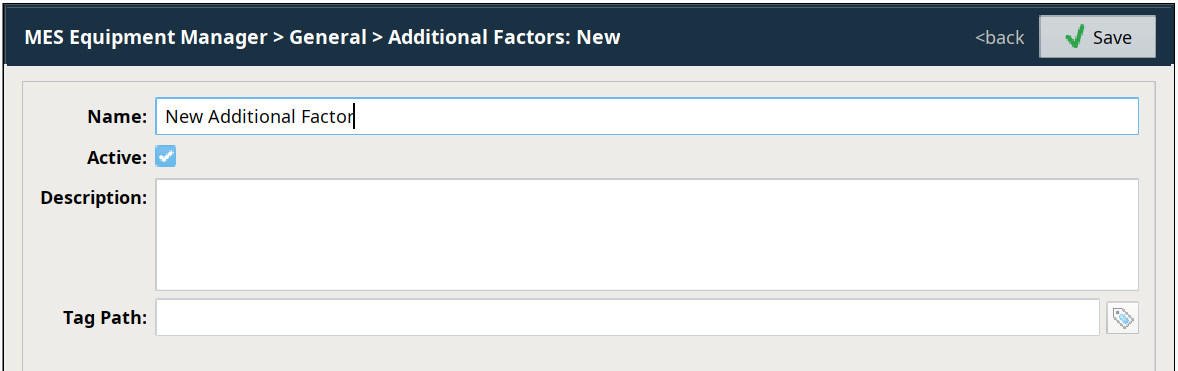
When completed, the new Additional Factor will become a new row in the list of existing Additional Factors.
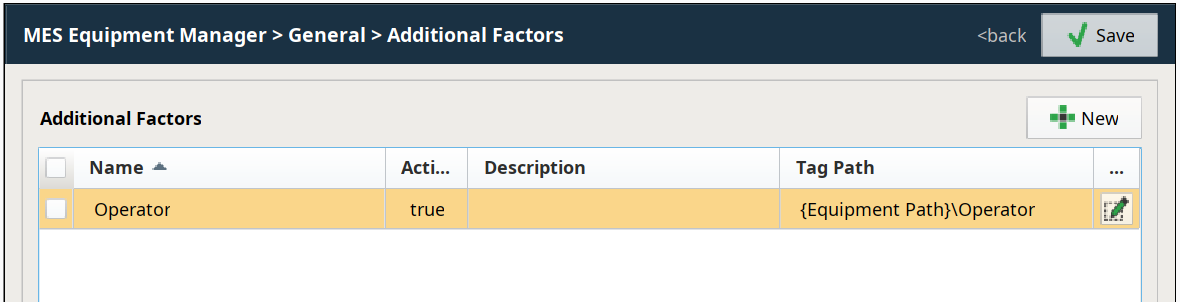
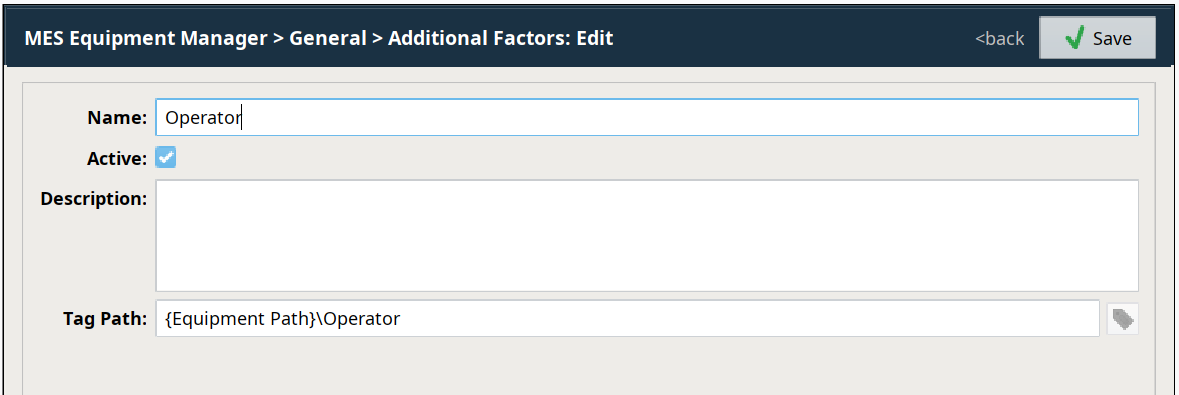
To edit an Additional Factor, click  for that Additional Factor and modify the fields as needed. Click
  to save the edits.
Sepasoft MES Module Suite