Sepasoft MES Module Suite
Area
General Settings
Name: The name that appears in the Production Model and is used in the equipment path.
Description: This is an optional text field.
Active: By default, the production item is disabled (items that are disabled are displayed in red text). It can be enabled by checking the Active setting and saving the project. When disabled, this will stop the Track and Trace, OEE Downtime, SPC, Recipe and scheduling modules from using the area and any other production items that are underneath it. When enabled, the item turns to black text.
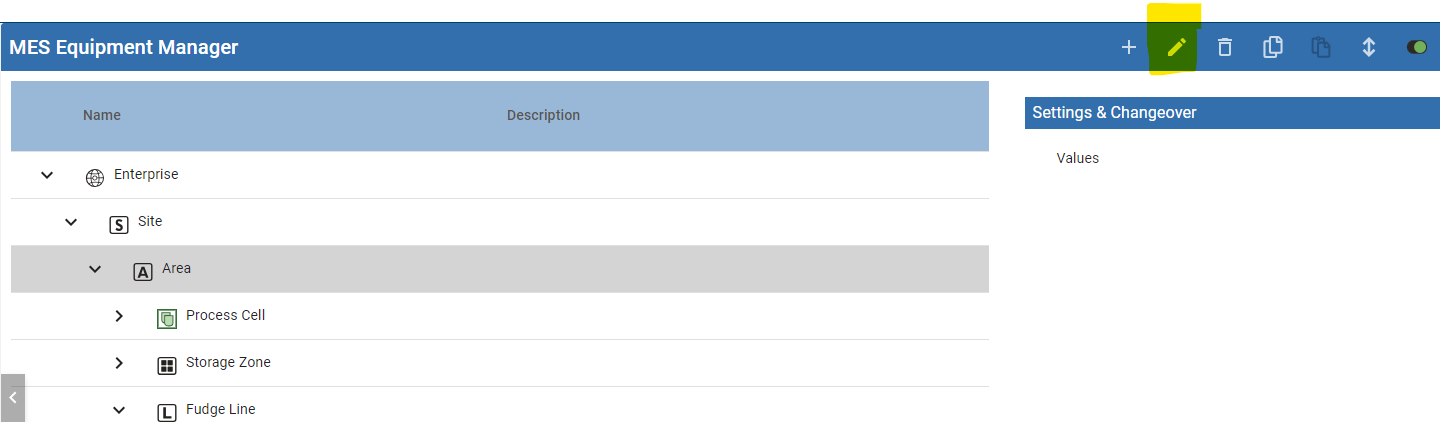
In Perspective, highlight the node in the tree, then click the Edit pencil icon.
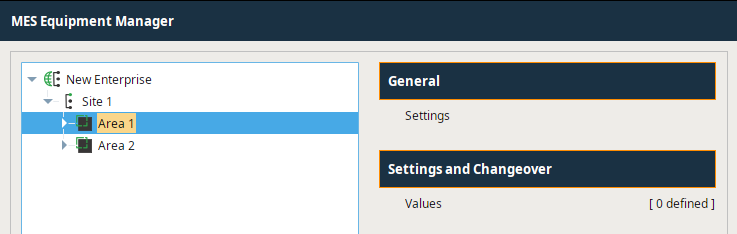
In Vision, MES Equipment Manager > Settings > General.
Sepasoft MES Module Suite