Sepasoft MES Module Suite
Before Select Recipe Event
Each Equipment item that activates a Recipe will execute this event script before the selection event is recorded. The script will be initially unimplemented, and can be updated via the Before Select Recipe MES Script under Recipe Events in the MES Scripts area of the Project Browser.
The script should return False to signify when something has gone wrong, and that recipe activation should be prevented.
The Before Select Recipe event script area:
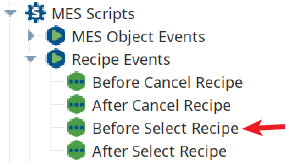
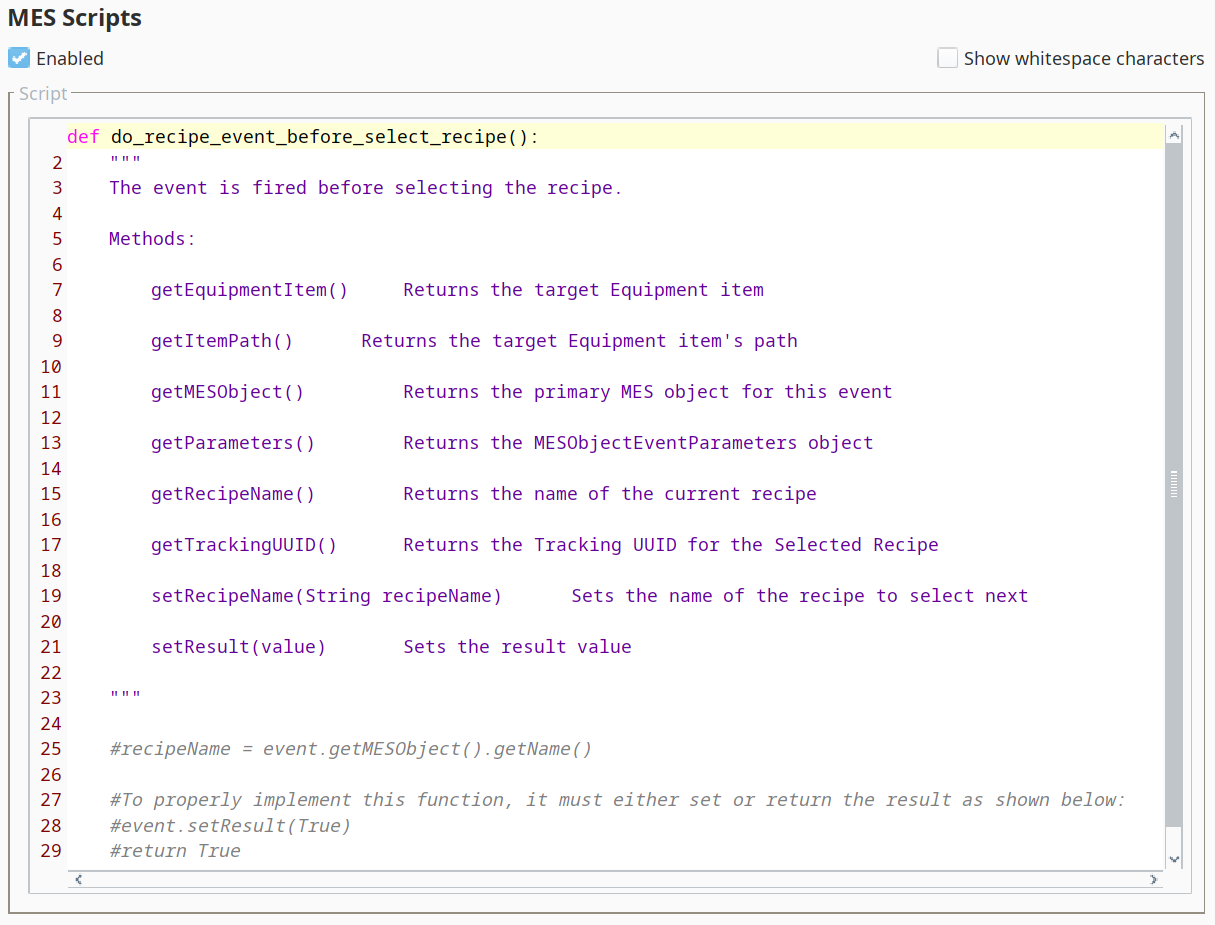
Before Select Recipe event script area
Event Properties
getEquipmentItem()
Description
Get the MES Production Equipment Item for the recipe that is being selected or canceled.
Syntax
getEquipmentItem()
- Parameters
None
- Returns
AbstractMESEquipment equipmentItem - The MES Production Equipment Item.
- Scope
All
getItemPath()
Description
Get the MES production item path for the recipe that is being selected or canceled.
Syntax
getItemPath()
- Parameters
None
- Returns
String itemPath - MES production item path.
- Scope
All
getMESObject()
Description
Get the MESRecipe that is targeted for selection.
Syntax
getMESObject()
- Parameters
None
- Returns
AbstractMESRecipe recipeObject - The selected recipe object.
- Scope
All
getParameters()
Description
Return the MESObjectEventParameters object that contains any parameter values
Syntax
getParameters()
- Parameters
None
- Returns
MESObjectEventParameters object
getRecipeName()
Description
Get the recipe name that is being selected or canceled.
Syntax
getRecipeName()
- Parameters
None
- Returns
Name of the recipe.
- Scope
All
getTrackingUUID()
Description
Gets the tracking uuid associated with this recipe event.
Syntax
getTrackingUUID()
- Parameters
None
- Returns
String trackingUUID - The uuid meant for tracking this recipe event.
- Scope
All
isRecipeActive()
Description
This script function checks whether the selected recipe is active.
Syntax
isRecipeActive()
- Parameters
None
- Returns
boolean recipeActive - True if the selected recipe is active and False otherwise.
- Scope
All
isWriteError()
Description
When the recipe is selected, the recipe values are written to tags. If this is a success, then isWriteError property is True.
Syntax
isWriteError()
- Parameters
None
- Returns
boolean writeError - If there is an error in writing the error then isWriteError is True and False otherwise.
- Scope
All
setRecipeName(recipeName)
Description
Set the recipe name to select. Use to override the recipe being selected.
Syntax
setRecipeName(recipeName)
- Parameters
String name - Name of the recipe.
- Returns
Nothing
- Scope
All
setResult(value)
Description
Set the return result. When a MES events requires a result value, this helper function can be used in place of using the script event.getParameters().put('Result', value)
Syntax
setResult(value)
- Parameters
boolean Value of the result to return. False will cause the Recipe Event to 'fail out' and abort the intended action (selecting or cancelling a recipe).
- Returns
Nothing
- Scope
All
Sepasoft MES Module Suite