Sepasoft MES Module Suite
MES Management Screen
The MES Management screen provides a method for configuring Equipment, Material, Personnel, Segments & Operations, and Routes in the runtime client.
Based on the ISA-95 standard, Classes (or categories) can be created for Equipment, Material and Personnel.
Creating Materials
The purpose for creating Classes of Material, or for that matter, Equipment or Personnel Classes, is that when an operation (process segment) is defined, we can define whether a class of material or a specific material can be consumed. This provides the ability to configure the Track & Trace implementation to add production control.
Scripting
The MES Management Screen can be used to create Material Classes and Definitions, however if a company has hundreds of materials or if the ERP system manages materials, it is likely that you will want to dynamically create materials through scripting.
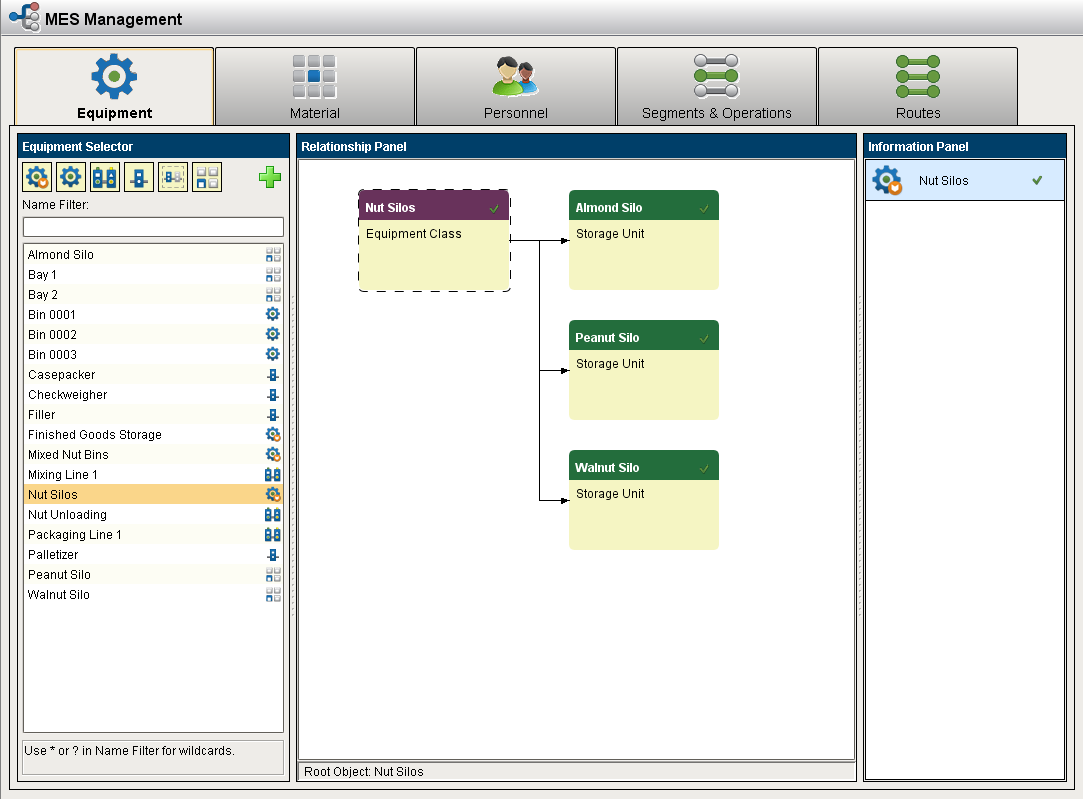
Creating Material relationships with the MES Object Editor
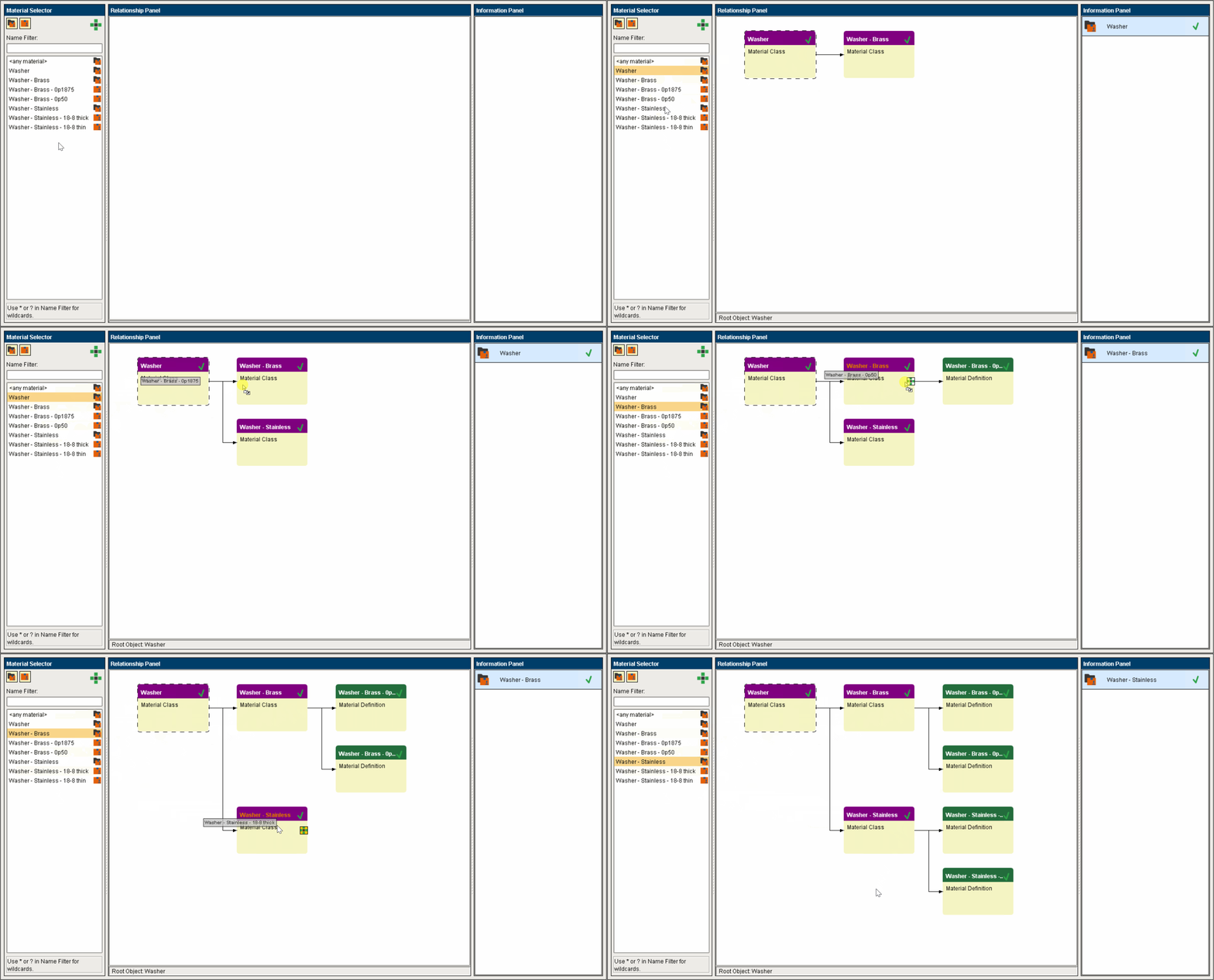
- A Material Class can only be added as a child to another Material Class. Nesting classes multiple levels deep is allowed and can be considered a 'best practice' for organizing a large number of materials moving through a factory.
- A Material Definition should only be added as a child to a Material Class. It can also be added as a child to more than one Material Class, which is helpful when a particular raw material logically belongs in several places.
- To add an object as a child of another object, click and drag it onto the drop target of the intended parent object:
Sepasoft MES Module Suite