Sepasoft MES Module Suite
License Views
After you have applied the license on the Ignition Gateway under Configure > System > Licensing:
- Open Ignition Designer.
- Either import a project with an existing Production Model or create a new Production Model using the MES Equipment Manager component.
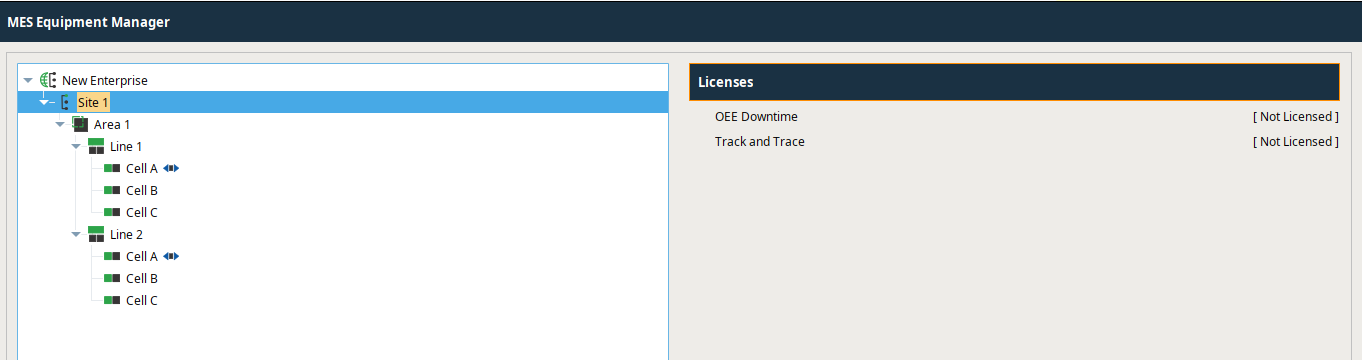
- Click on the Site level in the MES Equipment Manager component and then click on the desired Sepasoft module in the Licenses section.
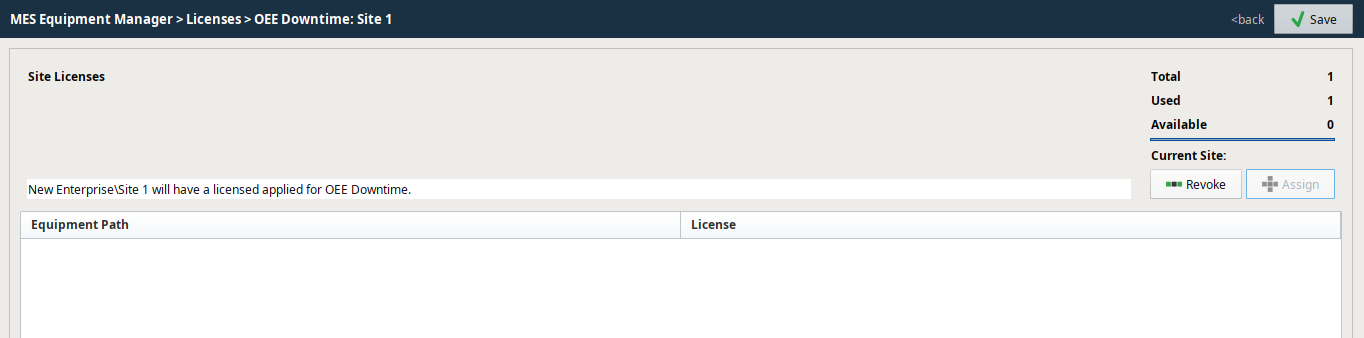
- Assign the license to the Sepasoft module for that Site by clicking Assign. The child elements of the Site in the Production Model should now reflect that a license has been assigned to that Sepasoft module anywhere on that Site.
Sepasoft MES Module Suite