Sepasoft MES Module Suite
Mapping to B2MML Structures
ISA-95 supported B2MML structures are available for mapping in several Business Connector blocks. There are several built-in B2MML and MES (non-B2MML) structures that users can select in the mapper, as well as a more complete set that can be created in the Start Block as Chart Parameters.
- Mapping to B2MML Structures
- B2MML Chart Parameters
- Built-in B2MML Structures
- B2MML
- MES
- OperationsSchedule
- Material
- WorkOrder
Save MES Object Block

|
Although all of the supported B2MML structures can be mapped in the mapper, the Save MES Object Block can only save the following five structures as MES Objects:
|
B2MML Chart Parameters
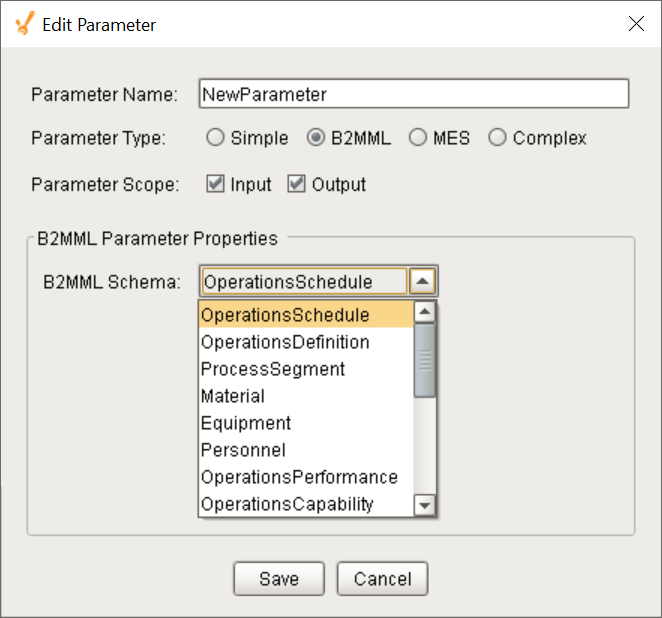
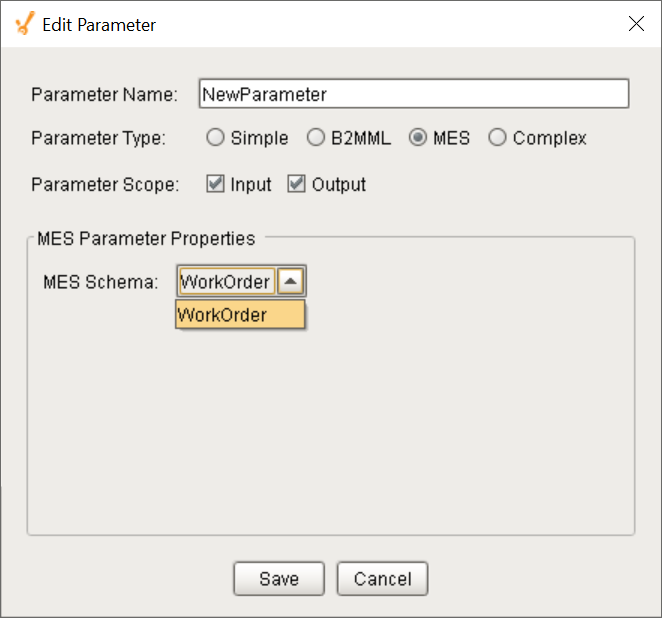
Users can create B2MML structures as Chart Parameters in the Start Block that can be mapped to for use within Business Connector charts. The images to the right and the list below show the types of B2MML and MES structures available. The ones in bold below can be saved as MES Objects using the Save MES Object Block (the first four are B2MML-compliant and the fifth is an MES-specific structure):
- OperationsSchedule
- OperationsDefinition
- ProcessSegment
- Material
- WorkOrder
- Equipment
- Personnel
- OperationsPerformance
- OperationsCapability
- ProductDefinition
- ProductionSchedule
- ProductionPerformance
- ProductionCapability
- WorkDefinition
- WorkSchedule
- WorkPerformance
- WorkCapability
- WorkAlert
- PhysicalAsset
Built-in B2MML Structures
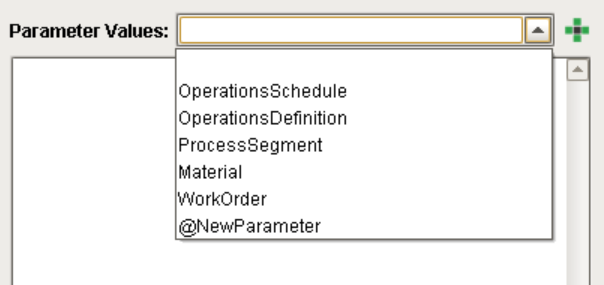
Several of the supported B2MML and MES structures can be directly mapped by the mapper, without requiring being created as a Chart Parameter in the Start Block. They will appear in the mapper's Parameter Values drop-down list:
B2MML
- OperationsSchedule
- OperationsDefinition
- ProcessSegment
- Material
MES
- WorkOrder
The minimum required properties for the Save MES Object Block to successfully save the structure as an MES Object are listed below.
OperationsSchedule
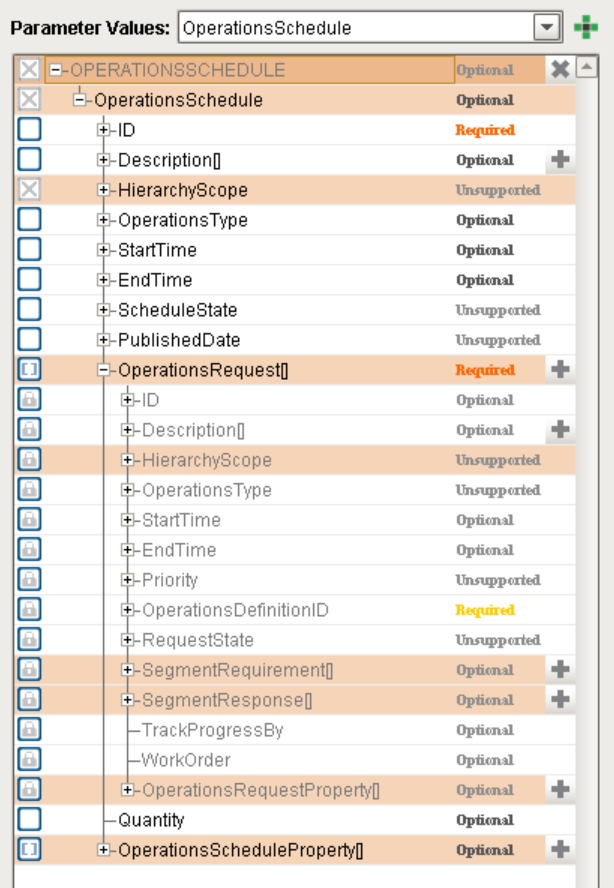
The minimum required mapping for an Operations Schedule:
Must have these two:
- OperationsSchedule / ID
- OperationsRequest / OperationsDefinitionID
Also must include some combination of date(s) and/or quantity:
- OperationsSchedule / StartTime and
OperationsSchedule / EndTime - OperationsSchedule / StartTime and
OperationsSchedule / Quantity - OperationsRequest / StartTime and
OperationsRequest / EndTime - SegmentRequirement / StartTime and
SegmentRequirement / EndTime - SegmentRequirement / StartTime and
SegmentRequirement / Quantity OperationsSchedule / StartTime and
OperationsRequest / EndTime
The module will look for the earliest StartTime and latest EndTime between all the current OperationsSchedule, OperationsRequest, and SegmentRequirement and use them to mark the bounds of the schedule.
Material
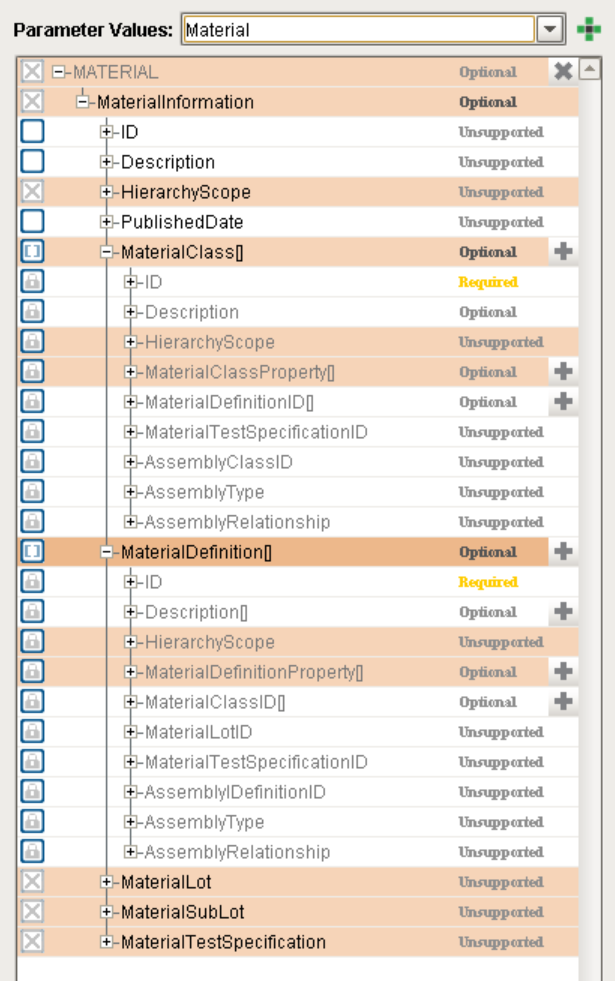
The minimum required mapping for a Material Object:
Material Class
- Requires at least the Material Class ID (MaterialClassID).
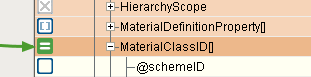
- In order to assign a Material Class with one or more Material Definition objects, one or more Material Definition IDs must be mapped in to the MaterialDefinition[] section of the Material Class.
Material Definition
- Requires at least the Material Definition ID (MaterialDefinitionID).
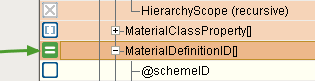
- In order to assign a Material Definition to one or more Material Class objects, one or more Material Class IDs must be mapped in to the MaterialClass[] section of the Material Definition.
WorkOrder
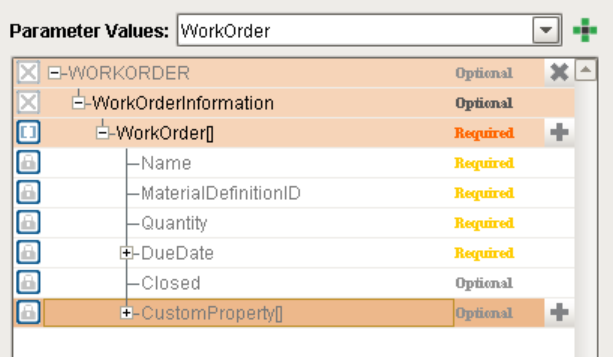
The minimum required mapping for an MES Work Order:
- WorkOrderInformation / WorkOrder / Name and
- WorkOrderInformation / WorkOrder / MaterialDefinitionID and
- WorkOrderInformation / WorkOrder / Quantity and
- WorkOrderInformation / WorkOrder / DueDate
Sepasoft MES Module Suite