Sepasoft MES Module Suite
MES Authorization Challenge List
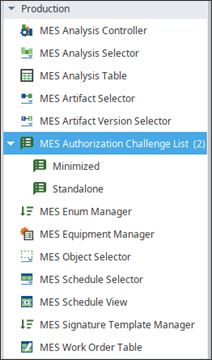
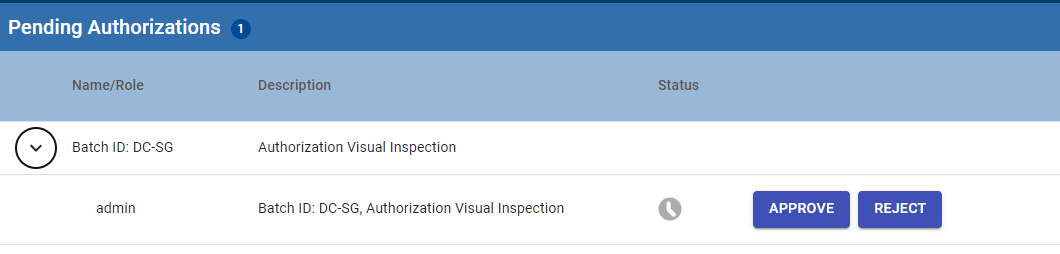
The MES Authorization Challenge List has two types of components: one as Standalone and the other as Minimized. The Standalone component displays a list that provides some display customization. The Minimized component displays an icon that can be expanded to view the list.
Version Specific

|
E-Signature is supported in 3.81.6 RC 1 and later. |
Ignition Designer > Perspective Components > MES Signature Template
| Runtime Icon |
|
|---|---|
|
|
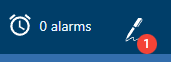
Minimized component Displays on view with the number of messages waiting for authorization. |
|
|
Icon in the toolbar |

Ignition Designer > Perspective Property Editor
|
Specific PROPS |
Default Value | Options | Description |
|---|---|---|---|
| grouped | True | True/False | Option to group Authorization Challenges by request source. |
| minimized | False | True/False | Option to display as a clickable icon that pops a window with the full list of challenges. |
| limitToUser | False | True/False | Limit the list of authorization challenges to only those pertaining to the logged in user. |
Meta Properties
|
|
|
|---|---|
| name | mesAuthChallengeList |
Sepasoft MES Module Suite