Sepasoft MES Module Suite
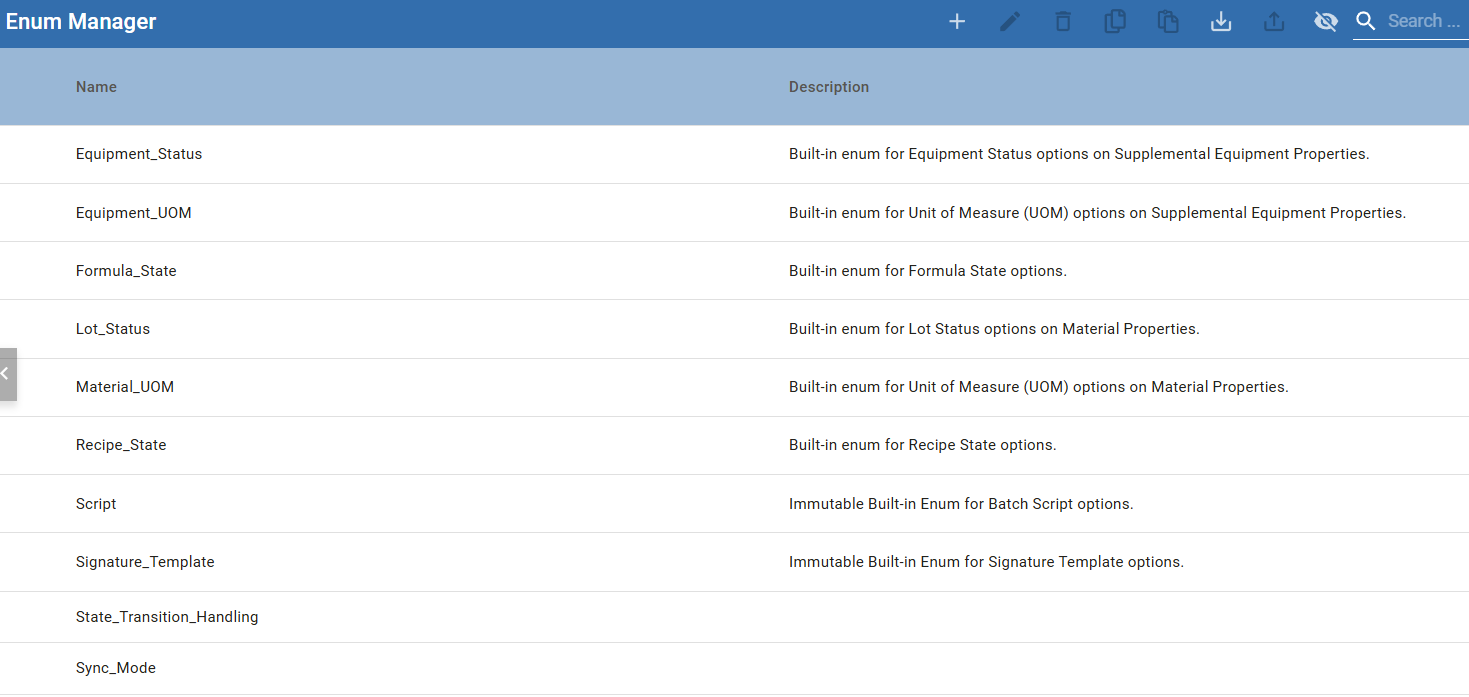
Batch Procedure uses system- and user-defined enums. Some system-defined values are read-only.
When a phase parameter data-type is set to ENUM and the phase is Exposed, the ordinal value is sent to the tag.
You can add and edit enums in the Enum Manager.
Editable Enum Lists
Some built-in enums allow modification of its Enum Options:
- Equipment_Status
- Equipment_UOM
- Lot_Status
- Material_UOM
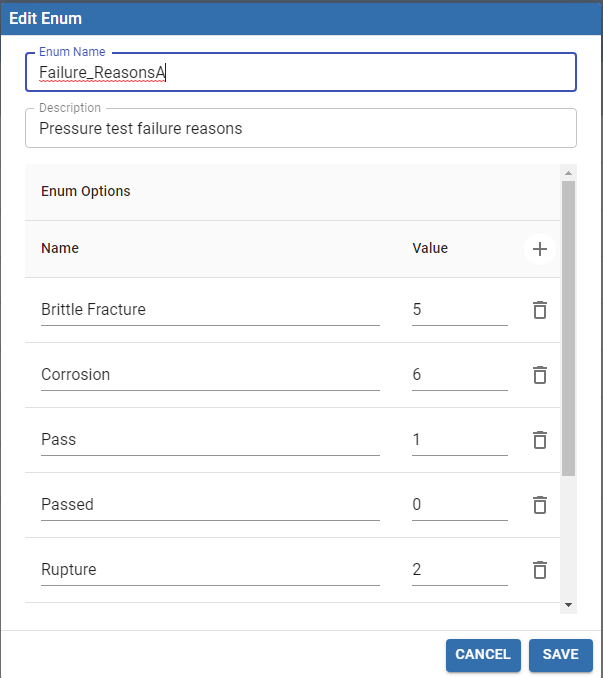
Example of editing an Enum list:
Non-editable Enum Lists
The system uses enums to allow modifying and enqueuing batch recipes. Available state options come from one of these enum options. With each of these states, the system creates two signature templates, one for modifying recipes or formulas in that state, and the second for enqueueing recipes or formulas in that state.
These enums cannot be modified:
- Recipe_State
- Formula_State
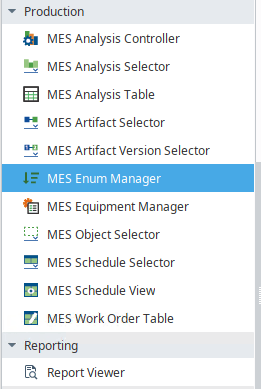
Enum Manager Component
MES Enum Manager Component is installed with the Production module.
Sepasoft MES Module Suite