Sepasoft MES Module Suite
MES Object Selector
An MES Object Selector is a drop-down component that allows user selection of MES objects. It contains many properties to filter the type and name of the MES objects to include in the list.
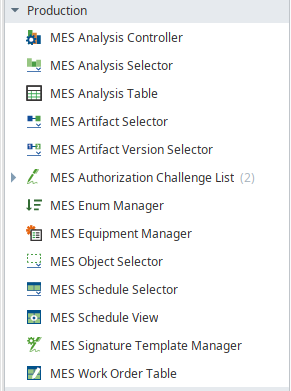
MES Object Selector component is under Production in the Perspective Palette.
Component Properties
Properties are provided that can be set to affect the operation and look of the component. They can be set through the Perspective Property Editor in the Designer or through scripting. The section prefix is included before the property name (props, position, custom or meta).
Example
Python |
self.getSibling("mesObjectSelector").props.includeMESLineObjects = True |
PROPS
| Name | Scripting | Description | |||
|---|---|---|---|---|---|
| Custom Property Name Filter | custompropertyNameFilter | String | Filter value, including * and ? wildcard characters, to filter results by custom property names. | ||
| Custom Property Value Filter | custompropertyValueFilter | String | List of custom property name and value to filter results by. | ||
| Display Text | displayText | String | Text displayed on the component. | ||
| Enabled State Filter | enabledStateFilter | String | Filter MES objects by equipment state. Choices are: Enabled, Disabled, or Both. | ||
| Excluded Equipment Path | excludedEquipmentPath | String |
Comma-separated string list to be excluded from equipment paths. Included in Sepasoft Versions:
|
||
| Exclude Inactive Equipment Objects | excludeInactiveEquipment | Boolean | If set to True, any inactive equipment in the Equipment Model is excluded from the object list. | ||
| Include Analysis Settings Objects | includeAnalysisSettingsObjects | Boolean | If true, include MES Analysis Settings objects. See Tech Note: MES Object Selector gives flexibility to select the analysis settings | ||
|
Include Batch Control Recipe Logic Objects |
includeBatchControlRecipeLogicObjects | Boolean |
If true, include Batch Control Recipe Logic objects.
|
||
Include Batch Control Recipe Objects |
includeBatchControlRecipeObjects | Boolean | If true, include Batch Control Recipe objects. | ||
| Include Batch Master Recipe Class Objects | includeBatchMasterRecipeClassObjects | Boolean | If true, include Batch Master Recipe Class objects. | ||
| Include Batch Master Recipe Logic Objects | includeBatchMasterRecipeLogicObjects | Boolean | If true, include Batch Master Recipe Logic Class objects. | ||
| Include Batch Master Recipe Objects | includeBatchMasterRecipeObjects | Boolean | If true, include Batch Master Recipe objects. | ||
| Include Batch Phase Objects | includeBatchPhaseObjects | Boolean | If true, include Batch Phase objects. | ||
| Include Batch Unit Class Objects | includeBatchUnitClassObjects | Boolean | If true, include Batch Unit Class objects. | ||
| Include Equipment Class Objects | includeEquipmentClassObjects | Boolean | If true, include MES Equipment Class objects. | ||
| Include Equipment Objects | includeEquipmentObjects | Boolean | If true, include MES Equipment objects. | ||
|
Include Manifest Objects
|
includeManifestObjects
|
Boolean |
If true, include Manifest objects.
|
||
|
Include Manifest Class Objects
|
includeManifestClassObjects
|
Boolean | If true, include Manifest Class objects. | ||
| Include Material Class Objects | includeMaterialClassObjects | Boolean | If true, include MES Material Class objects. | ||
| Include Material Definition Objects | includeMaterialDefObjects | Boolean | If true, include MES Material Definition objects. | ||
| Include MES Area Objects | includeMESAreaObjects | Boolean | If true, include MES Area objects. | ||
| Include MES Enterprise Objects | includeMESEnterpriseObjects | Boolean | If true, include MES Enterprise objects. | ||
| Include MES Line Objects | includeMESLineObjects | Boolean | If true, include MES Line objects. | ||
| Include MES Line Cell Objects | includeMESLineCellObjects | Boolean | If true, include MES Line Cell objects. | ||
| Include MES Line Cell Group Objects | includeMESLineCellGroupObjects | Boolean | If true, include MES Line Cell Group objects. | ||
| Include MES Location Objects | includeMESLocationObjects | Boolean |
If true, include MES Location objects.
Included in Sepasoft Versions:
|
||
| Include MES Site Objects | includeMESSiteObjects | Boolean | If true, include MES Site objects. | ||
| Include MES Storage Unit Objects | includeMESStorageUnitObjects | Boolean | If true, include MES Storage Unit objects. | ||
| Include MES Storage Zone Objects | includeMESStorageZoneObjects | Boolean | If true, include MES Storage Zone objects. | ||
| Include Operations Definition Objects | includeOperationsDefinitionObjects | Boolean | If true, include MES Operations Definition objects. | ||
| Include Operations Request Objects | includeOperationsRequestObjects | Boolean | If true, include MES Operations Request objects. | ||
| Include Operations Response Objects | includeOperationsResponseObjects | Boolean | If true, include MES Operations Response objects. | ||
| Include Operations Segment Objects | includeOperationsSegmentObjects | Boolean | If true, include MES Operations Segment objects. | ||
| Include Person Objects | includePersonObjects | Boolean | If true, include MES Person objects. | ||
| Include Personnel Class Objects | includePersonnelClassObjects | Boolean | If true, include MES Personnel Class objects. | ||
| Include Process Segment Objects | includeProcessSegmentObjects | Boolean | If true, include MES Process Segment objects. | ||
| Include Request Segment Objects | includeRequestSegmentObjects | Boolean | If true, include MES Request Segment objects. | ||
| Include Response Segment Objects | includeResponseSegmentObjects | Boolean | If true, include MES Response Segment objects. | ||
| Include Sample Definition Class Objects | includeSampleDefinitionClassObjects | Boolean |
If true, include sample definition class objects. Included in Sepasoft Versions:
|
||
| Include Sample Definition Objects | includeSampleDefinitionObjects | Boolean |
If true, include sample definition objects. Included in Sepasoft Versions:
|
||
| Name Filter | nameFilter | String | Filter value, including * and ? wildcard characters, to filter the objects populating the drop down selection. | ||
| Parent MES Object Filter | parentMESObjectFilter |
|
MES Object Link to parent MES Object. Typically, this property is bound to the Selected MES Object ("selectedMESObject") of another MES Object Selector component (daisy-chaining selectors, where the upstream selector provides a category or location and the downstream selector presents a list of only the objects assigned to that category or location). | ||
| Parent MES Object Path | parentMESObjectPath | String | Equipment Path of the parent MES Equipment object to filter the results by. This property provides similar filtering functionality as the Parent MES Object Filter property shown in the row above, but works via a binding or entry to this property instead of coming from an upstream MES Object Selector component. | ||
| Primary Class Filter | primaryClassFilter | String | Name of the parent MES object to filter the results by. | ||
| Quality | quality | Integer | The data-quality code for any bindings on this component. | ||
| Selected MES Object | selectedMESObject | String | The selected MES object link. | ||
| Show Equipment Path | showEquipmentPath | Boolean | If true, the selector will show MES equipment class names with equipment paths. |

POSITION
Position Properties
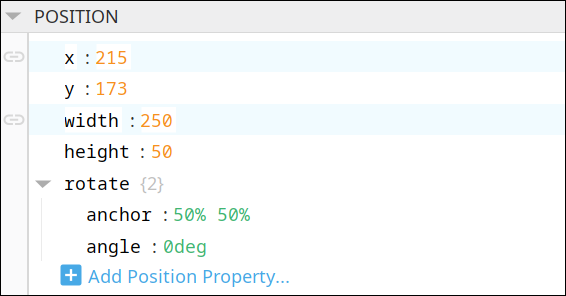
The component position properties aren't usually changed by users during runtime, but they can be written and read in the same manner as other properties, if ever needed. Refer to Ignition Perspective Component Properties for details on POSITION properties.
New user-defined position properties can be created in this section.
User-defined Properties

|
Best practice: If user-defined properties are required, create them in the CUSTOM section instead of here. |
CUSTOM
Custom Properties
New user-defined custom properties can be created in this section.

META
Meta Properties
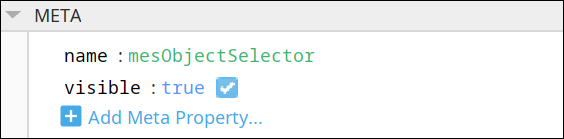
This section contains the name and visibility properties for the component.
New user-defined meta properties can be created in this section.
User-defined Properties
|
|
Best practice: If user-defined properties are required, create them in the CUSTOM section instead of here. |
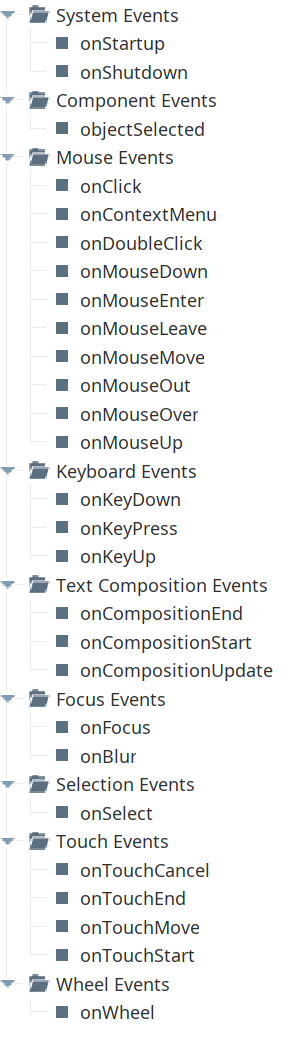
Event Handlers
Event handlers provide the ability to add custom script when a user interacts with a component.
Refer to the Ignition User Manual for details on using the available event handlers.
objectSelected
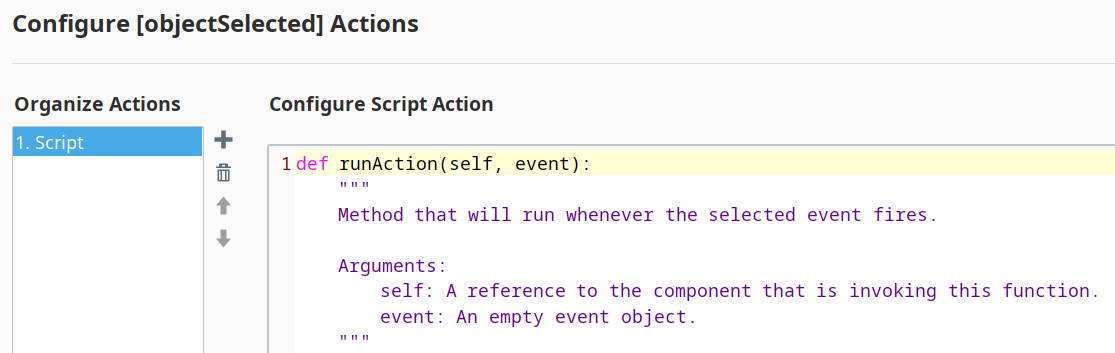
Is fired when an MES object is selected from the drop-down list.
- Description
Called when a MES object is selected.
- Parameters
self - A reference to the component that is invoking this function.
event - An empty event object.
- Return
1
- Scope
Client
Component Functions
This component has no Component Functions.
Sepasoft MES Module Suite