Sepasoft MES Module Suite
Viewing Documents
onSaveEntries Extension Function
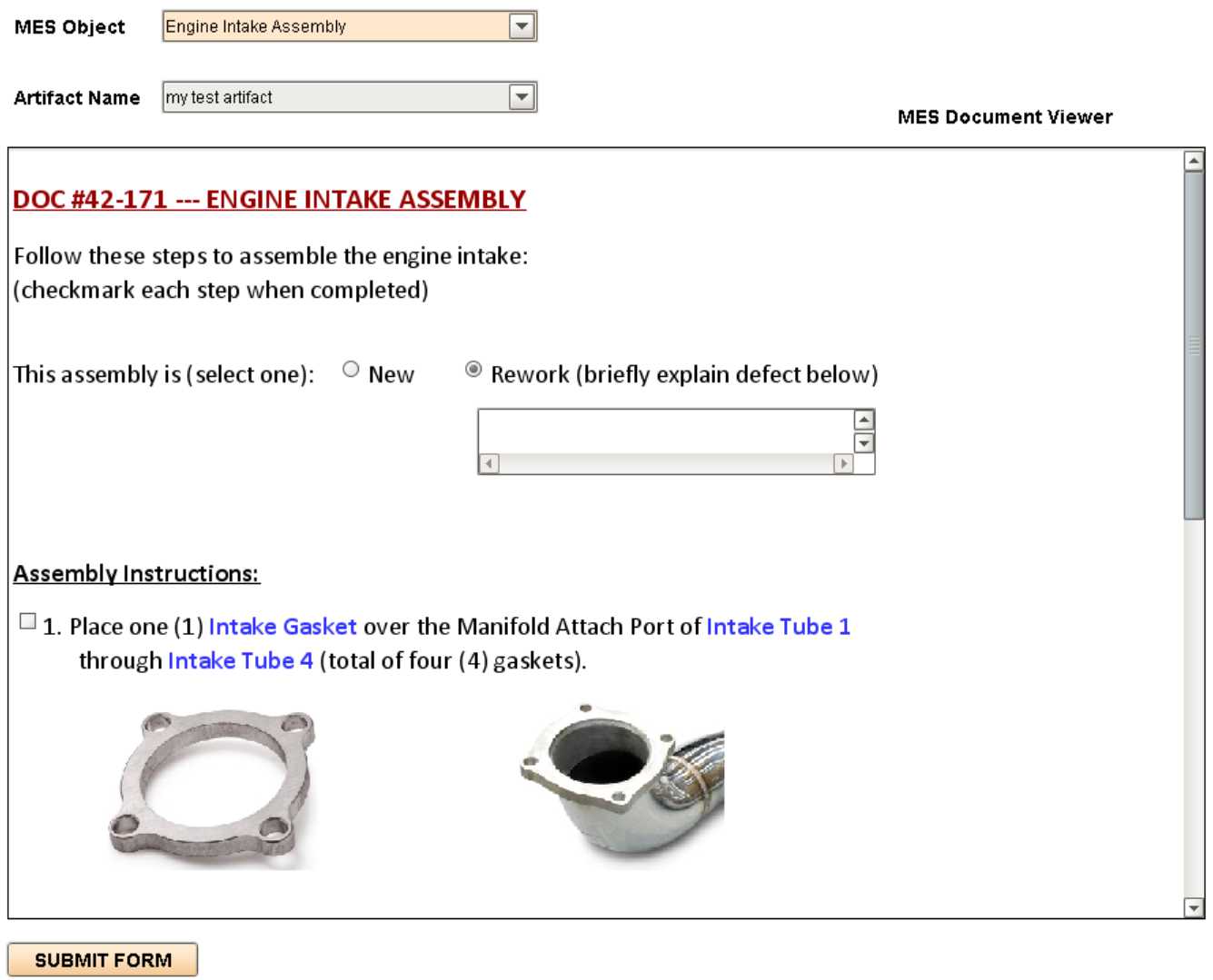
The onSaveEntries extension function exposes user inputs in the Viewer component for use in other parts of the application, error checking, or to trigger other tasks based on user responses. After the user executes the component's .save() function (usually placed in an Ignition Button near the MES Document Viewer component), the onsaveEntries extension function provides a Python dictionary of all input values selected or entered in the Viewer, which can be parsed for completeness, accuracy or gathering sample data.
If the user must correct or re-do the entries, the script can optionally display an appropriate message and then return a value of False, to force the user to make changes to the selections or data entries. If the script determines that the user entries are acceptable, then it can return True, which causes a save of the document, with all current selections and data entries, either by overwriting any previously-saved data (document's versioned property = False), or by creating a copy as a new version, with the current date and time (versioned = True).
Sepasoft MES Module Suite