Overview
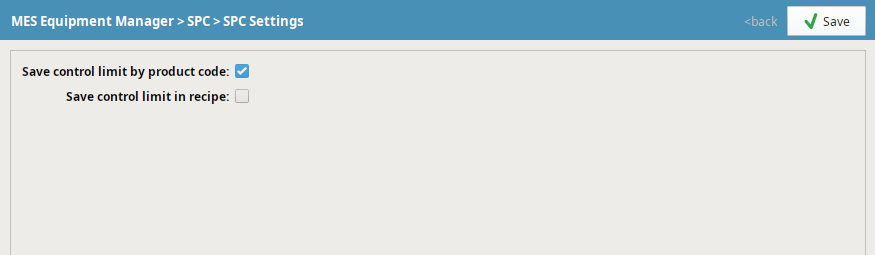
The SPC module allows for manual sample entry as well as automatic sampling through tag collectors, and have Control Limits associated with them. By default, the Control limits will be calculated and set for the tags values that are captured. This article shows how to setup the configuration so that Control limits can be calculated and set for a tag sample based on the Product Code at the location at the time the sample is taken.
Applies To and Version Info
This feature applies to SPC module in 3.8.x versions

|
For Control limits to be evaluated, the default Control Chart must be selected for the type of Control Limit you are using when creating that sample definition/attribute. |
Details
Setting Up Tag Collectors
Tag Collectors are configured in the Equipment Manager on each Location Object. Sample Tag Collectors only appear after an Attribute is created and the associated Sample Definition is linked to the Location in the Sample Definition Manager.
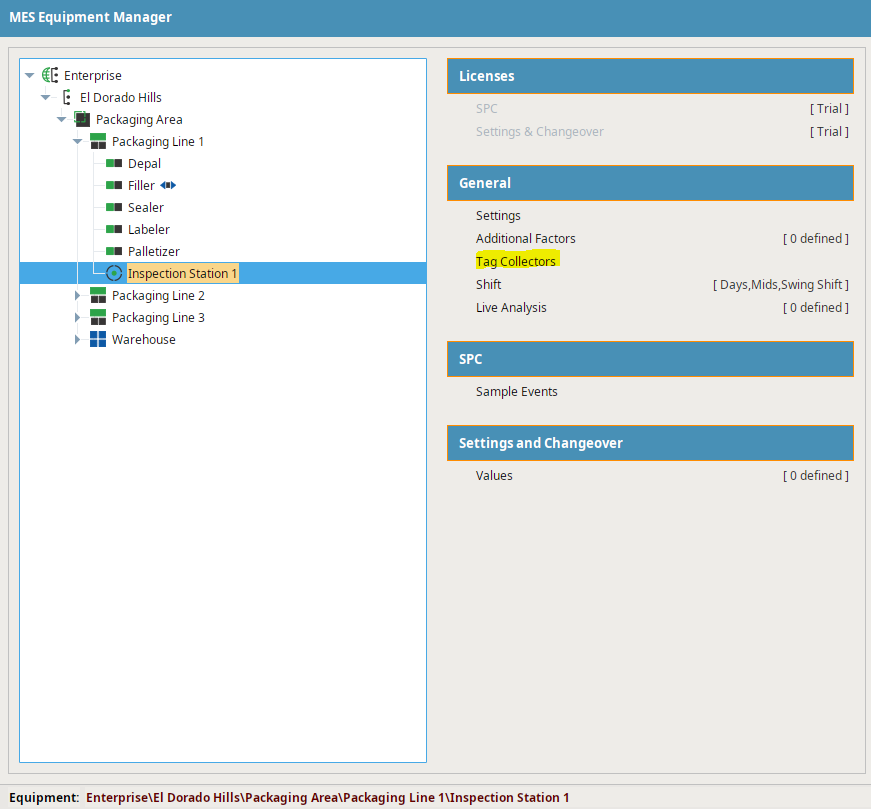
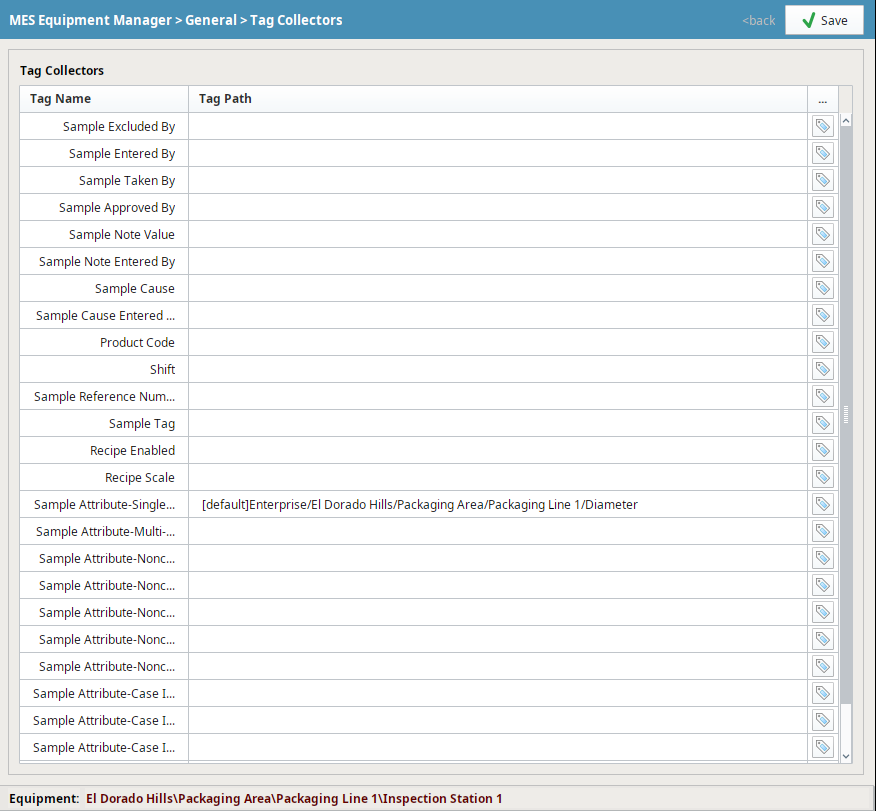
Tag Collectors - Visible on the Location object in the Equipment Manager → Tag Collectors
Setting Up Control Limits
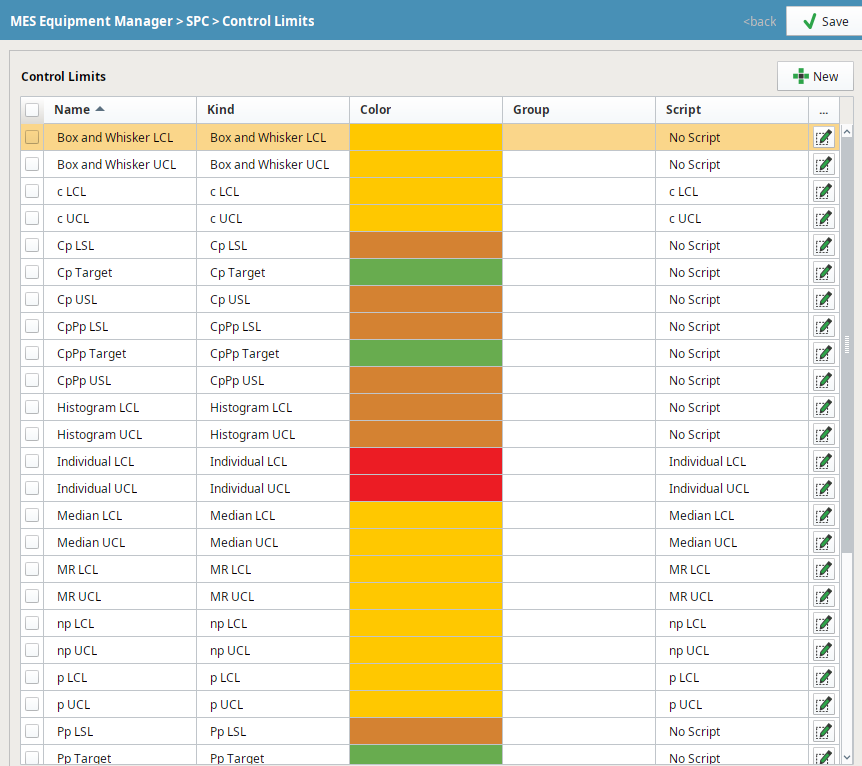
Control Limits are defined Enterprise level in the Production Model. When a Control Limit has been configured, you will see <Control Limit Name> in the Script column.
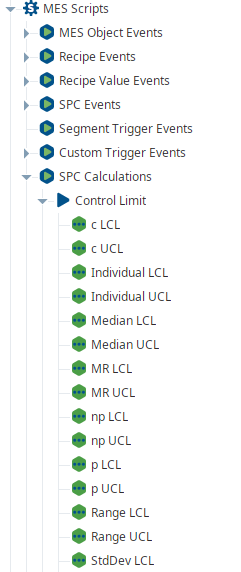
The calculations used by the Control Limits can be defined in the MES Scripts section under SPC Calculations/Control Limit/<limit name>
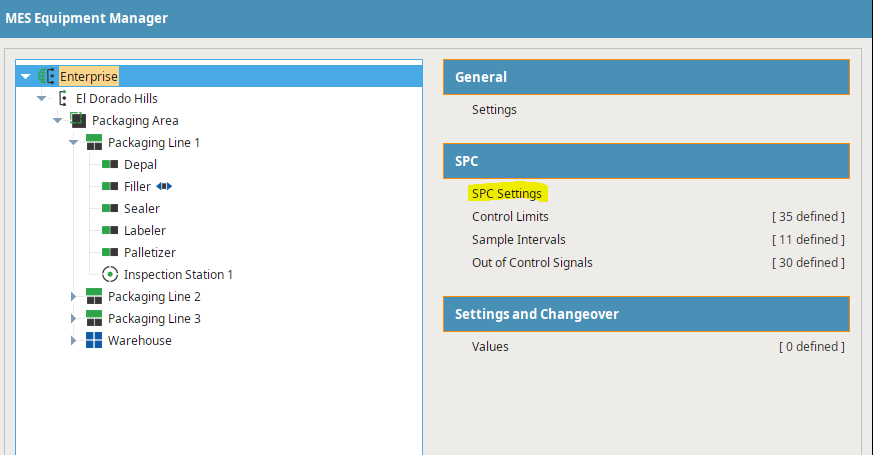
Setting Location ProductCode
Sample
Code |
locationPath = 'Enterprise\\El Dorado Hills\\Packaging Area\\Packaging Line 1\\Inspection Station 1'
defName = 'Test'
attName = 'att1'
prodCode ='B'
measurements = {attName:2.3}
system.mes.spc.sample.collect(defName, locationPath, measurements, productCode=prodCode)
|
Control Limit and Product Code Configuration - Quality Tab of the Production Model Enterprise
Setting Control Limit Values
Now when you use the Control chart component to set or calculate Control limits, those limits will be stored for that product code.
You can also use scripting to set the control limit value.
Control Limit
Code |
defName = 'Test' attName = 'att1' limitName = 'Individual UCL' prodCode ='B' value = 2.22 defObj = system.mes.loadMESObject(defName,'SampleDefinition') system.mes.spc.controllimit.setControlLimitValue(defObj, locationPath, attName, limitName, value, productCode=prodCode) |
There is an optional date timestamp with this function. If date is not passed, the module will use the timestamp when the function was called to set the control limit.
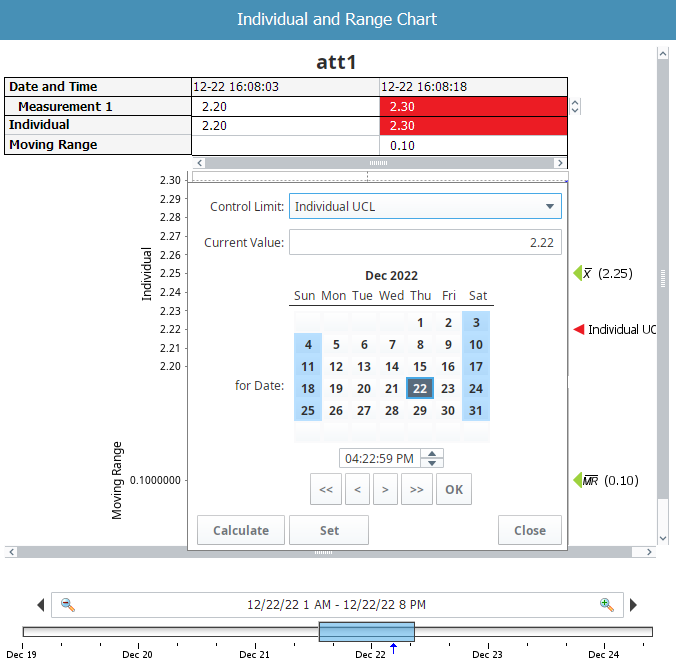
User Settable Control Limits - Control Chart Component
Setting Custom Spec Limits by Product Code
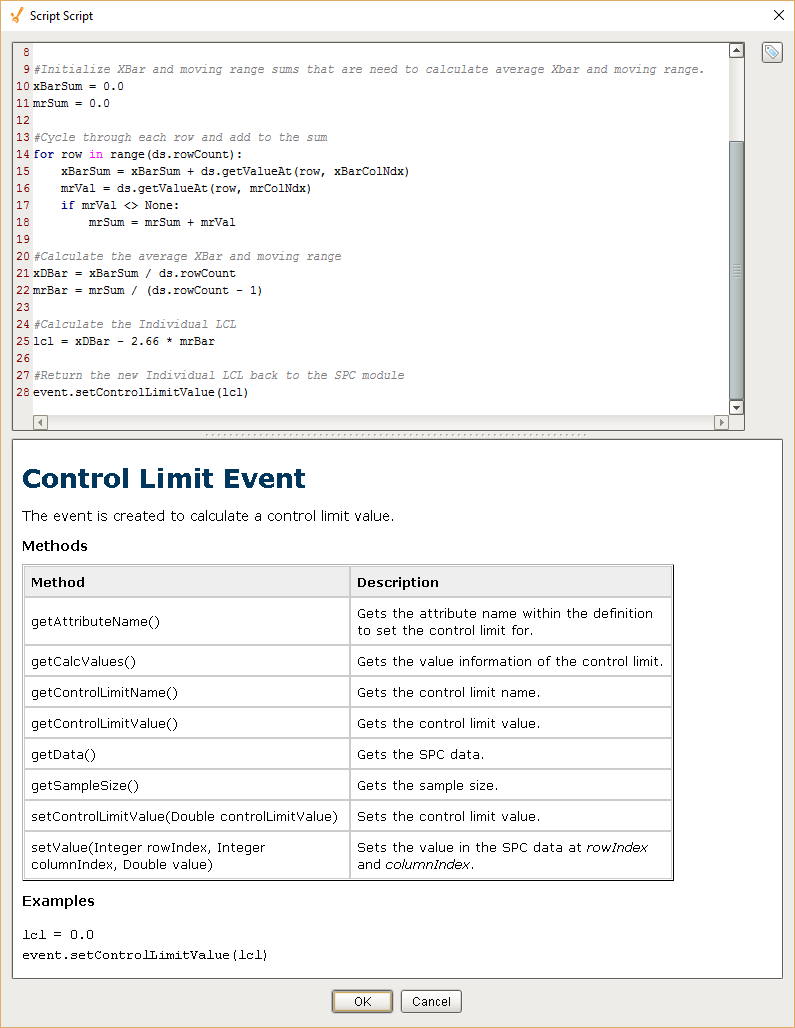
If you have spec limits stored in an Industrial Engineering or PLM System that you can access, it is possible to set the Control Limits to the values obtained from that system. Back in the Quality Tab of the Production Model at the Enterprise level, right click and edit or create your own custom Control limit. The image shows the dialog box and the python script calculation for lcl.
The Control Limit event is fired whenever the 'calculate' function of the control chart is called or via scripting.
The event object provides methods you can call that will allow you to determine the Product Code associated with this sample, the location the sample was taken, the sample attribute and the sample data. You can use that information to request the spec limit for that product code at that location and then set the control limit accordingly.