Adding Equipment and Grouping Functionality
- Add Equipment to the Production Equipment Model
- Group Phases for Functionality
- Assign the Unit Class to an Equipment Unit in Unit Manager
Add Equipment to the Production Equipment Model
For reference, see:
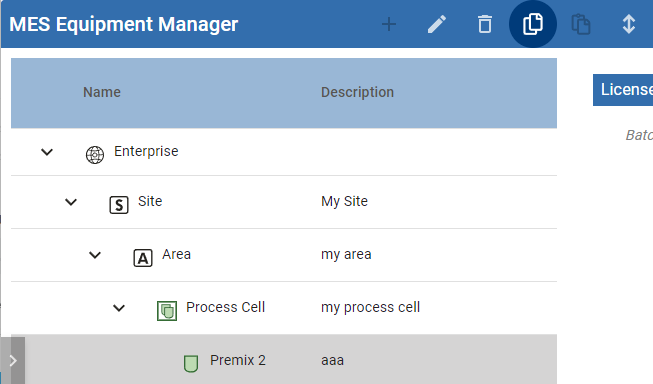
In Equipment Manager, use the + icon to add this equipment:
- Enterprise
- Site
- Area
- Process Cell
- Unit
- Process Cell
- Area
- Site
Group Phases for Functionality
For reference, see:
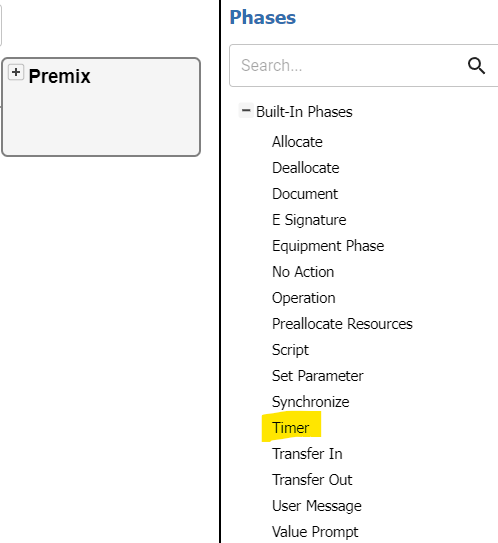
Create a Unit Class
- In Unit Class Manager, use the + icon to add a Unit Class.
- Name it Premix.
- For this example, you only need the functionality of a timer. From the Built-In Phases palette, add a Timer Phase.
Assign the Unit Class to an Equipment Unit in Unit Manager
For reference, see Batch Unit Manager
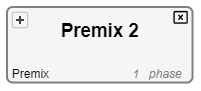
- In Unit Manager, drag the Premix Unit Class to the equipment Premix 2 Unit.
Go back to the Kitchen Time Recipe example.