Creating RESTful Consumer
The RESTful Consumer for weather data is created in the Sepasoft Web Services module's RESTful Consumer area. It takes a zip code, a unit of measure and an access key required by the online weather API.
Create getWeather RESTful Consumer
Create the RESTful Consumer getWeather in Web Services as follows:
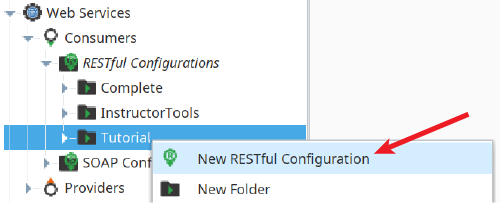
- In the Web Services section of the Project Browser, right-click on the Tutorial folder in RESTful Configurations and select New RESTful Configuration.
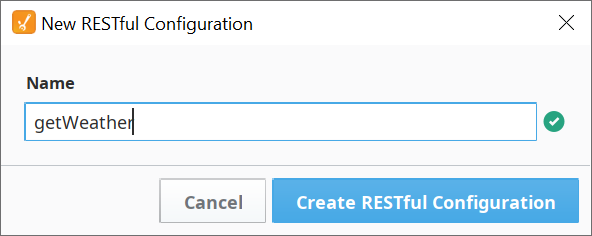
- Name it getWeather. Click Create RESTful Configuration.
Configure Request Message
Configure the Request Message for the getWeather consumer as follows:
- Paste in the Endpoint URL below:
http://api.openweathermap.org/data/2.5/weather Click to highlight the URL Query String field and then use Add Item (
 ) to create three items, using the info below:
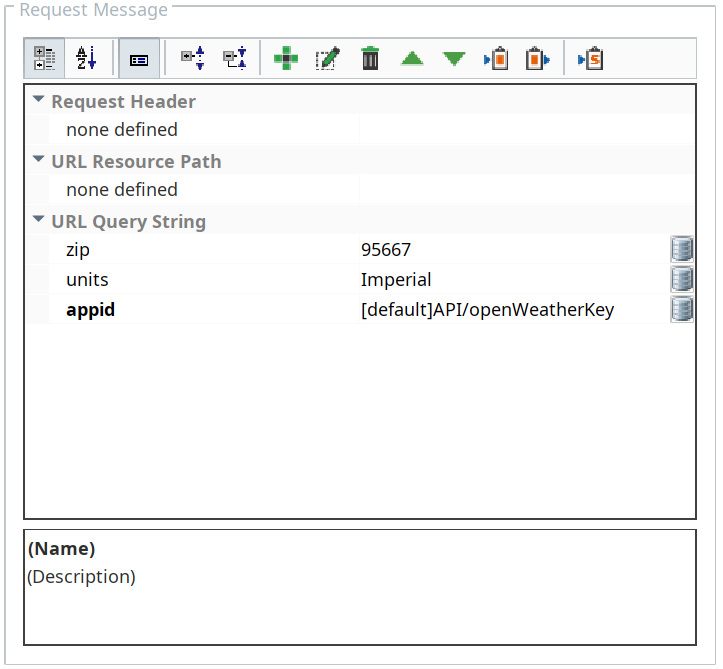
Name Data type Simple type zip Simple String units Simple String appid Simple String - Set zip value to your own zip code.
Set units value to Imperial. - Using the Bind icon to the right on the appid entry, bind appid to the openWeatherKey tag.

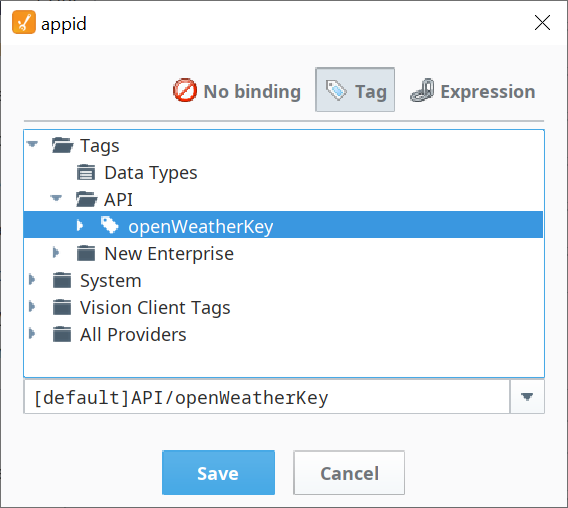
The completed Request Message should look as shown to the right.
- Click Save in Designer before configuring the Response Message in the next section.

Configure Response Message
The Web Services module can automatically configure the entire Response Message by clicking the Run Web Service Configuration button. It will send the Request Message and then parse the response returned by the online RESTful provider.
Configure the Response Message for the getWeather consumer as follows:
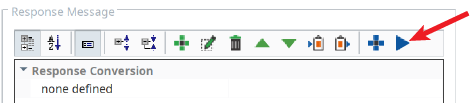
- Click the Run Web Service Configuration button (
 ). It sends the Request Message and then parse the response returned by the online RESTful provider.
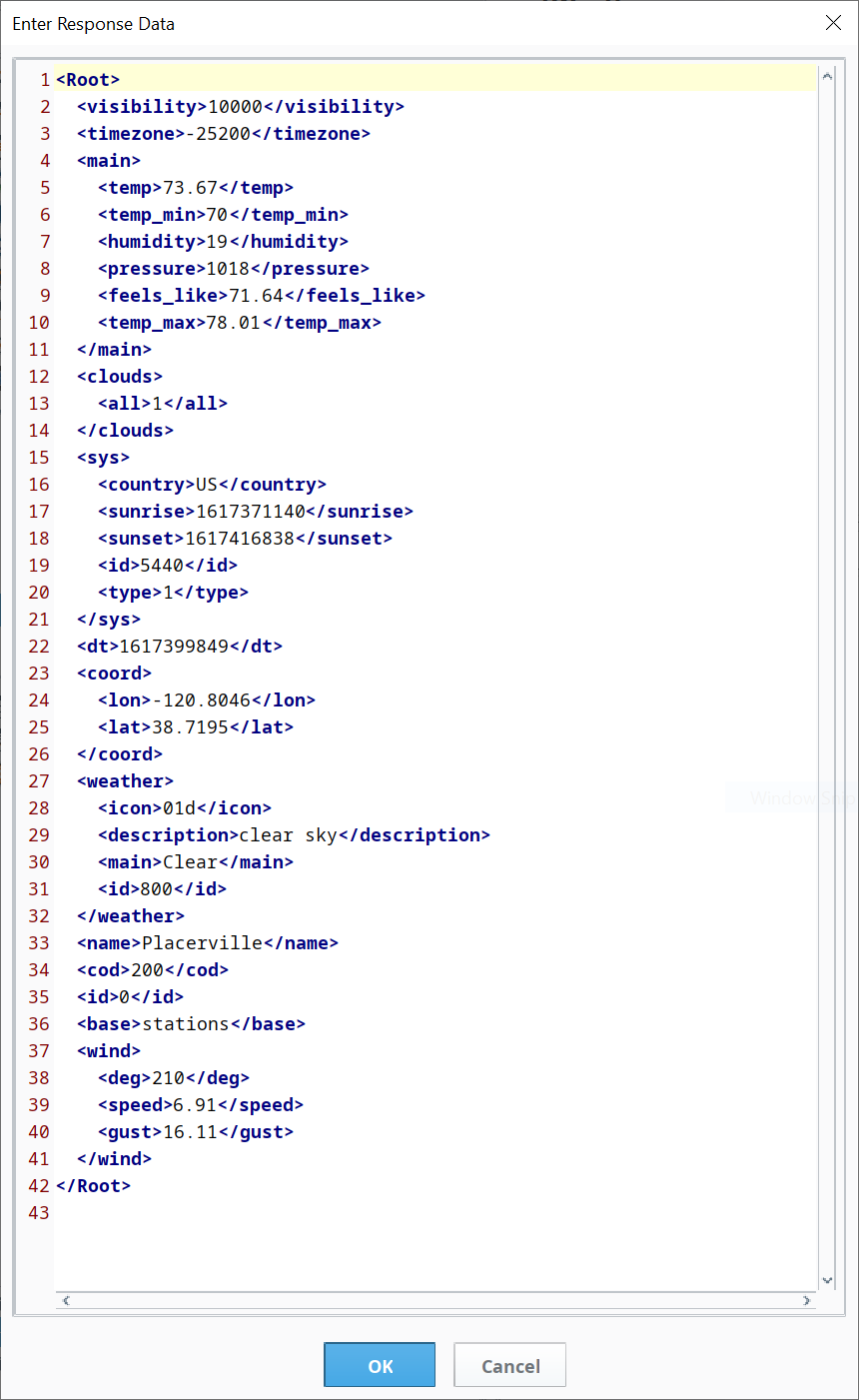
- Verify that the Response Message returned by the weather app was parsed and placed into the Response Conversion. The dialog box with the response message should contain the fields shown to the right (your data values will be different).
- Click OK to accept the message and allow the Web Services module to use it as its Response Message. The fields will populate in the Response Conversion, as shown below.
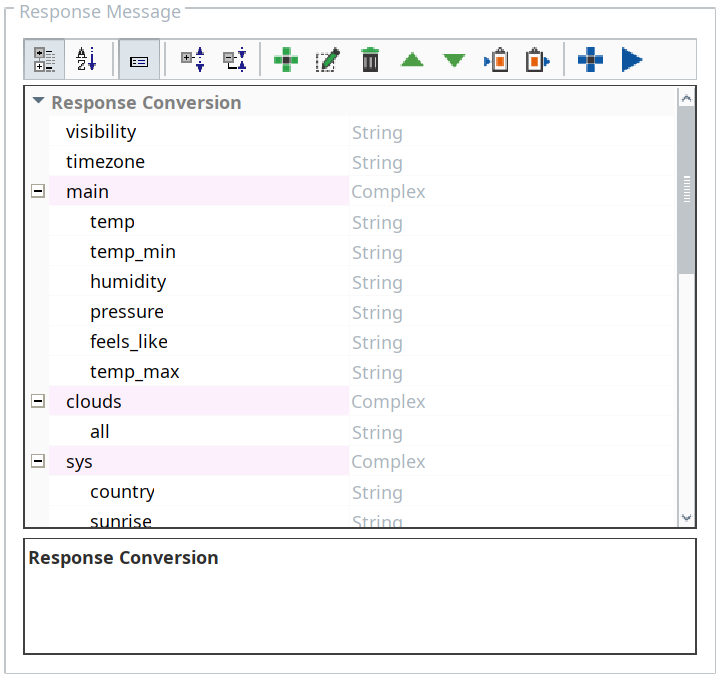
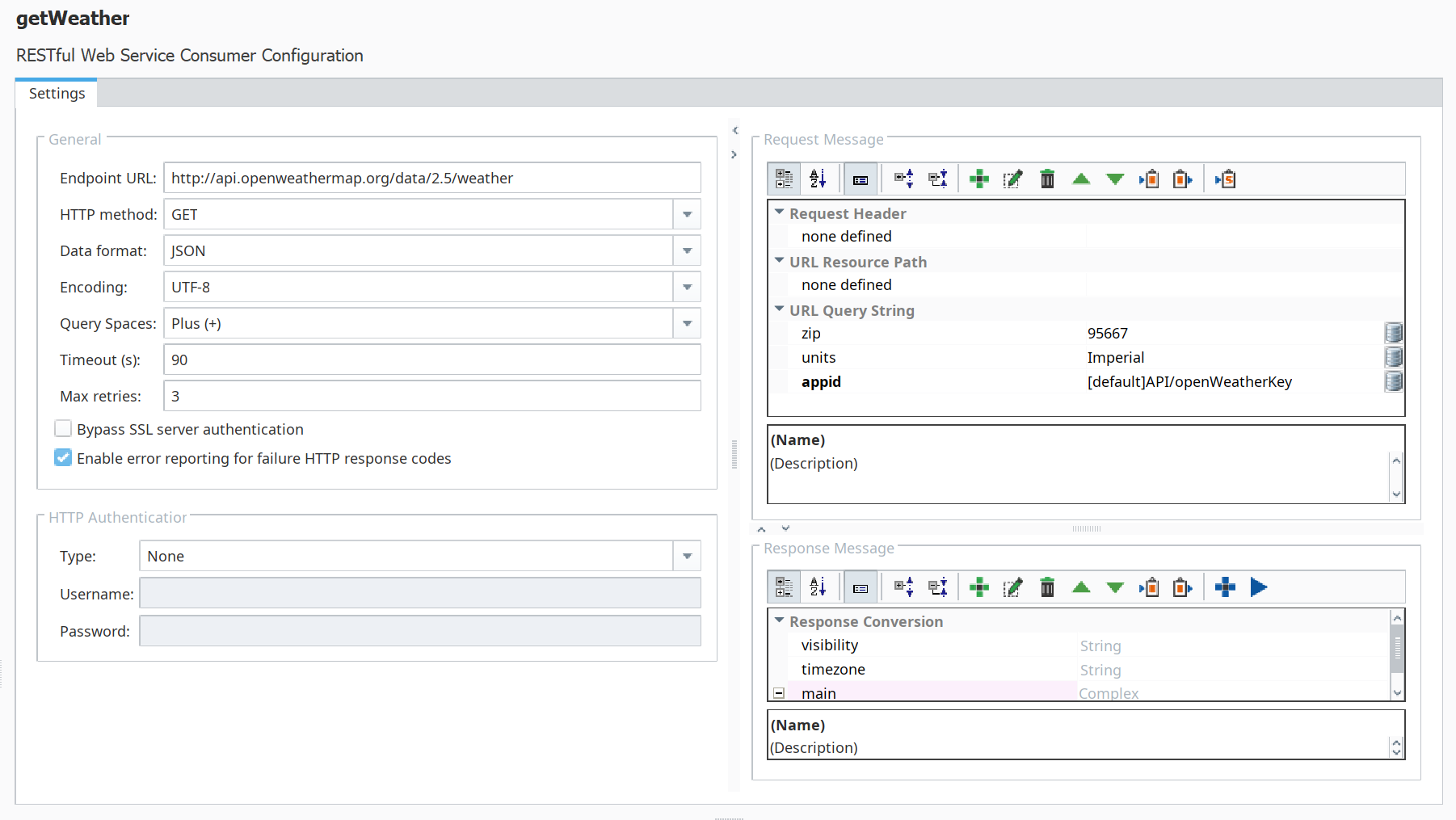
The completed getWeather RESTful Consumer should look as shown below: