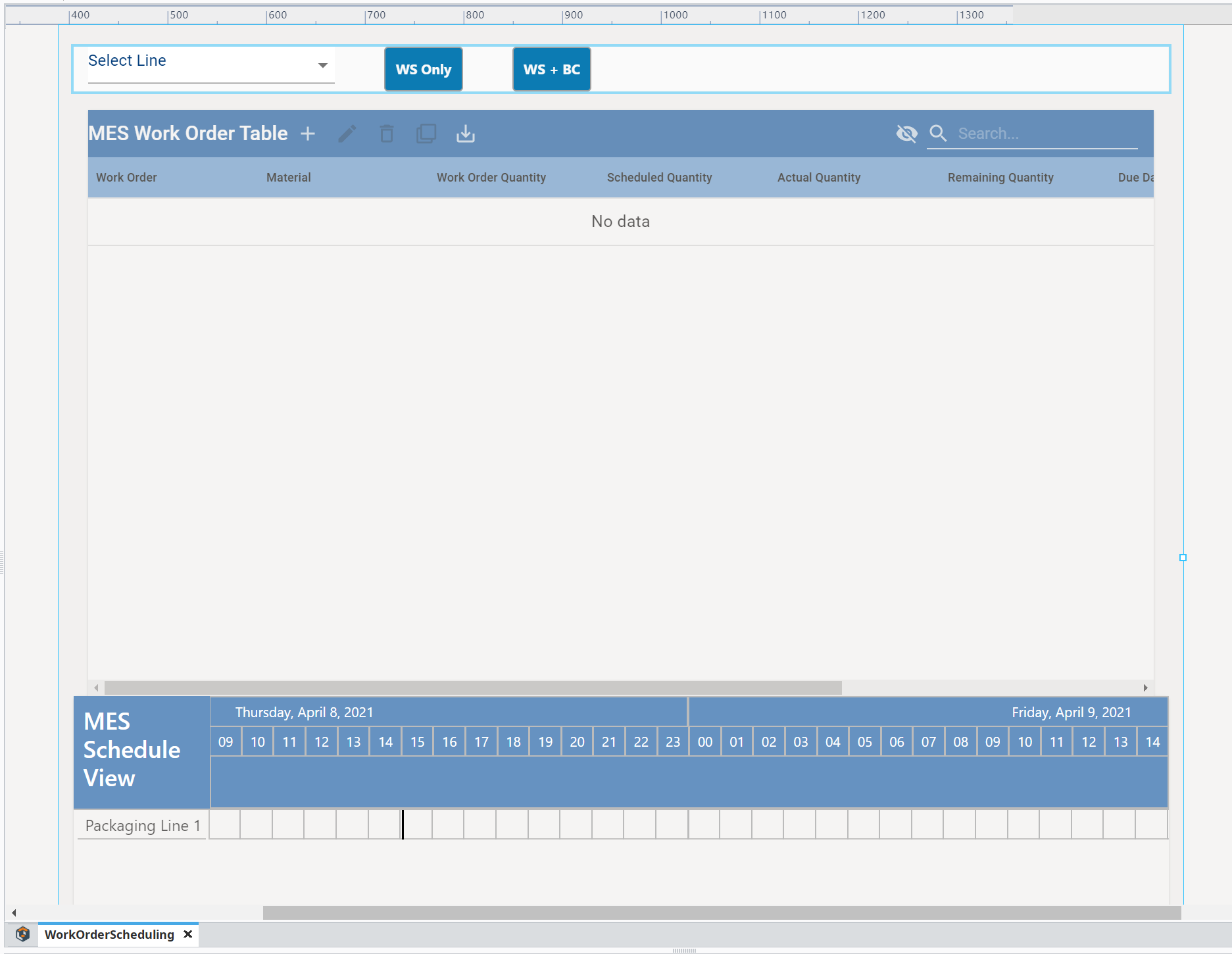
Configure WorkOrderScheduling page in Perspective
Note: WorkOrderScheduling is located in the Perspective → Views → Tutorial → REST folder.
- Open and complete the event script for the ws_only button, using the completed script below the image.
WS Only button script
Python |
def createWorkOrders(woList): """ params: woList - list of dictionary objects representing work orders to create One work order = {'workOrderName':woID,'line':line, 'dueDate':dueDate, 'material':material, 'quantity':quantity} """ for wo in woList: #https://docs.inductiveautomation.com/display/DOC81/system.date.format #https://docs.inductiveautomation.com/display/DOC81/system.date.parse dueDate = system.date.parse(wo['dueDate'],'E MMM d H:m:s z yyyy') woName = wo['workOrderName'] material = wo['material'] quantity = wo['quantity'] #https://help.sepasoft.com/docs/display/SKB/Creating+Work+Order+Objects matLink = system.mes.getMESObjectLinkByName('MaterialDef', material) simulatedWoName = str( system.date.toMillis(system.date.now())) woObj = system.mes.workorder.createMESWorkOrder(simulatedWoName, matLink) woObj.setWorkOrderQuantity(float(quantity)) woObj.setDueDate(dueDate) system.mes.saveMESObject(woObj) return 1 results = system.ws.runWebService("Complete/getProductionOrder", { # Query String Variables: 'path': self.getSibling("mesObjectSelector").props.selectedMESObject.equipmentPath }, None, None) data = system.ws.toDict(results) #drill down to line data lineOrders = data['Root']['content']['Data']['lines'] #data structure to pull work orders out workOrders = [] for orders in lineOrders: line = orders['line'] schedules = orders['scheduled_items'] for schedule in schedules: dueDate = schedule['end_dtm'] woID = schedule['id'] relatedData = schedule['related_data'] for prodInfo in relatedData: material = prodInfo['item_code'] quantity = prodInfo['order_qty'] #this is where we will add to our work orders currWO = {'workOrderName':woID,'line':line, 'dueDate':dueDate, 'material':material, 'quantity':quantity} workOrders.append(currWO) createWorkOrders(workOrders) |