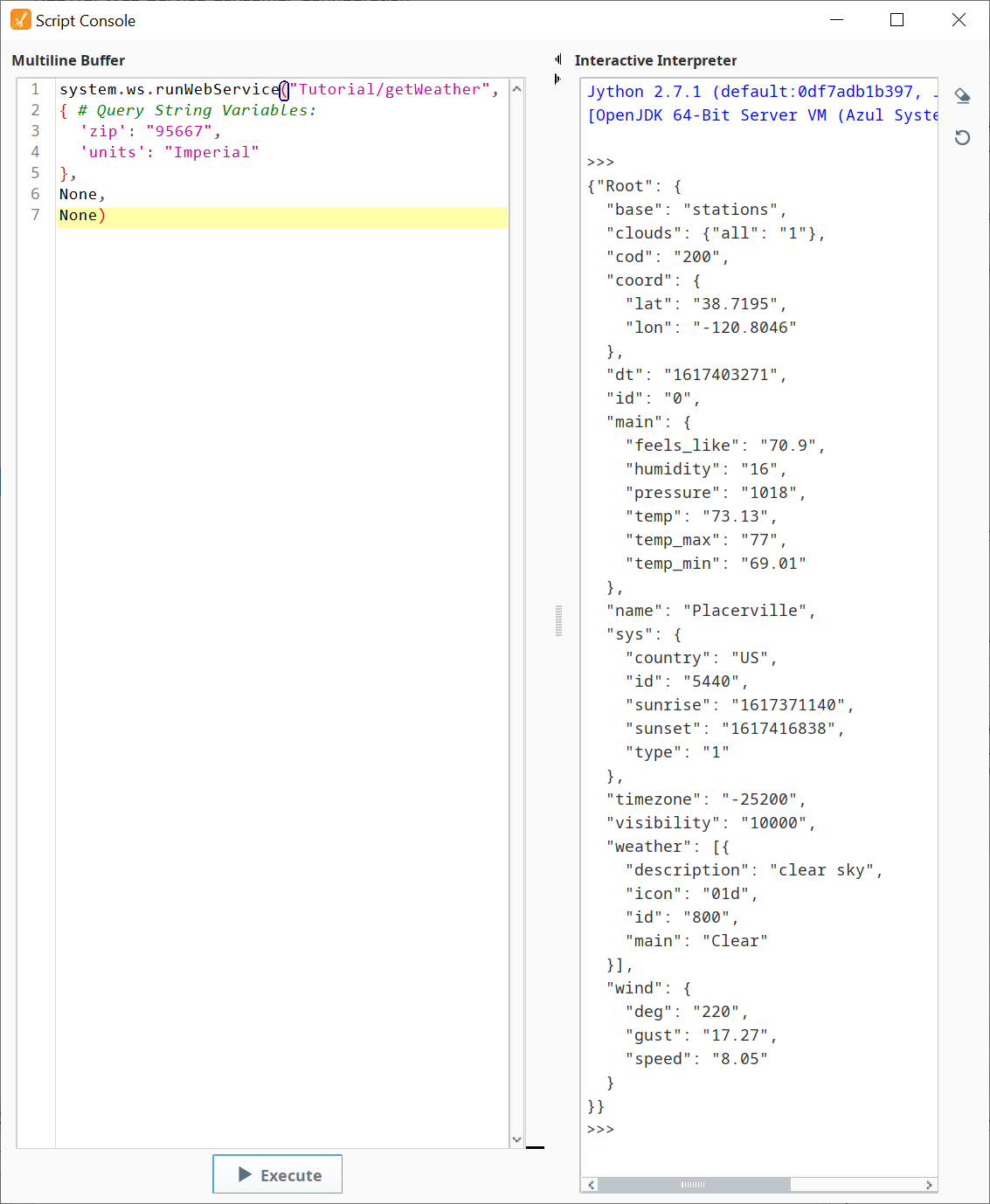
Running getWeather
Now run the getWeather RESTful Consumer from the Script Console.
Run getWeather from the Script Console
Copy and modify the pre-written sample script, then run it in the Script Console.
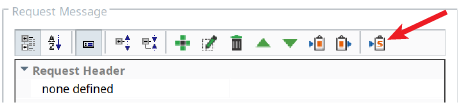
- In the toolbar of the Request Message section, click the Copy Sample Script button. Paste the copied sample script into the Script Console.
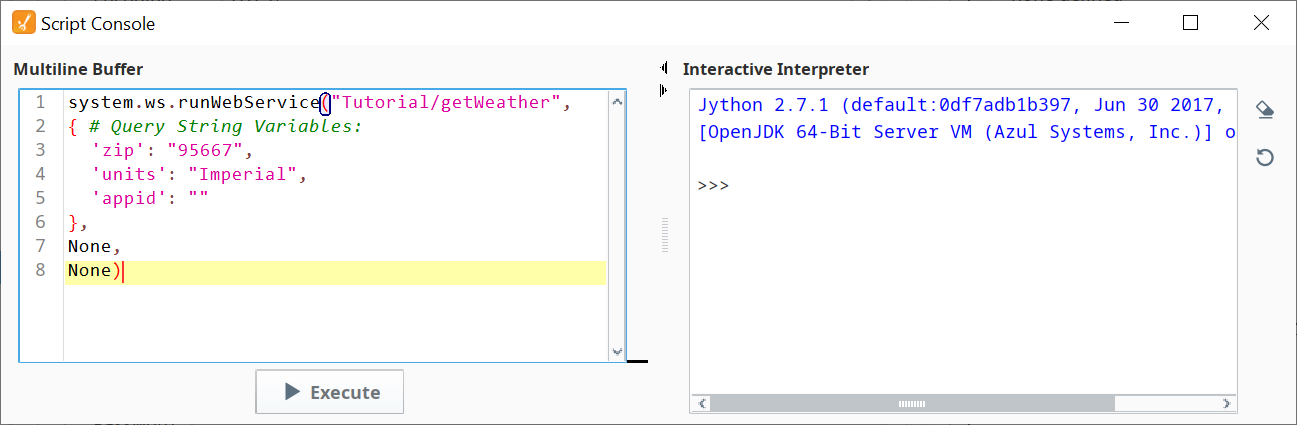
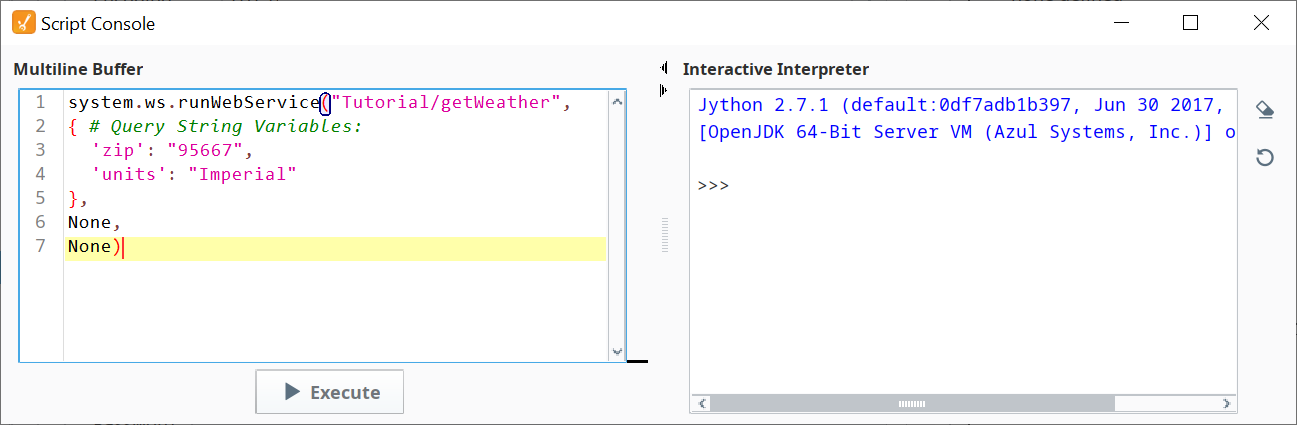
Remove the appid line (and the comma at the end of the previous line).

The appid is your weather app key, which will be supplied by the memory tag openWeatherKey, so you don't want to overwrite it with an empty string.
The zip and units lines will be overwritten by this script (so they both can be removed, if desired), but it's okay to leave them as is, since their data is the same as in the Request Message.
- Execute the script. The results should look as shown to the right (your data values will be different).