Explore Data Values
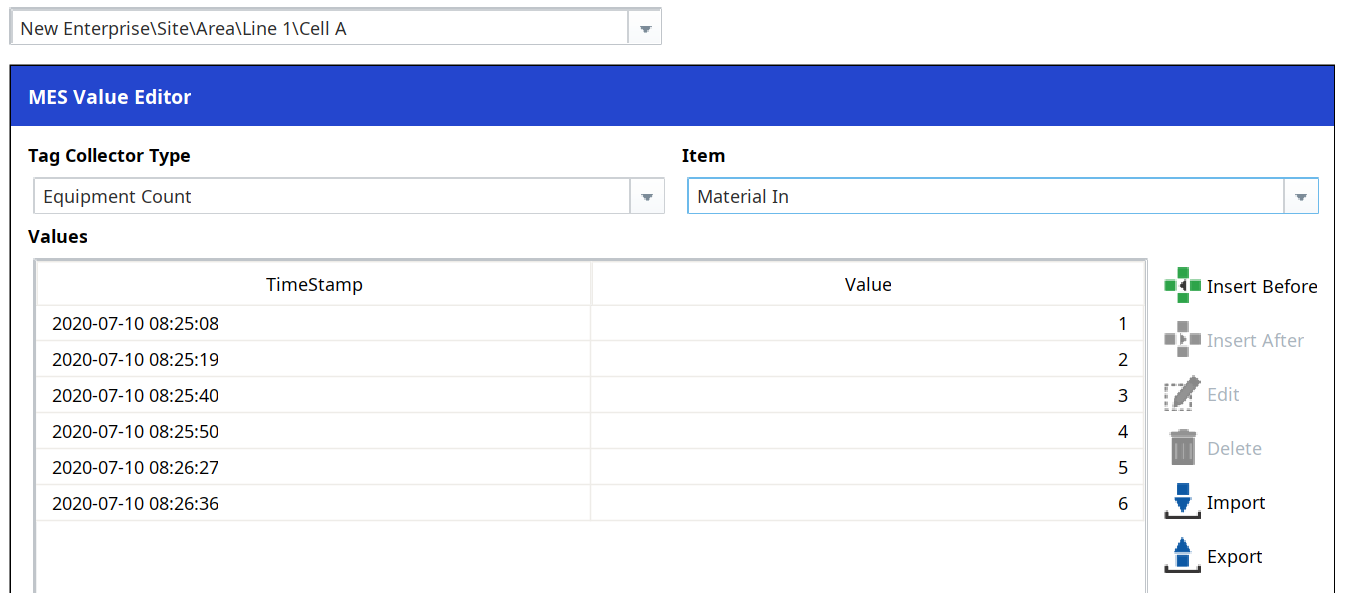
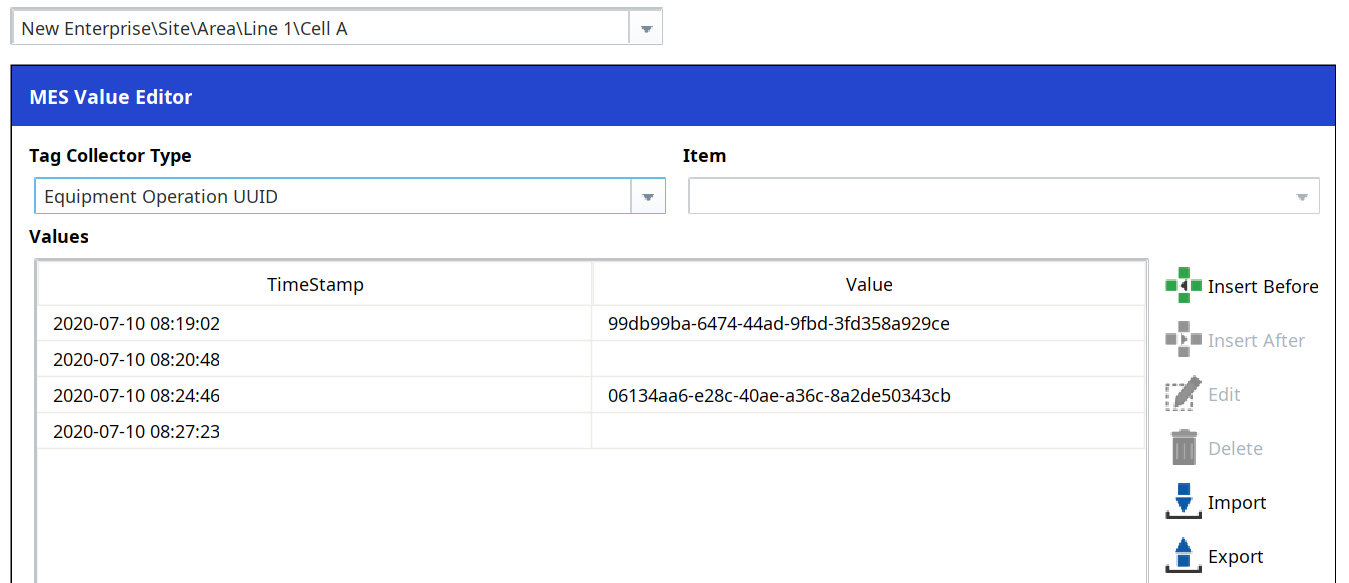
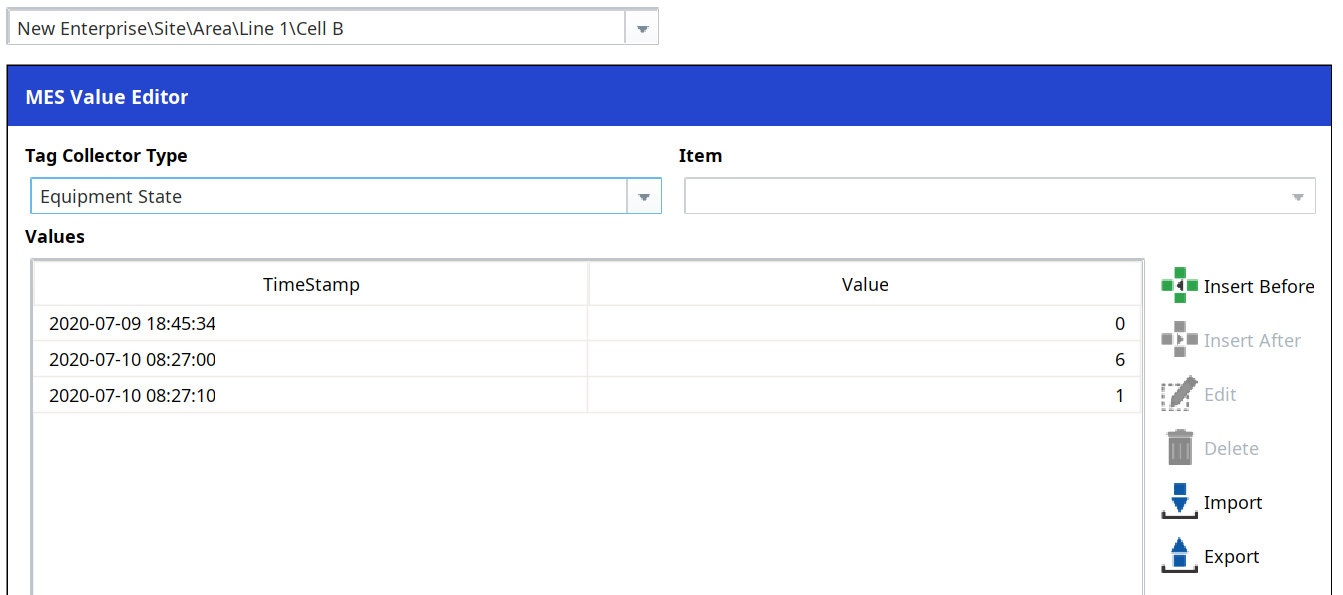
- Using the MES Object Selector, select a line or cell. Then select a Tag Collector Type, manipulate the date range, and explore the raw data values returned. In the image to the right, Equipment Count values from when you ran several production runs on the previous screen will be listed.
- Test Equipment Counts as well as Equipment Additional Factors to practice utilizing the Key selection.
The MES Value Editor is the 'dividing line' of troubleshooting in OEE Downtime:
- If raw values appear valid (data values are as expected), then something downstream of raw data collection is the cause of unexpected results (for example: Analysis Settings configuration).
- If raw values appear invalid (data values are not as expected), then there is probably an issue upstream with the data collection that should be investigated.
Overall, the MES Value Editor is a powerful tool you can use to validate data used by OEE Downtime.