Create Settings Recipe
Now that we have pointed appropriate Tags to the equipment for which the set points are relevant, as well as configured a control screen with the editing components, we can now create recipes for given equipment with relevant set points.
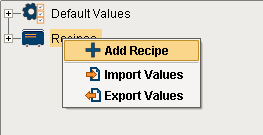
- Create a new recipe by right-clicking Recipes and selecting Add Recipe.
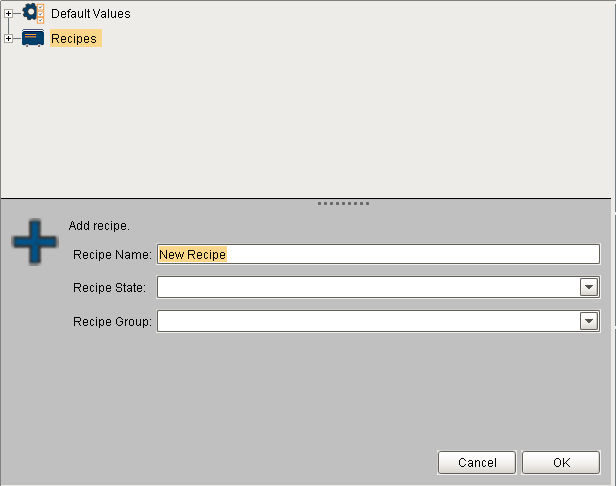
- Create a recipe named Widget A, and provide a Recipe State string of Prod.
- Right click on the Widget A recipe and select Select Production Items, and click the checkboxes next to Line 1 and the cells underneath. Then click OK.
- Expand the equipment tree underneath the recipe and edit the values for the recipe value items for each piece of equipment to alter them from the default equipment settings.
- Repeat the steps above to create a second recipe, named Widget B.