Configure Sample Definition Manager
The Sample Definition Manager component on the window SPC_01_GUI/01_Configuration. has one component:
- SPC Sample Definition Manager
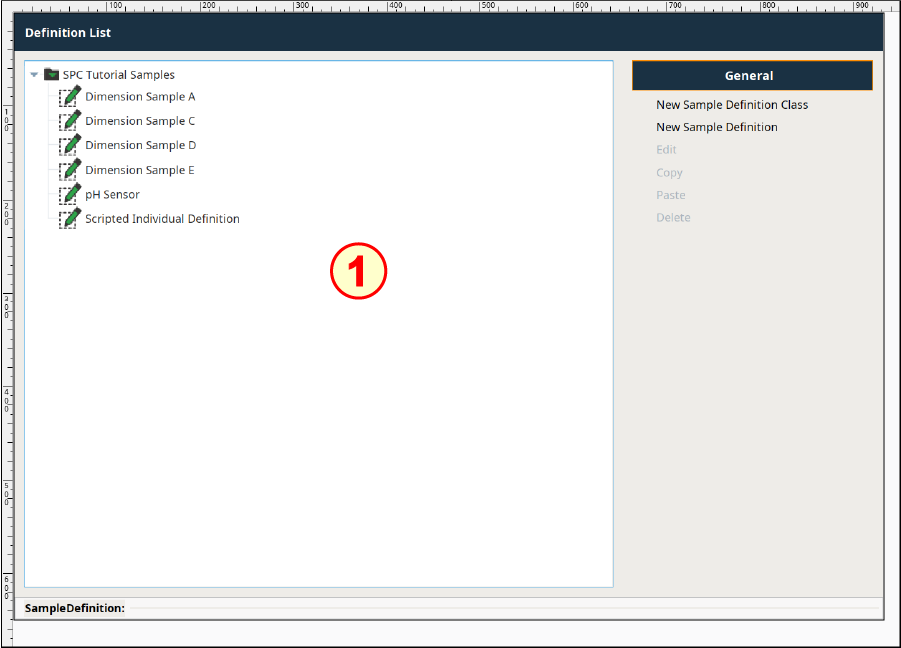
Configure SPC Sample Definition Manager
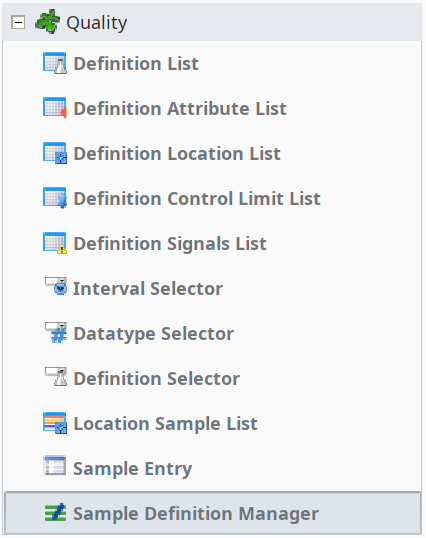
- Drag an SPC Sample Definition Manager component onto the window (from the Quality section of the palette) and place it in the upper-left corner. Drag the size out to fill most of the area provided, as shown above.
- There are no properties that require configuration.