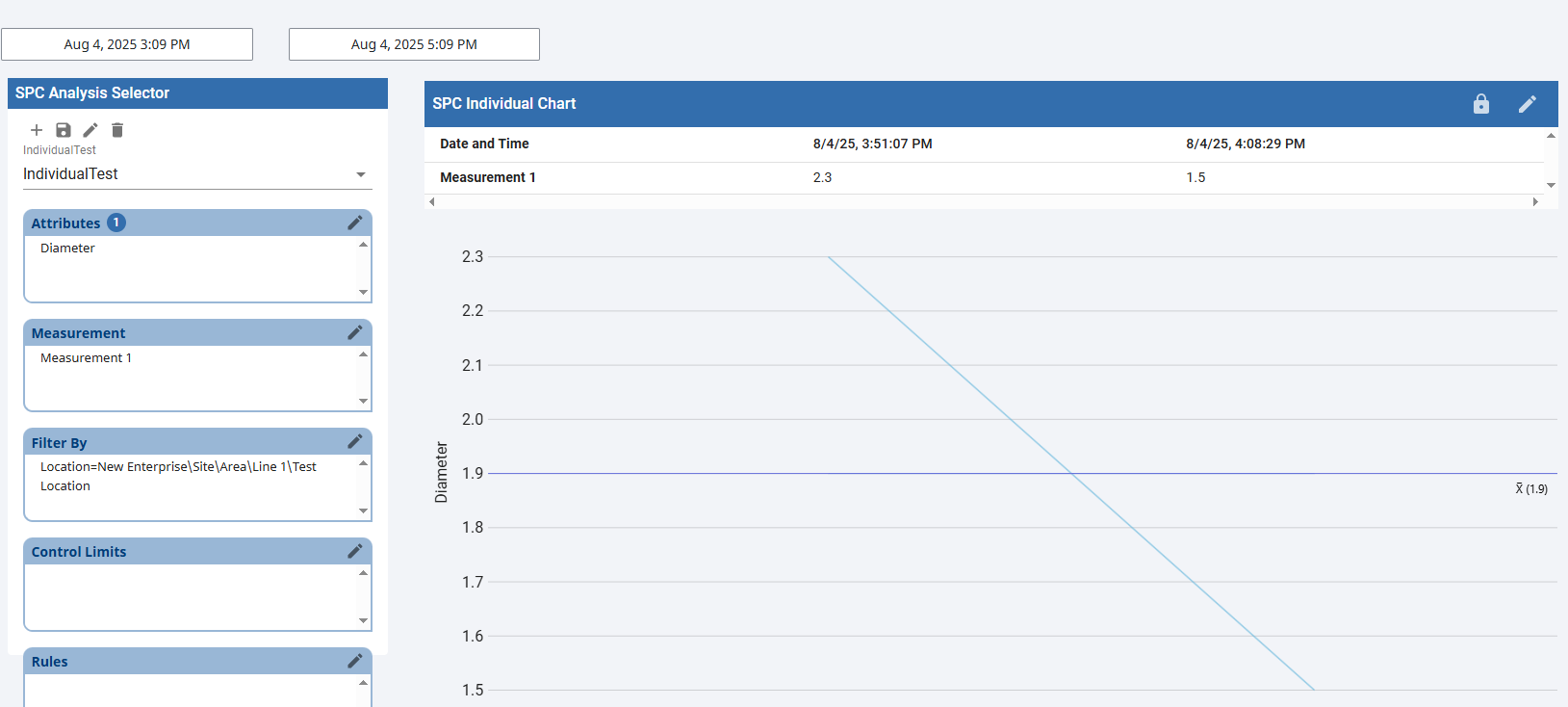
Set Stored Sample Analysis Config
- Launch a client to the URL previously configured for the SPC Analysis page.
- On the SPC Analysis Selector component, select the Add Analysis Setting

- Add a name
- Select Dimension Sample A
- Select SPC Data Format - Individual
- Click Save
- On the SPC Analysis Selector component, select your created analysis setting.
- Add attribute of choice
- Add Measurement
- Add Filter by and select location path
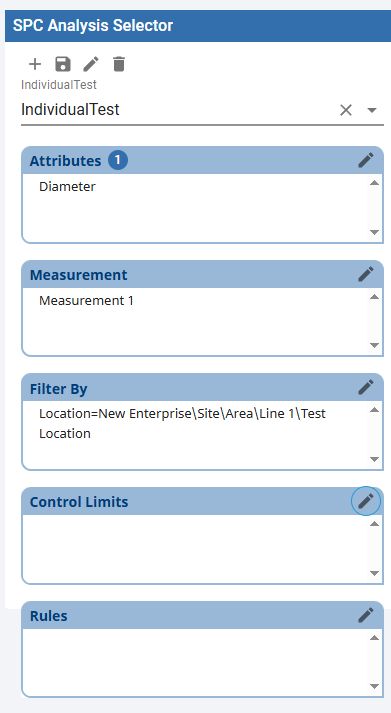
- When complete click save

- Manipulate the SPC Selector settings per your desired analysis. Be aware of the SPC Chart type and the SPC Selector's data format settings must match for proper display.
- Ensure start and end date selectors overlap sample data timestamps.
- View Data in the Individual Chart.