Sepasoft MES Module Suite
Using Batch Phase Manager
Use Phase Manager to:
- Define phases
- Create parameters for phases and set values
- Expose phases and parameters to Ignition tag engine.
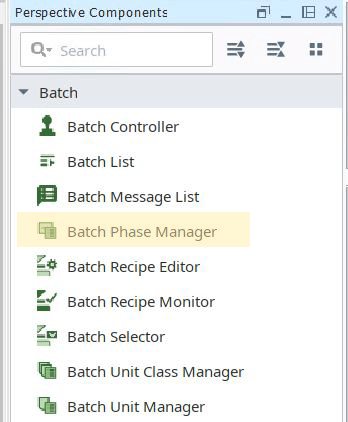
See Batch Phase Manager Component for reference information.
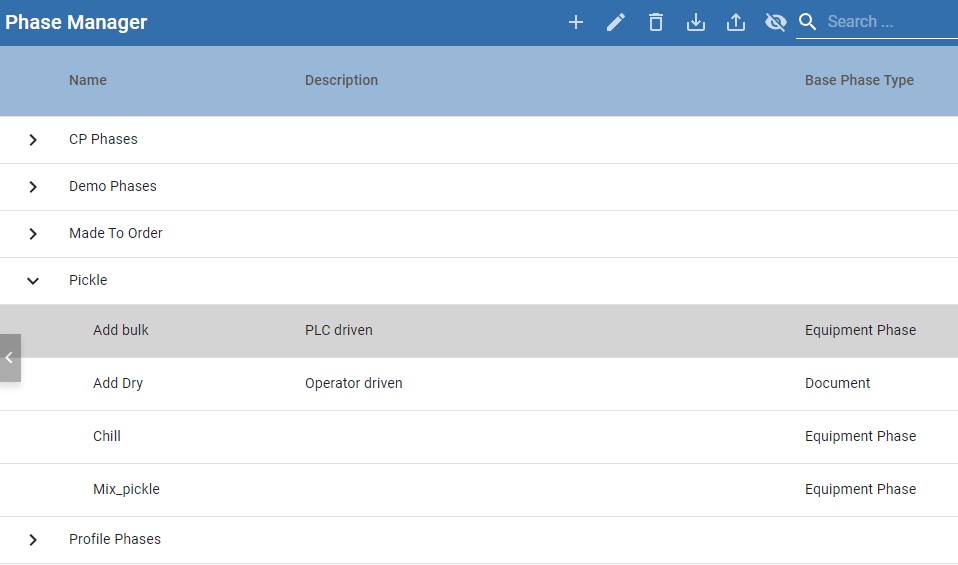
Editing Phases in Batch Recipes
 |
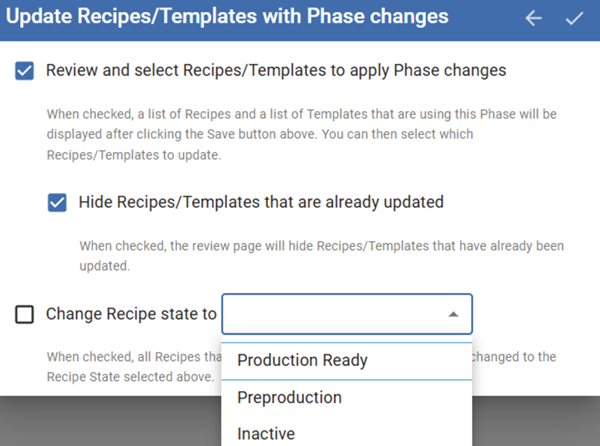
Version Specific: Prior to 3.81.11 RC2 Updates to phases are not automatically reflected in Batch Recipes. To update a Batch Recipe with phase changes, open the Batch Recipe in Batch Recipe Editor and save it. Doing this pushes the phase-configuration updates to the Batch Recipe. Keep in mind: The changes effected are additions of parameters and removals of parameters. However, if a value to a parameter is changed in the Batch Recipe, the value from the Phase will NOT update the value of the same phase in the recipe. From version 3.81.11 RC 2, 3.81.11 SP9 and later, you can select where phase updates take affect for recipes and templates.
|
Adding Phase Manager to a View in Ignition
These details focus on the use of the Batch Phase Manager. For details on how to use Ignition and leverage Perspective, see Ignition's User Manual.
No additional configuration is required to start adding phases. See below on this page for more information. For information about what a phase is and how to configure, see: |
|
Using Phase Manager to Create Phases
Once the component is added to a Perspective view, you can start adding phases.
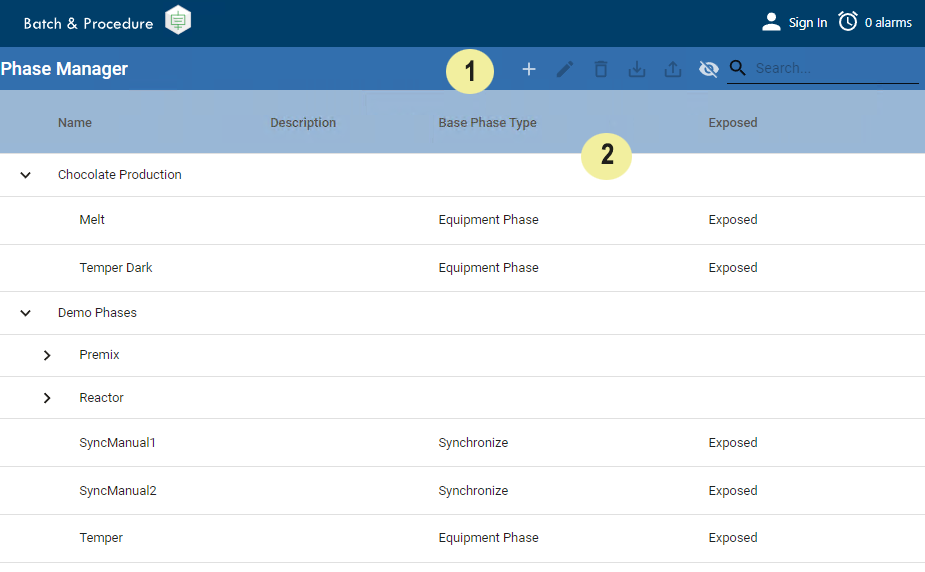
Phase Manager provides two main areas:
|
|
TOOL BAR Plus icon: Use to add Phase Classes and Phases. Naming Convention
Pencil icon: Use to edit Phase Classes and Phases. Trash icon: Use to delete Phase Classes and Phases. Import icon: Use to import a phase. Phase classes are not imported. You must create the phase class structure and then import phases into the structure. Select the phase class or a phase within that class to import to that location. Export icon: Use to export a phase. Phase class structures are not exported. Eye icon: Use to toggle the visibility of the list columns: Name, Description, Base PhaseType and Exposed. Search: Use to search for Phase Classes and Phases. Search results provide all occurrences of a word within a Phase Class or Phase. To clear search, remove the search term and the Phase List lists the existing phases. |
||
|
|
PHASE LIST Phase List gives a global view of all the phases within a project. You are provided with 4 columns of information: Name, Description, Base Phase Type and Exposed. Base Phase Type: This tells you which phase type this phase was derived from when it was added. Exposed: This tells you whether the phase and its parameters have tags in the Ignition tag browser – exposed to UDT members. Pagination: This feature does not display by default. Set the property enablePagination to True to use pagination controls in the list. |


See Batch Phase Manager Component for reference information.
Sepasoft MES Module Suite