Sepasoft MES Module Suite
Parameterized Tag Paths
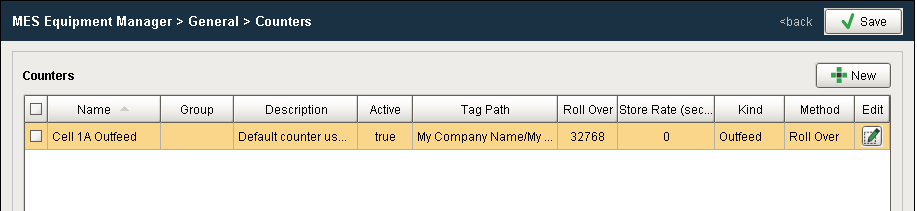
The tag path for MES Counters and Tag Collector Paths in the OEE Downtime Tab can be parameterized with "{Equipment Path}" to utilize indirection and provide for a more rapid development of the production model.
Both back slashes and forward slashes or a combination of both can be used.
Example
Before: [default]\Enterprise\Site\Area\Line\InfeedCount
After: {Equipment Path}\InfeedCount
If your tag path is not built with the same hierarchy as the Production Model, you can still parameterize the path using parts of the Production Model path.
Before: [default]\Enterprise\Site\Area\Line\InfeedCount
After: [default]\Enterprise\Site\{Equipment Path:3}\{Equipment Path:4}\InfeedCount
Also: [default]\Enterprise\Site\{Equipment Path:3,4}\InfeedCount

|
Here the number indicating the Area in the production model hierarchy from the enterprise level is 3, so Equipment Path: 3. Similarly Equipment Path: 4 for the Line. Supported Configurations
|

To check how your parameter expression evaluates, use this function:
from com.sepasoft.production.common.model.core import Path
eqPath = 'Enterprise\Site\Area\Line\Cell'
tagPath = '{Equipment Path}/tagname'

Path.replaceTagPathParameters(tagPath, eqPath)
Sepasoft MES Module Suite