Sepasoft MES Module Suite
Shift View
Shifts can be selected here (as well as via scripting). Click on Shifts in the General section.
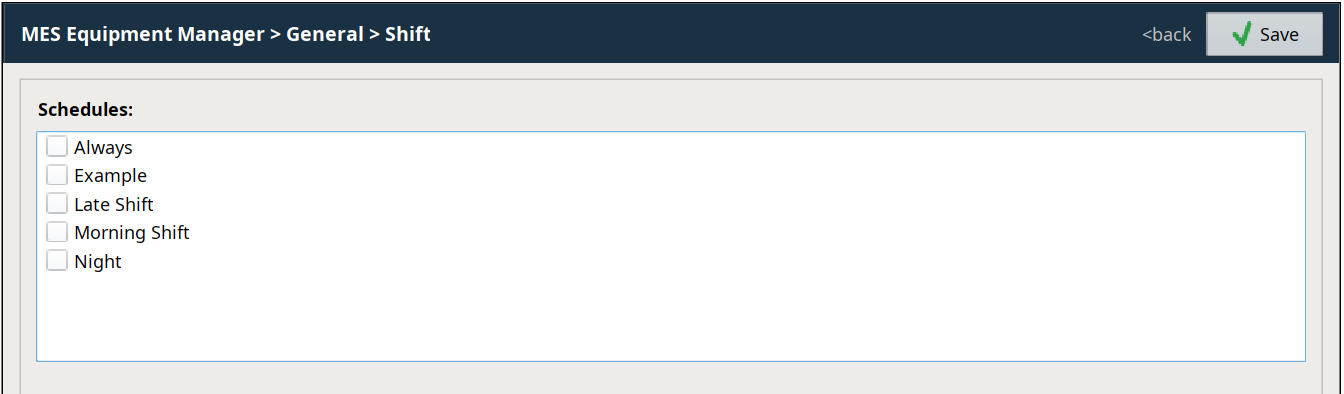
Creating Shifts

|
Shifts are created in the Ignition Schedule component. The MES Equipment Manager can only select Shifts associated with selected equipment. Refer to Shift Configuration for details on creating and editing Shifts. |
Selecting Shifts
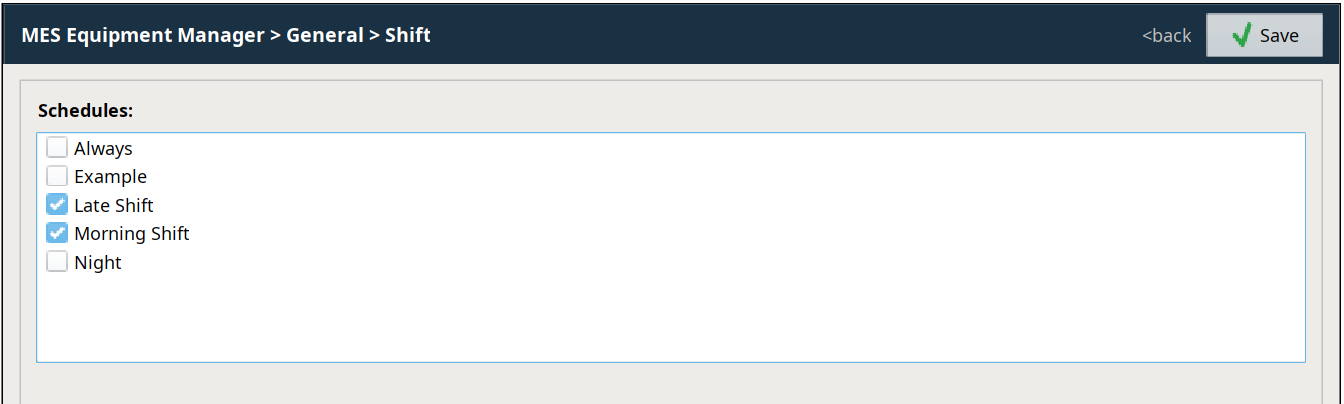
Click the checkbox for each Shift to apply to the equipment. Click again to unselect the Shift. Click  to save the edits.
Sepasoft MES Module Suite