Sepasoft MES Module Suite
Selecting Rules (to generate Signals)
Under Sample Definition Settings, click to select one or more Rules from the list. Any selected Rules will be available to include on the control charts and will also be included in the automatic evaluation of out of control conditions of the sample data, to generate Signals that can notify factory personnel or other system components of out-of-spec production line behavior.
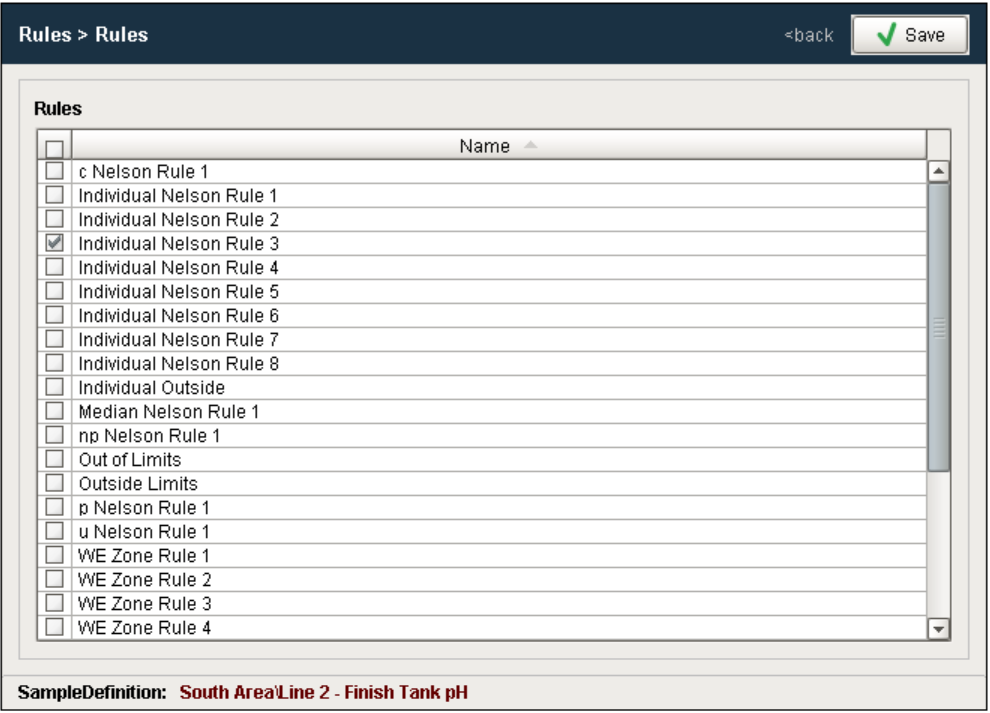
When a new project is created, the default Rules options are also created but they can be modified, added to or even removed.
Keep in mind that each Rule is associated with a particular control chart. For example, Individual Outside is associated with, and can only be used with, the Individual chart. This is because the calculation and control limits used to determine if a sequence of individual values are out of control is specific to the Individual chart.
For more information

|
Sepasoft MES Module Suite