MES Monitor
Configure the MES Monitor component on the window OEE_03_SCR/05_Monitoring.
Configuring the MES Monitor
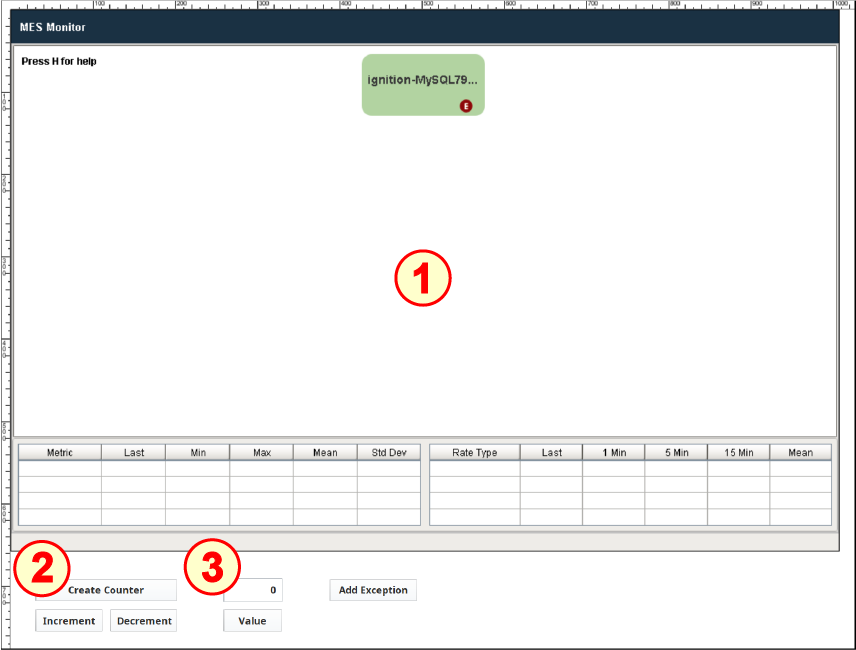
The MES Monitor component displays statistics about operations on each server in the Enterprise. For this tutorial there is only our one gateway running on one 'server'. If there were additional servers (each server can host one or more gateways), you would see additional green rectangles, one per server (not per gateway), showing the current system-wide server architecture and interconnections, from the main Enterprise-level server displayed at the top, downward to individual Site servers and Line servers (if present). See an example architecture showing more than one server in the image below, right side.
There is one component:
- MES Monitor
- Five Buttons (Ignition)
- Numeric Text Field (Ignition)
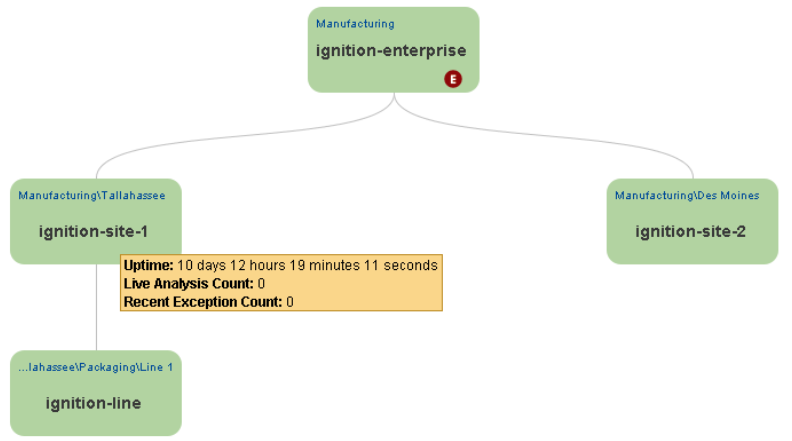
Example of multi-server architecture
Do the following:
- Drag the MES Monitor component from the Production component palette onto the window. Resize to the remaining area of the window above the buttons.
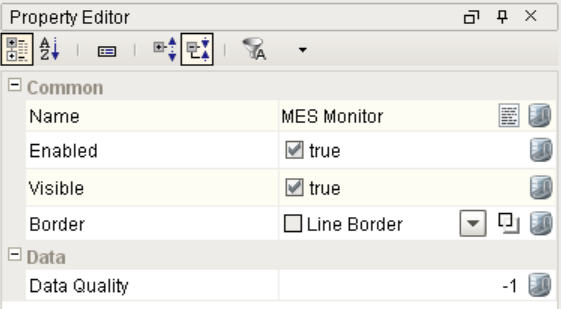
- There are no configurable properties on the MES Monitor component that we need to change.
- The Ignition Buttons have already been configured with system.mes.monitor functionality.
- The Value button will read the value from the Numeric Text Field component, so it doesn't require configuration.