Sepasoft MES Module Suite
Analysis and Reporting
Analysis of production data is provided through a set of analysis components and scripting functions. The analysis engine handles the aggregation and calculation of raw production data stored in the SQL tables and turns it into KPI's and metrics that can be used in charts, dashboards, reports, and shared with other information systems.
Vision Component

|
Ignition Vision Module needs to be installed to use these components. |
MES Analysis Selector
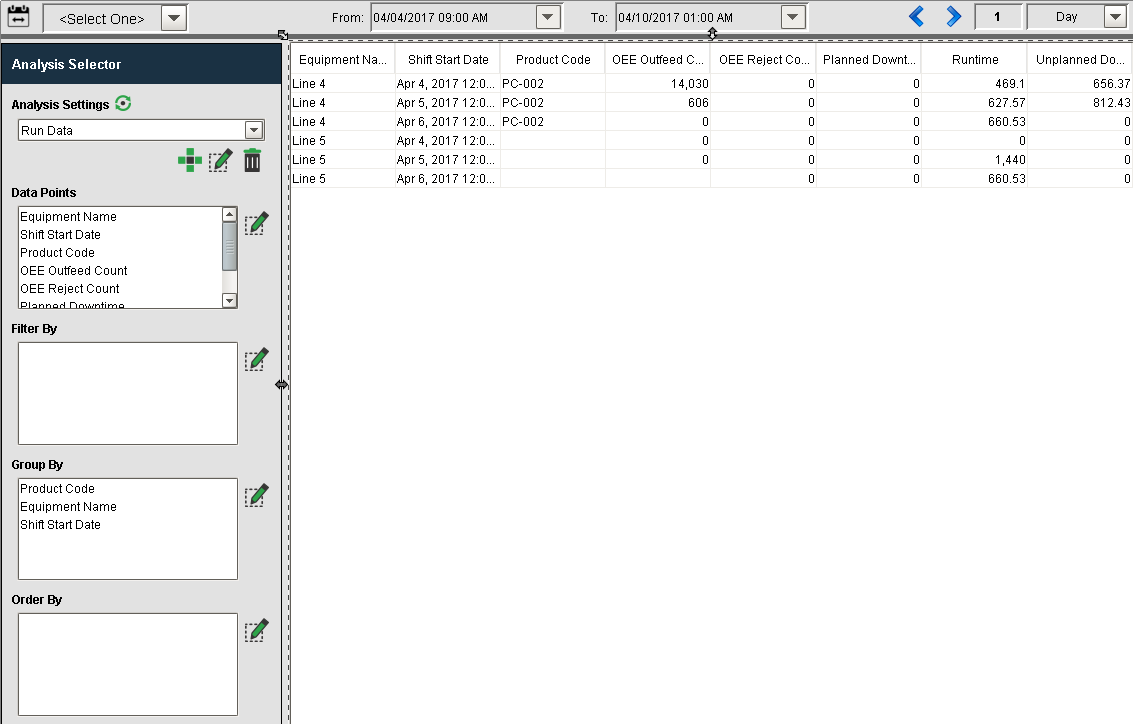
At the heart of analysis is the Analysis Selector component that allows you to create, manage and disseminate production information throughout your organization.
Refer to MES Analysis Selector for more details.

|
Existing reports will appear in the drop down menu of analysis settings. |
MES Analysis Controller
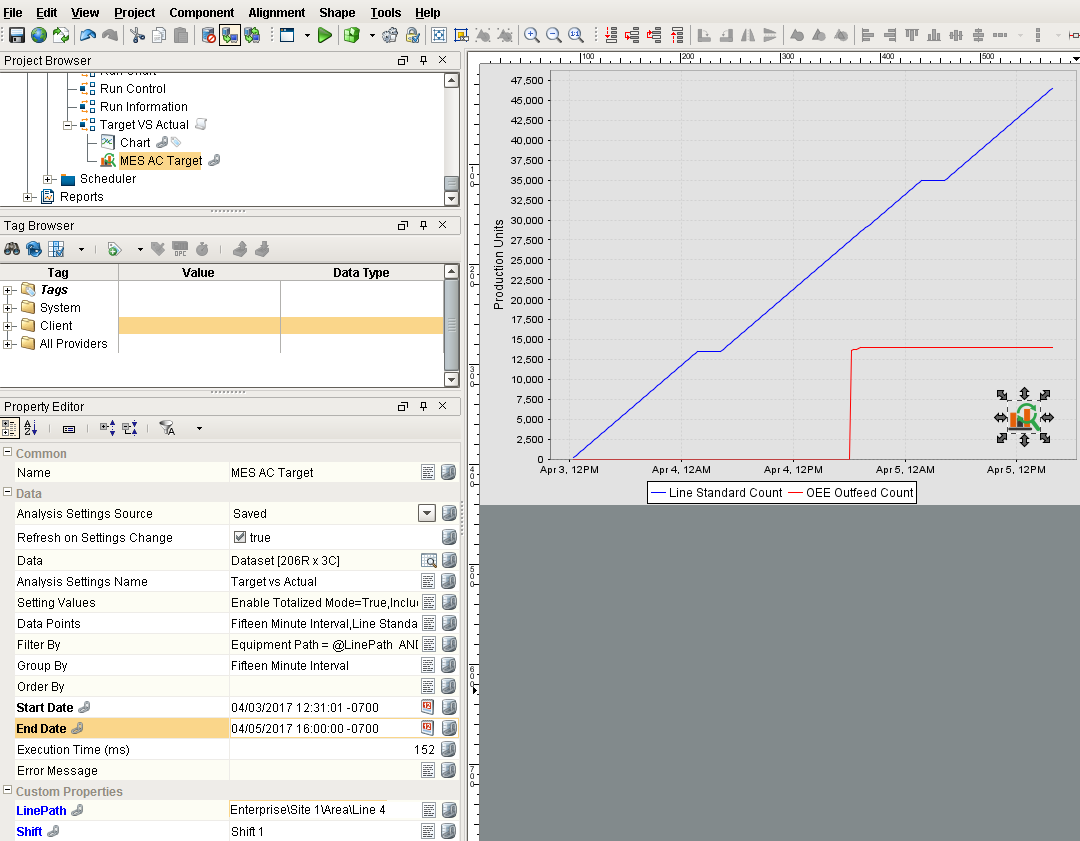
The Analysis Controller is an invisible component that is visible in the designer, but doesn't appear in the client. This component allows you to pull analysis data in the same way as the Analysis Selector component to return a dataset that can be used to populate charts, tables, reports and any ignition component that accepts a dataset as a property.
The analysis controller can be pointed to a saved stored analysis created using the Analysis Selector component, or it can be configured to use property values as set on the component itself.
Refer to MES Analysis Controller f or more details.
Scripting Functions
All the capabilities of the MES Analysis Selector and MES Analysis Controller components are available through scripting functions. This allows for the dissemination of analysis data based on events such as shift change, or end of production and can be used to update other Information systems. The following script functions are available for analysis.
Analysis in Script
|
|
When executing analysis in script, the "scope" of script execution begins to become important. If executing script in a Client scope, the Analysis engine will check to see if the logged in user is part of an Ignition user group that has been allowed to execute a particular Analysis Setting. Client-scoped scripts are most of what you interact with in Ignition - the Script Console, anything in a Client or a Designer (buttons, component event scripts, etc), etc. If executing a script from a Gateway or Global scope, there isn't a user executing the scripts - it's the Gateway itself which is executing the scripts. As such, when executing a Gateway-scoped script, you'll need to pass a user that is part of an appropriate Ignition user group. For an example of how to do this, see executeAnalysis(). Examples of Gateway-scoped scripts include Tag Change Event scripts and Gateway Event Scripts. For more on Analysis Security, see the notes on the Analysis Selector documentation. |
Creating Production Reports using the MES Analysis Data Source
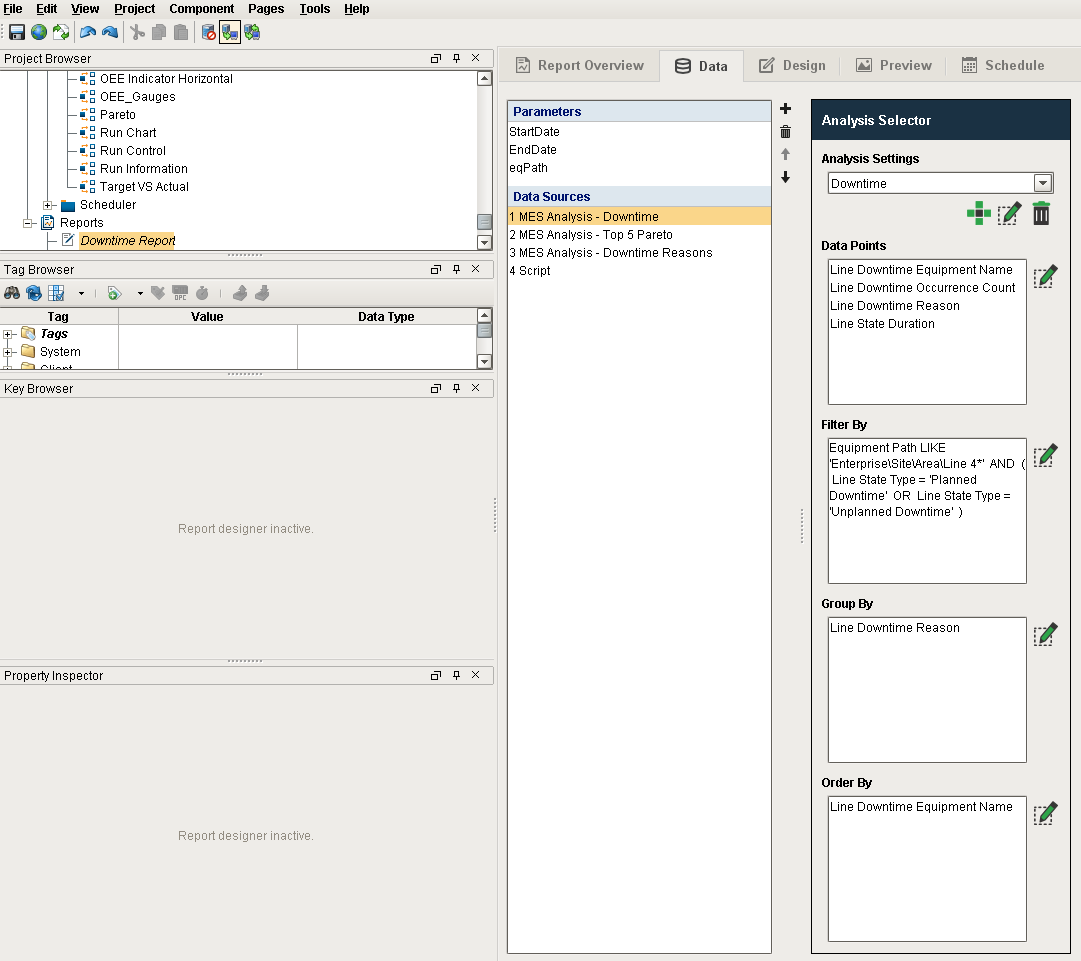
Data returned by the analysis engine can easily be passed to the Ignition Report Designer to create Production Reports. In the Report Designer, you can add a data source of type MES Analysis. This brings up the Analysis Selector component where you can select a saved analysis or create a new analysis to be used by the report.
Refer to the Ignition help on the Reporting Module for more details.
Sepasoft MES Module Suite