Sepasoft MES Module Suite
Using Batch Monitor
Bind the Batch Monitor component to a Batch List selector component to select and view control recipes during execution.
An operator can use Batch Monitor to:
- Monitor and control a Recipe including Unit Procedures, Operations and Phases.
- View and acknowledge messages.
- Change modes between Auto, Semi-auto and Manual.
- Select a Unit during execution to change Unit Allocation
Provides visual indicators of the batch command lifecycle, including Permissive Start.
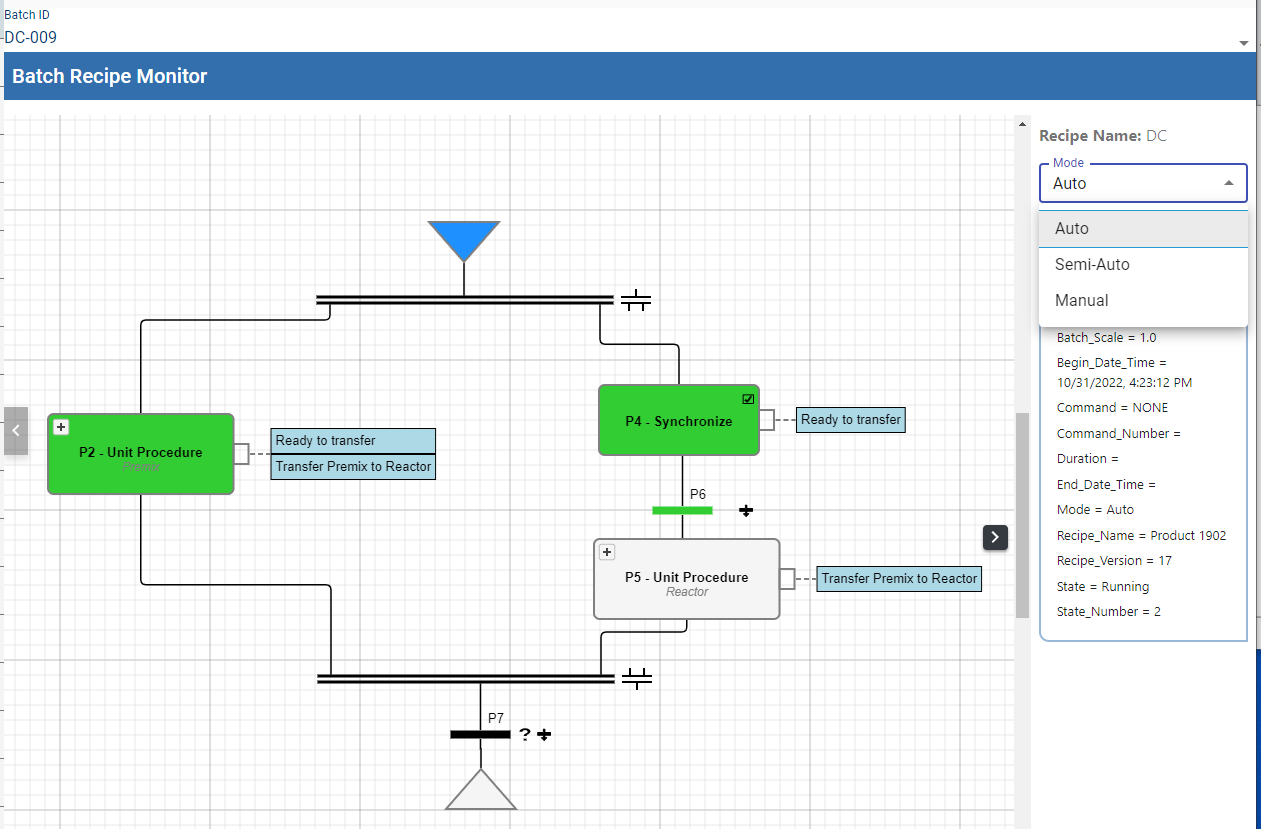
Ignition Designer Component Palette
Both the Batch List component and the Batch Monitor components are installed with the Batch Procedure module.
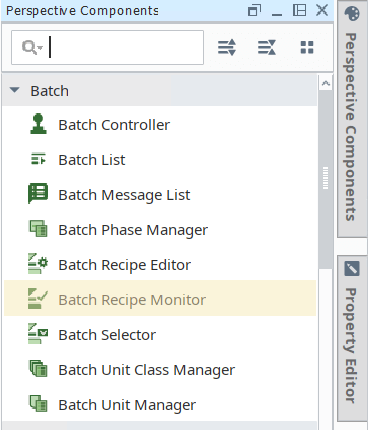
See Batch Monitor Component for properties.

|
Do not use the Batch Monitor to view or manage the batch from higher level Ignition Servers within the hierarchy of a MES Enterprise Network - this component only functions on servers where Batch execution may take place. A warning message is displayed if improper use is attempted. |
Changing Unit Allocation during Execution

|
Version specific functionality: 3.81.11 RC3 and later |
You can change the unit allocation:
- Before a batch is executed in Batch Queue: Enable the enableUnitAssignment property to do this in Batch Monitor. See Batch Monitor Component for properties.
- During execution when a Unit Procedure is not in the running state. First pass uses the Assigned Unit and subsequent passes you can choose Same Unit or Any Unit. Any Unit is defined as Any Unit within the Unit Class that is referenced for a Unit Procedure. When the Unit Procedure state = idle, you can change this Unit Procedure parameter.
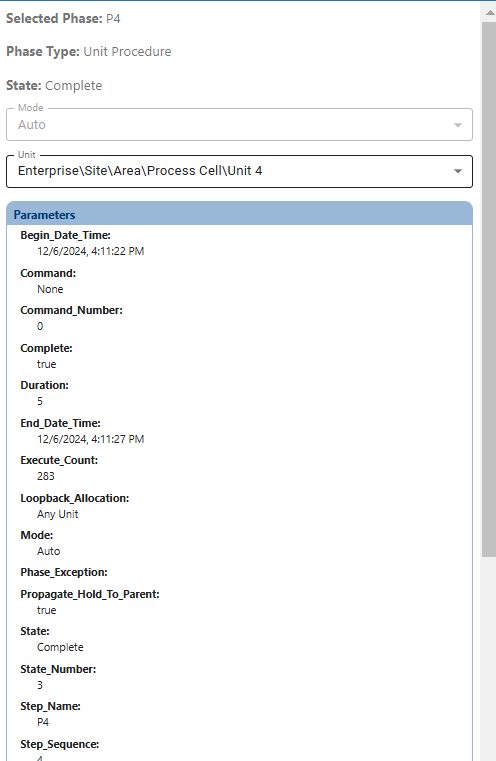
For scripting, see system.mes.batch.queue.assignUnit.
Sepasoft MES Module Suite