Sepasoft MES Module Suite
Analysis Binding Functions
Use Binding Functions to return information from the system's analysis engine.
Access Binding Functions
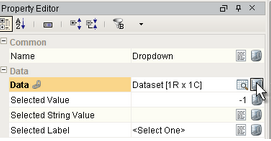
To access the Binding Functions, open the Property Editor for a component and click the Binding icon.
The binding options window appear. Click on the Functions option.
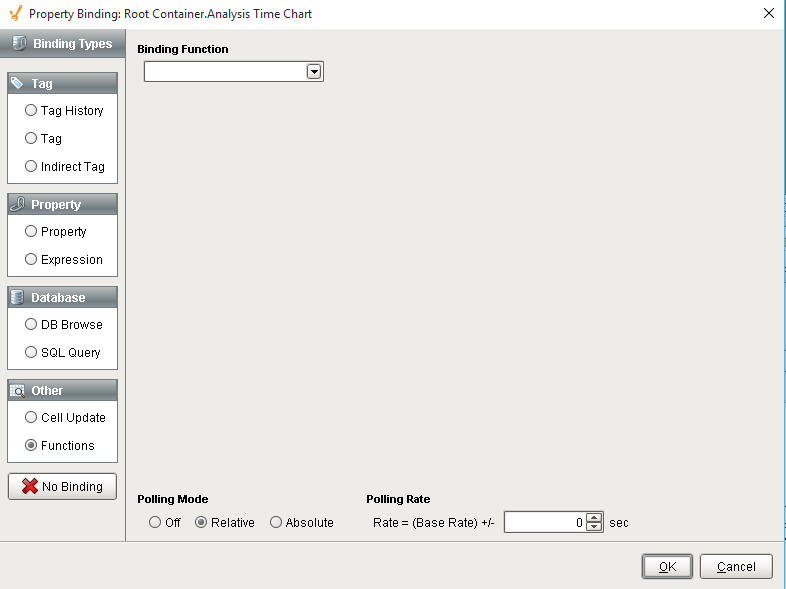
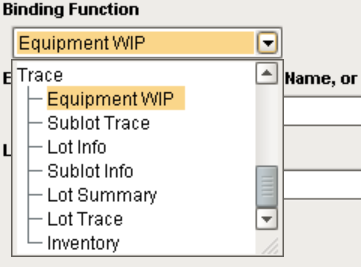
Select one of the binding functions from the drop-down list.
The parameters that are associated with the selected binding function appear. Each of these parameters can accept a constant value, bound to a property of another component, or bound to a SQLTag.
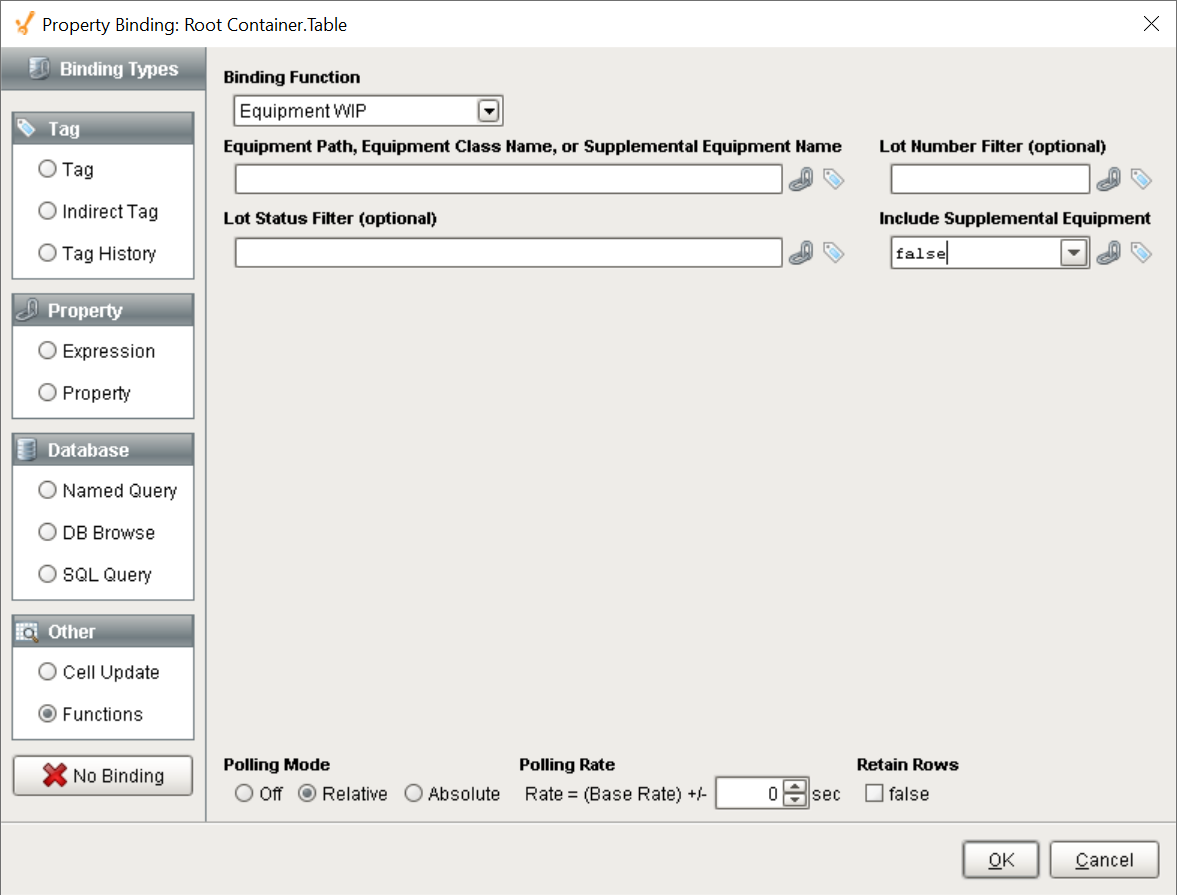
Once the parameters have been set and the polling mode selected, the server returns the results based on the provided parameter values.
Sepasoft MES Module Suite