Sepasoft MES Module Suite
Cell Settings
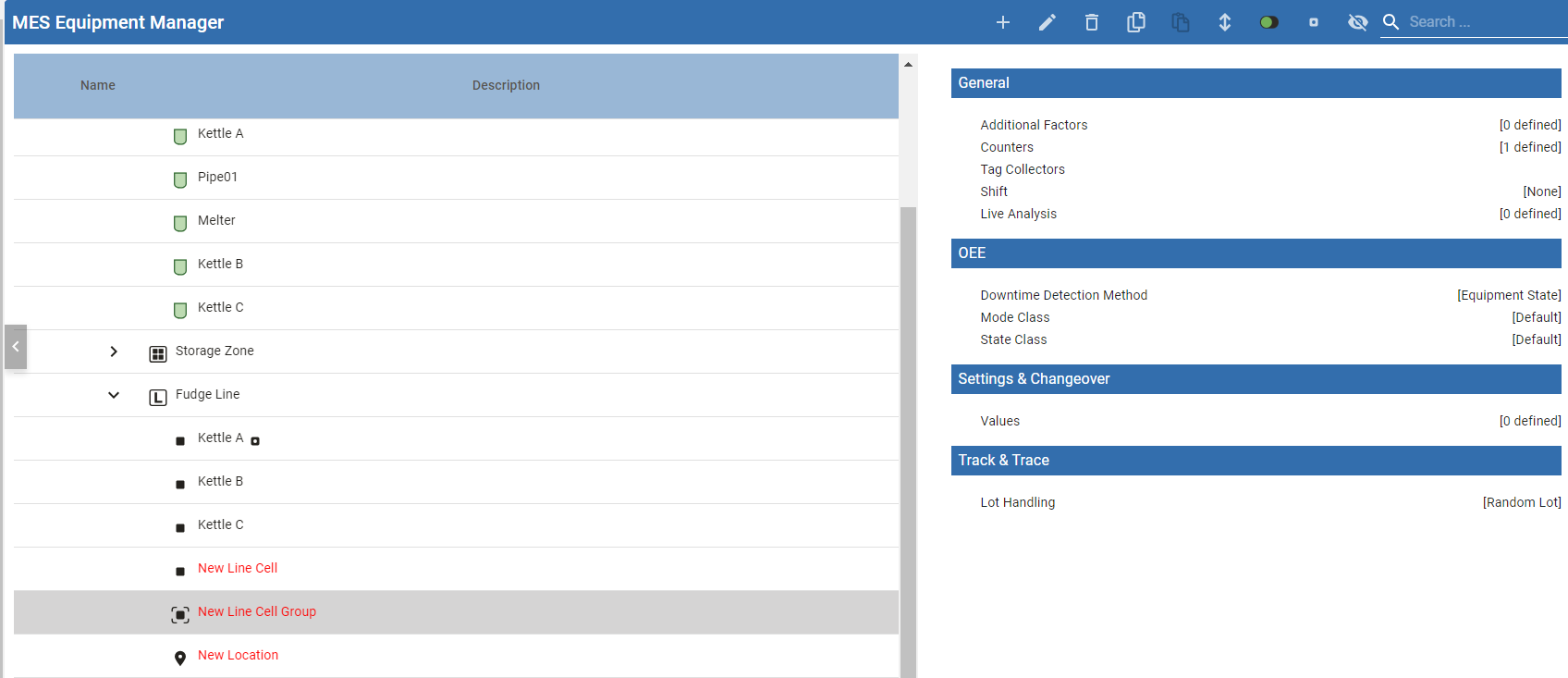
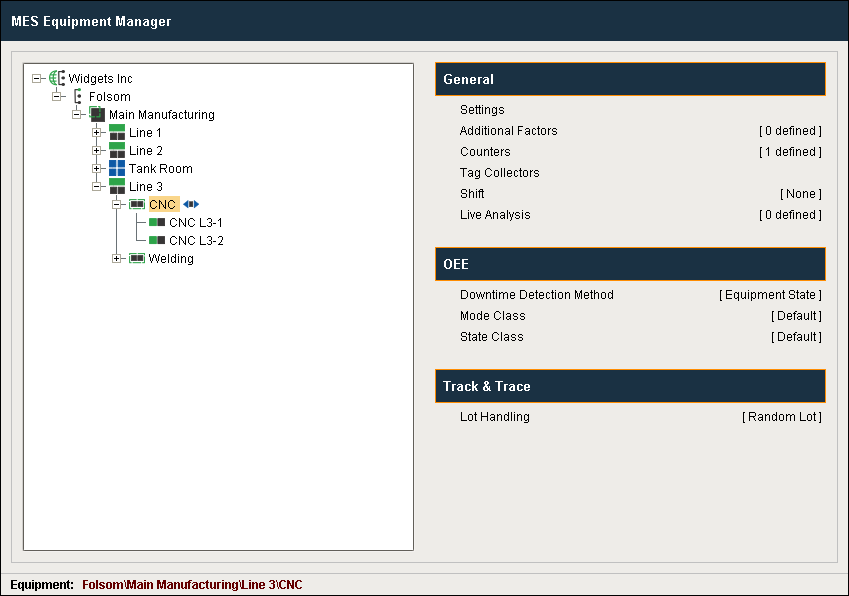
The Cell Production Item provides a configuration page for setting up a Cell. A Cell represents a machine or a process. Important in the configuration of OEE metrics.
In Perspective:
In Vision:
General Cell Group Settings
These settings can apply to more than one MES Module and are therefore organized under General. Specific MES Module configuration for Lines, Cells and Cell Groups is under its own heading below.
Name: The name that appears in the Production Model and is used in the equipment path.
Description: Optional
Active: By default, the production item is disabled (items that are disabled are displayed in red text). It can be enabled by checking the Active setting and saving the project. When disabled, this will stop the Track and Trace, OEE Downtime, SPC, Recipe and scheduling modules from using the area and any other production items that are underneath it. When enabled, the item turns to black text.
Multi-Operation Capable: When checked, one or more operations can run on the equipment simultaneously. When not checked, only one operation can run at a time. If not checked, attempting to run a second operation on the Line will throw an error.
Additional Factors
Additional Factors are user-defined data points that are logged along with the production and downtime information. Once they are logged, they can be shown in charts, tables and reports.
For details, see Additional Factors
Counters
The MES Counters are used to associate Process Segments (Operations) with production counts. MES Counters record production counts 24/7, independent of scheduled production runs.
For details, see MES Counters.
Tag Collectors
Tag collectors record values when the equipment item is active in the production model defined in Equipment Manager. You can read and modify these values using MES Value Editor and scripting.
For details, see Tag Collector Types.
Shift
Shifts are defined at the Line level and enable the Scheduling Engine to accurately estimate how long a work order for a certain quantity of product code should take to complete on a given production line.
For details, see Shift Configuration.
Live Analysis
Live Analysis provides a flexible way of customizing your application to provide a set of real-time tag values that can be accessed from the Ignition Designer and used in your application to provide real-time production monitoring.
For details, see Live Analysis.
OEE Downtime Module
Line settings when configuration OEE Downtime Module specifically:
Settings & Changeover Module
Track & Trace Module
Setting Lot Handling Mode in Track & Trace Module
Sepasoft MES Module Suite